Every business reaches a point where talking to customers one by one stops working. You have a new product to announce, a sale starting on Friday, or an update that every customer should hear about. Typing the same message again and again isn’t just tiring, it’s a poor use of your team’s time.
That’s the problem bulk messaging solves. With Antiqq’s WhatsApp Business API platform, you can plan a message once and send it to a large group of customers in a few clicks. This guide explains how it works, where it helps most, and how to use it without annoying the people you’re trying to reach.
What Is WhatsApp Bulk Messaging?
WhatsApp bulk messaging means sending the same message, or a version of it, to many customers at the same time. Instead of copying and pasting into hundreds of chats, you create a campaign and send it to a chosen list.
It’s worth being clear about what it isn’t. It’s not about blasting everyone in your contact list. WhatsApp has rules for business messaging, including customer consent and approved message templates for business-initiated conversations. Done properly, bulk messaging is a way to reach people who have agreed to hear from you, with information they actually want.
A boutique owner announcing a new collection, a clinic reminding patients about appointments, or an online store sharing an order update can all use it. The size of the business matters less than the usefulness of the message.
How It Differs from the Regular WhatsApp App
On a regular phone app, you can only send messages manually, and broadcast lists are limited. The WhatsApp Business API is built for higher volumes and team use. It connects to a platform like Antiqq, where you manage campaigns, contacts, and replies from one dashboard instead of a single phone.
How Antiqq Helps Strengthen Your Marketing Campaigns
Here are the main ways Antiqq’s bulk messaging feature can support your marketing, based on what the platform is designed to do.
Reach More Customers with Less Effort
Imagine you’re running a festive offer. Reaching out to each customer individually would take days. With Antiqq’s WhatsApp Business API, you can send your announcement to a large audience in one go, saving hours of repetitive work.
This is useful for promotions, sale announcements, new product launches, and company updates. Your team can then spend its time on what really matters, which is answering questions and helping customers who reply.
Personalize Messages Through Audience Segmentation
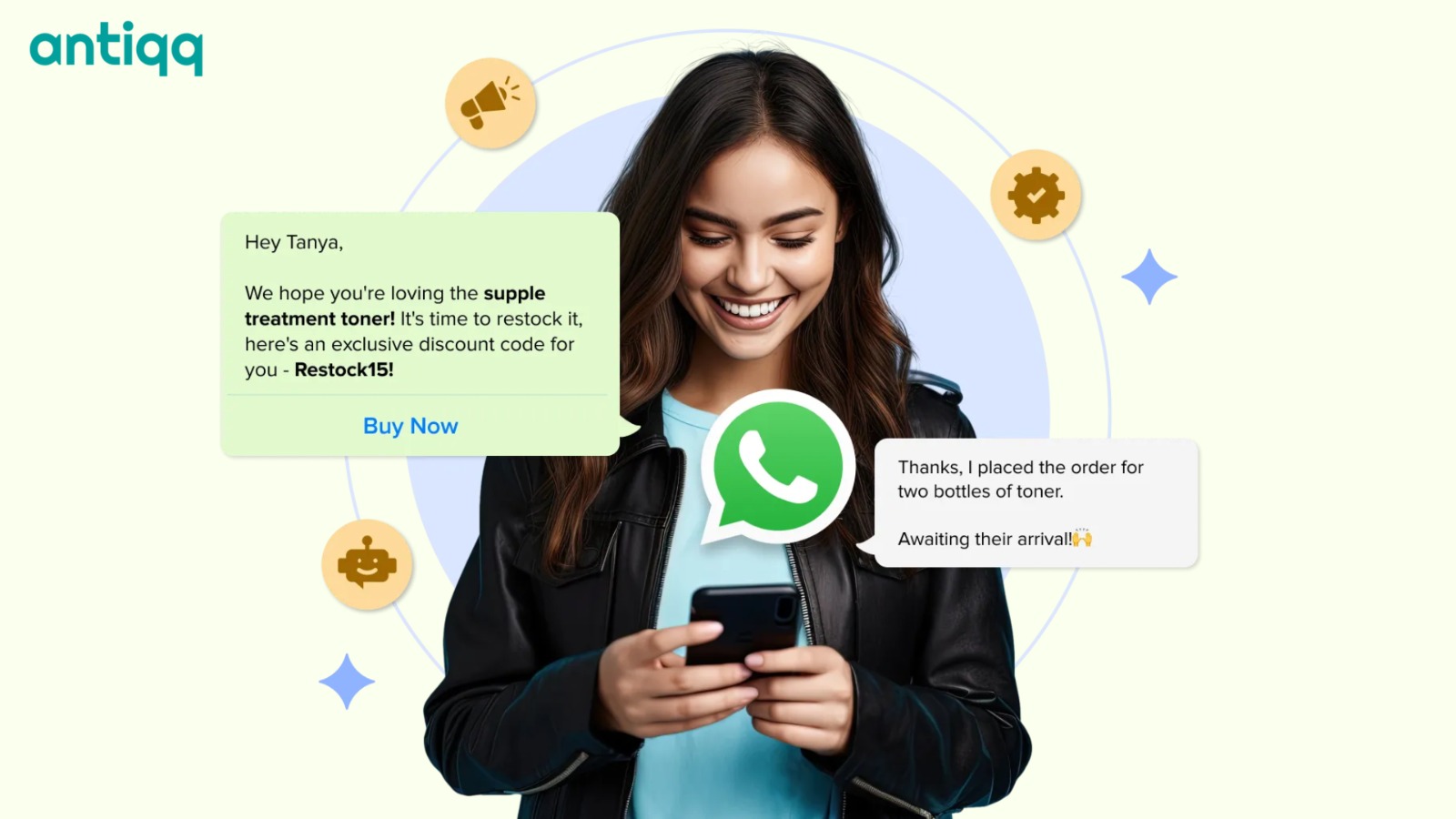
A message that feels personal gets more attention than one that feels like a flyer. Antiqq lets you group your audience by things like preferences, behavior, or past interactions, which is known as WhatsApp audience segmentation.
Think about the difference. A first-time buyer might appreciate a welcome offer. A loyal customer might prefer early access to a new arrival. A lead who asked about pricing might need a gentle follow-up. Sending the same generic message to all three rarely works well. Segmentation lets each group hear something relevant to them.
Save Time with WhatsApp Automation
Running campaigns manually takes up a surprising amount of time. With WhatsApp automation, you can plan and schedule campaigns instead of handling every step by hand. That means fewer repetitive tasks and a more organized workflow, especially during busy seasons.
Many businesses also find that WhatsApp messaging can be a practical option compared with some traditional channels, but the actual cost depends on your message volume, your region, and WhatsApp’s pricing. It’s a good idea to review the costs for your own situation before planning a large campaign.
Track Results with Campaign Analytics
Sending a campaign is only half the job. You also need to know what happened afterward. Antiqq lets you monitor how your campaigns perform, including delivery, engagement, and responses, so you can see what’s working.
If one message gets plenty of replies and another gets little attention, that’s valuable information. Over time, WhatsApp campaign analytics can help you improve your timing, wording, and audience choices, so each campaign is a little better than the last.
Tips for Running Better WhatsApp Marketing Campaigns
Having a good tool helps, but how you use it counts just as much. A few habits can make a real difference.
Get Permission First
Only message customers who have opted in. This protects your reputation and helps you stay within WhatsApp’s policies. You can collect consent through your website, at checkout, or during a customer conversation. Make it easy for people to opt out too.
Use Approved Message Templates
For business-initiated messages, WhatsApp requires approved templates. Write them clearly, keep them short, and make sure they say something useful. A template that gets straight to the point usually works better than a long one filled with promotional language.
Keep Messages Short and Useful
People read WhatsApp messages differently from emails. Keep your message brief, make the purpose obvious, and give a clear next step, such as replying, visiting a page, or booking a slot. If the message doesn’t help the customer, it probably doesn’t belong in a campaign.
Pay Attention to Timing and Frequency
Even a good message becomes annoying if it arrives too often or at the wrong time. Avoid late-night sends, and don’t message the same group every day. A steady, respectful rhythm keeps customers engaged instead of pushing them to block you.
Be Ready for Replies
Bulk messaging often starts a conversation. When customers reply, someone should be ready to respond promptly. Having your team set up to handle replies is as important as sending the campaign itself.
Who Can Benefit from Antiqq Bulk Messaging?
Different businesses can use bulk messaging in different ways:
- Retail and e-commerce: Sale announcements, new arrivals, and order updates.
- Education: Admission reminders, class updates, and event notices.
- Healthcare and services: Appointment reminders and follow-ups, with careful attention to privacy.
- Real estate: Property updates and site visit reminders for interested buyers.
- Local and growing businesses: Offers, festival greetings, and service updates for existing customers.
Whatever your industry, the principle is the same: send the right message to the right people at the right time.
Why Consider Antiqq as Your WhatsApp Business API Platform
If you’re looking for a WhatsApp Business API platform that supports marketing, Antiqq is worth a look. It combines bulk messaging with audience segmentation, automation, and campaign tracking, so you can plan, send, and review campaigns from one place.
As with any tool, the best way to judge it is to see whether it fits your needs. Think about your audience size, how often you plan to send campaigns, and what kind of reporting you need. Then try it in a way that matches your real workflow.
Conclusion
Good marketing is about making it easy for customers to hear from you and easy for them to respond. WhatsApp bulk messaging helps by letting you reach many people quickly, personalize your message, and learn from the results, all without adding hours to your team’s workload.
The key is to use it thoughtfully. Get permission, send messages that are useful, and look at your analytics to improve over time. With Antiqq’s WhatsApp Business API, you have a way to manage that process in one place. Start with a small, well-planned campaign, see how your customers respond, and build from there.
Frequently Asked Questions (FAQs)
What is WhatsApp bulk messaging?
It’s the process of sending a message to many customers at once through the WhatsApp Business API. It’s meant for customers who have opted in, and it uses approved message templates for business-initiated messages.
How does Antiqq bulk messaging work?
You create a campaign on the Antiqq platform, choose your audience, and send the message to your selected contacts. You can then track how it performs and handle replies from the same dashboard.
Can I send personalized bulk messages on WhatsApp?
Yes. By segmenting your audience based on preferences, behavior, or past interactions, you can send more relevant messages to different customer groups instead of one generic message to everyone.
Is WhatsApp bulk messaging allowed?
It’s allowed when you follow WhatsApp’s business policies. This includes getting customer consent, using approved templates, and respecting opt-out requests. Messaging people who haven’t agreed to hear from you can put your account at risk.
Can I track the performance of my campaigns?
Yes. Antiqq offers campaign tracking so you can review things like delivery and responses. This helps you understand what’s working and improve future campaigns.
Is WhatsApp bulk messaging suitable for small businesses?
It can be. Small businesses can use it to share offers, updates, and reminders without spending hours on manual messaging. It helps to start with a small audience and grow gradually.
How is WhatsApp bulk messaging different from SMS or email marketing?
WhatsApp lets customers reply in a familiar chat app, which makes two-way conversation easy. Email and SMS still have their uses, and many businesses combine channels. Costs and results vary, so it’s best to compare based on your own needs.
Do I need the WhatsApp Business API for bulk messaging?
For sending messages at scale with a team and a proper dashboard, yes, the WhatsApp Business API through a provider like Antiqq is the usual route. The regular WhatsApp app and the WhatsApp Business app are limited for large campaigns.
Related Blogs
WhatsApp Business API Message Templates: How Antiqq Simplifies Business Communication...Read more
How to Automate Customer Support with the Antiqq WhatsApp Chatbot...Read more
How to Measure the Success of Your WhatsApp Marketing Campaigns...Read more
WhatsApp Shared Team Inbox: How to Manage Customer Conversations Efficiently...Read more
WhatsApp Lead Generation: How to Turn Conversations into Customers...Read more
WhatsApp Business API Pricing Explained: What Every Business Should Know...Read more
How to Choose the Right WhatsApp Business API Platform for Your Company...Read more
WhatsApp Business API vs WhatsApp Business App: Which Is Right for Your Business?...Read more
WhatsApp Message Templates Made Simple: How to Communicate Better with the Antiqq WhatsApp Business API...Read more
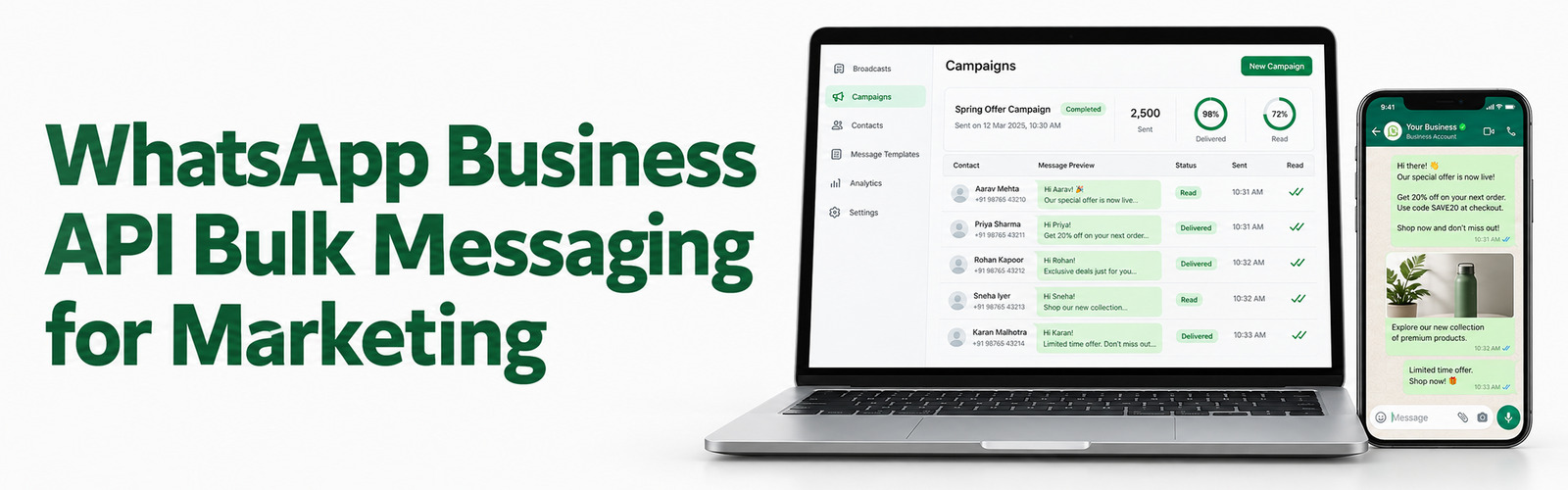
How WhatsApp Business API Bulk Messaging Can Transform Your Marketing Campaigns...Read more