Think about the last time you got a cold email from a business. Did you read it? Probably not. Now think about the last time someone sent you a message on WhatsApp. You likely opened it within minutes.
That gap is exactly why more businesses are using WhatsApp for lead generation. People already use the app all day, they reply faster there than anywhere else, and a chat feels far more personal than a form or an inbox. With the WhatsApp Business API, you can turn that habit into a steady flow of leads without needing a huge team. In this guide, we’ll look at how it works, where leads come from, and how to move them from first hello to paying customer.
Why WhatsApp Works So Well for Lead Generation
Most lead generation methods ask people to do something awkward. Fill out a long form, wait for a callback, or dig through an email thread. WhatsApp removes that friction. A customer taps a button, a chat opens, and they can ask their question right away.
It also feels more human. People don’t treat a WhatsApp chat like a sales funnel. They treat it like a conversation, and conversations build trust faster than forms do. That trust is what turns a curious visitor into a serious lead.
Why the WhatsApp Business API and not the regular app?
The free WhatsApp Business app works fine when a few people chat with a few customers. But lead generation needs more. You need several team members handling chats, a chatbot to respond when nobody’s online, and a way to connect conversations to your CRM. The WhatsApp Business API gives you all of that, which is why it’s the better fit once leads start coming in at any real volume.
Where WhatsApp Leads Come From
Before you can nurture leads, you need ways to capture them. Here are the most effective entry points.
Click-to-WhatsApp buttons and links
Add a “Chat with us” button to your website, landing pages, and emails. One tap opens a conversation, with a pre-filled message if you like. It’s one of the simplest ways to capture warm leads who are already interested.
Ads that open a chat
Many businesses run ads on social platforms that send people straight into a WhatsApp conversation instead of a landing page. This works well because the person starts a chat at the exact moment their interest is highest.
QR codes
Print a QR code on packaging, posters, brochures, or at your store counter. Customers scan it, and a chat opens. It’s a great way to connect offline attention with online conversations.
Website forms with opt-in
If you already collect details through forms, add a clear checkbox asking if people want updates on WhatsApp. That consent matters, because WhatsApp requires opt-in before you message customers first.
Existing customers and referrals
Your current customers are a lead source too. A short message asking for referrals, or inviting them to try a new service, can bring in warm introductions.
How to Qualify Leads Automatically
Not every inquiry is a good lead. Some people are just browsing, and your team shouldn’t spend hours on them. This is where a WhatsApp chatbot earns its keep.
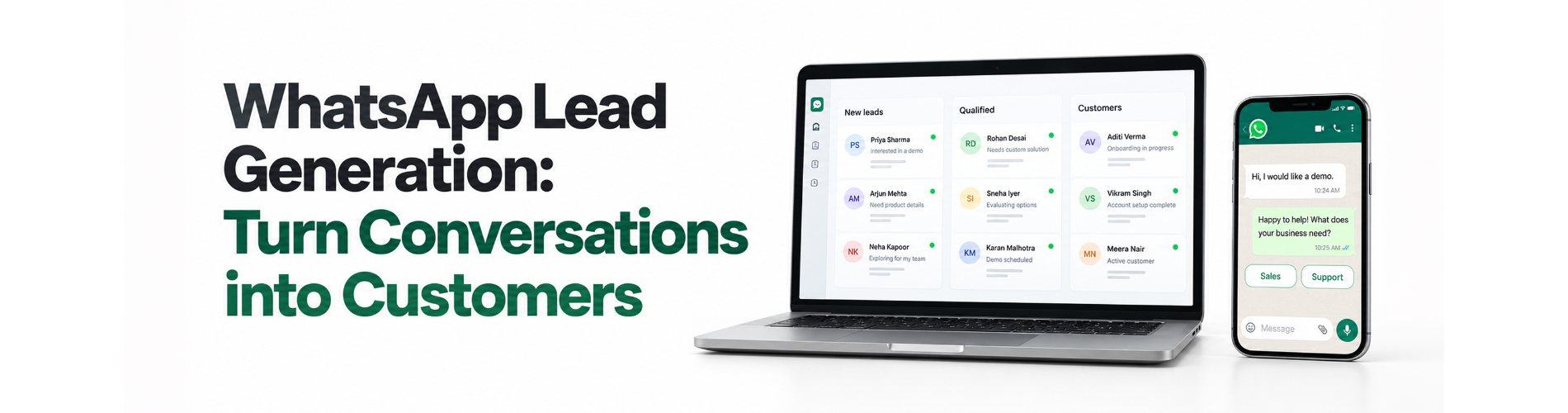
A simple bot can greet new contacts instantly and ask a few quick questions: What are you looking for? What’s your budget? When do you need it? Based on the answers, it can tag the lead as hot, warm, or cold, and hand serious ones to a human agent straight away.
The benefits are practical. Leads get answers in seconds, even at midnight. Your team only talks to people who are likely to buy. And nobody falls through the cracks because they messaged outside office hours.
Keep the questions short, though. Three or four is plenty. Long interrogations make people drop off.
Nurturing Leads Without Being Pushy
Capturing a lead is only the beginning. Most people don’t buy on the first chat, so follow-up matters. But there’s a fine line between helpful and annoying.
Use message templates for follow-ups
When a customer messages you, you can reply freely for 24 hours. After that window closes, you’ll need approved WhatsApp message templates to reach out again. Use them for useful follow-ups: a reminder about the quote you sent, a link to a product guide, or a reminder about an upcoming demo.
Segment your audience
A first-time inquirer and someone who’s already seen your pricing need different messages. With audience segmentation, you can group leads by interest, stage, or behavior and send each group something relevant. Relevant messages feel helpful. Generic ones feel like spam.
Share useful content, not just offers
Mix in value. A short how-to video, a customer story, or a helpful checklist keeps your business top of mind without constantly asking for a sale. When people feel you’re useful, they come back when they’re ready to buy.
Respect timing and frequency
Don’t message people at odd hours, and don’t send something every day. A steady, thoughtful rhythm protects your account quality and keeps leads engaged instead of annoyed.
Connect WhatsApp to Your CRM
Conversations are only valuable if you can track them. If lead details live only inside chats, important information gets lost when team members change or the inbox gets busy.
Connecting the WhatsApp Business API to your CRM fixes that. New leads get recorded automatically, chat history stays attached to each contact, and your sales team can see what’s been discussed before they reply. You can also trigger follow-ups based on lead stage, such as a reminder when a lead hasn’t responded in a few days.
Measure What’s Working
Good lead generation is a loop: try something, measure it, improve it. Pay attention to a few simple numbers:
-
How many new conversations start each week, and from which source
-
How quickly your team or bot responds
-
How many chats turn into qualified leads
-
How many leads become customers
-
Which templates and messages get the best replies
Over time, these numbers show you which channels deserve more attention and which messages need a rewrite. Even small tweaks, like a shorter greeting or a clearer call to action, can improve results noticeably.
Common Mistakes to Avoid
A few habits can quietly hurt your results.
Messaging people without permission. Always collect opt-in first. It keeps you compliant and keeps your audience genuine.
Replying too slowly. A lead who waits an hour may already be talking to a competitor. Use automation to respond instantly, then follow up personally.
Sounding robotic. Even with a chatbot, write in a friendly, natural tone. Let people reach a human easily.
Over-selling. Not every message needs to push a purchase. Build the relationship first.
Ignoring the data. If you never check what’s working, you can’t improve it.
How Antiqq Supports Lead Generation on WhatsApp
Antiqq gives you the tools to run this entire process in one place. You can set up a WhatsApp chatbot to greet and qualify new leads, manage message templates for follow-ups, segment your audience, send campaigns, and track results from a single dashboard. It’s built so marketing and sales teams can use it without technical help, and it scales as your lead volume grows.
Conclusion
WhatsApp lead generation works because it meets people where they already spend their time and talks to them the way they like to be talked to: quickly, personally, and in a simple chat. The WhatsApp Business API adds the structure you need to do this at scale, with automation for instant replies, templates for follow-ups, segmentation for relevance, and integrations that keep everything organized.
You don’t have to build everything at once. Start with one entry point, like a website chat button, set up a simple qualification flow, and follow up thoughtfully. Watch the results, then build from there.
Ready to turn more conversations into customers? Get started with Antiqq today.
Frequently Asked Questions (FAQs)
-
How does WhatsApp lead generation work?
You capture leads through chat buttons, ads, QR codes, and opt-in forms that open a WhatsApp conversation. Then you qualify them, follow up with relevant messages, and move them toward a purchase. -
Why use the WhatsApp Business API for lead generation?
It supports multiple agents, chatbots, message templates, bulk messaging, and CRM integration. That makes it far better than the standard app once lead volume grows. -
Can a chatbot qualify leads on WhatsApp?
Yes. A chatbot can ask a few simple questions, tag leads by interest level, and pass hot leads to a human agent immediately. -
Do I need permission to message leads on WhatsApp?
Yes. WhatsApp requires customers to opt in before you contact them first. Collect consent through forms, QR codes, click-to-chat buttons, or in-store sign-ups. -
How do I follow up with leads after 24 hours?
Once the 24-hour customer service window closes, you need to use approved WhatsApp message templates for business-initiated messages. -
How do I avoid sounding spammy?
Segment your audience, send relevant and useful messages, keep your frequency reasonable, and make it easy for people to opt out.
Related Blogs
WhatsApp Business API Message Templates: How Antiqq Simplifies Business Communication...Read more
How to Automate Customer Support with the Antiqq WhatsApp Chatbot...Read more
How Antiqq Bulk Messaging Can Boost Your WhatsApp Marketing Campaigns...Read more
How to Measure the Success of Your WhatsApp Marketing Campaigns...Read more
WhatsApp Shared Team Inbox: How to Manage Customer Conversations Efficiently...Read more
WhatsApp Business API Pricing Explained: What Every Business Should Know...Read more
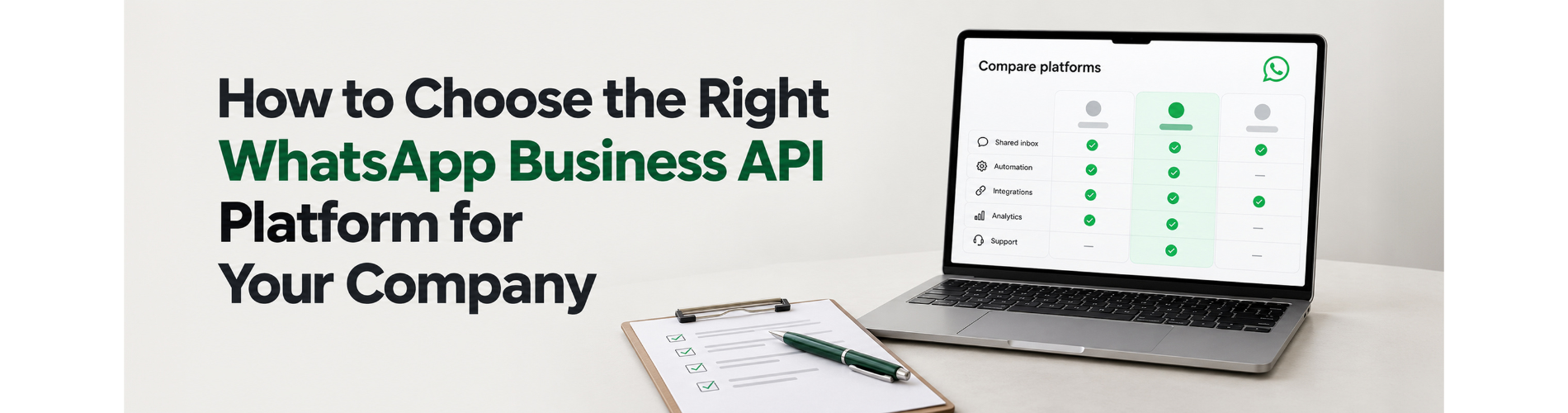
How to Choose the Right WhatsApp Business API Platform for Your Company...Read more
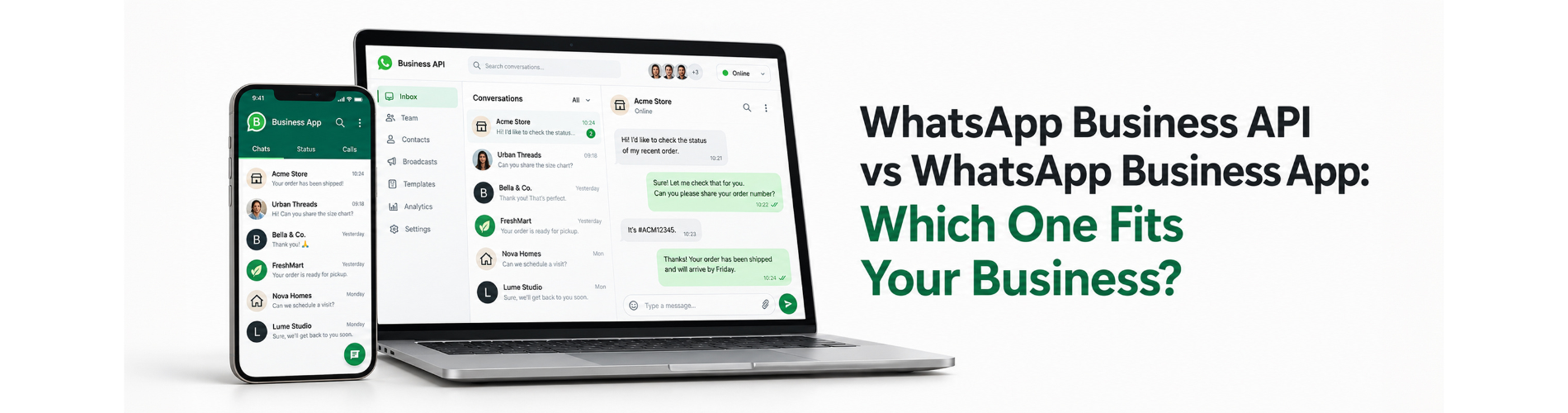
WhatsApp Business API vs WhatsApp Business App: Which Is Right for Your Business?...Read more
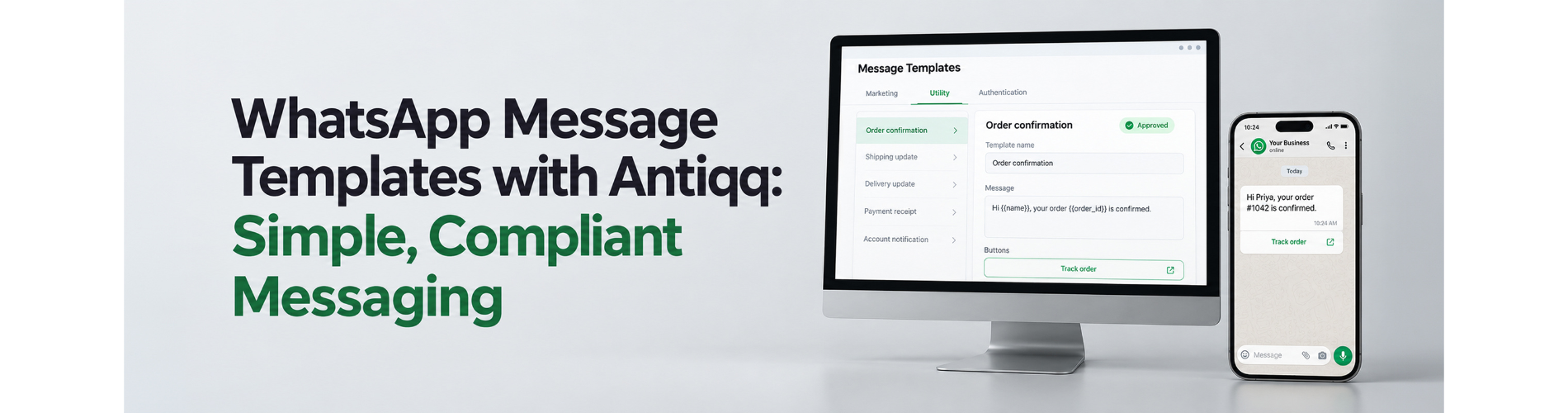
WhatsApp Message Templates Made Simple: How to Communicate Better with the Antiqq WhatsApp Business API...Read more
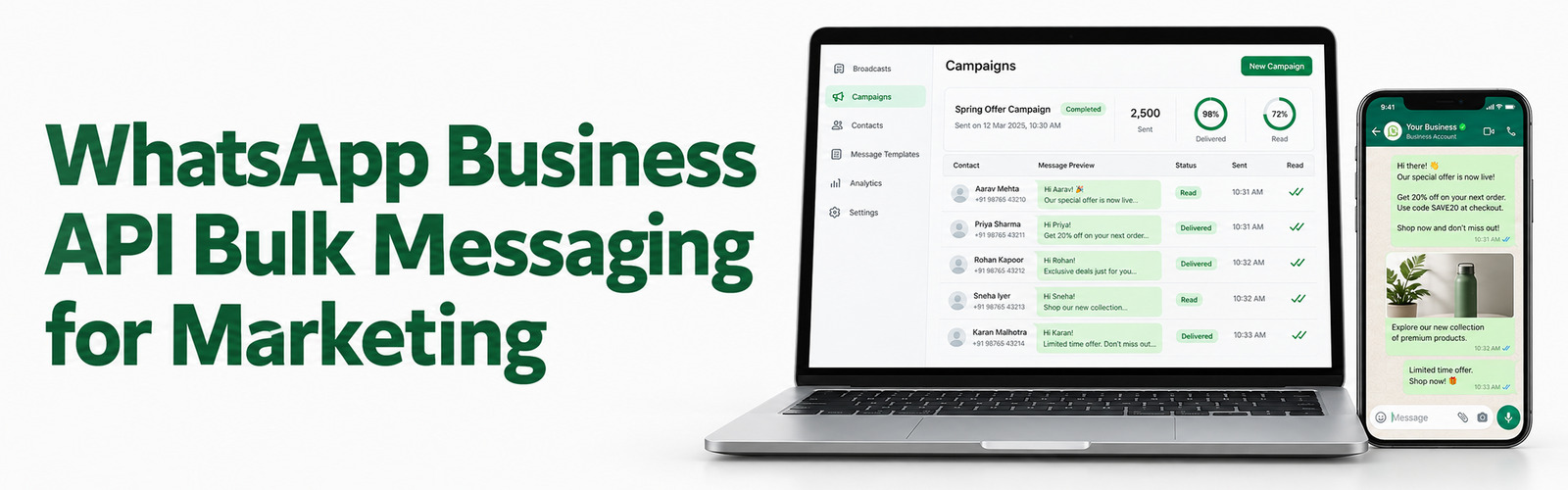
How WhatsApp Business API Bulk Messaging Can Transform Your Marketing Campaigns...Read more