If you’ve ever tried to message customers on WhatsApp at scale, you’ve probably run into one big question: what are you actually allowed to send? WhatsApp is strict about spam, and for good reason. Nobody wants their personal chat filled with junk. But that also means businesses need a clear, approved way to start conversations.
That’s where WhatsApp message templates come in. On the WhatsApp Business API, they’re the backbone of business-initiated messaging. And with Antiqq, creating, using, and tracking them is a lot easier than you’d expect. In this post, we’ll cover what templates are, why they matter, how to use them step by step, and how to write ones that get approved the first time.
What Are WhatsApp Message Templates?
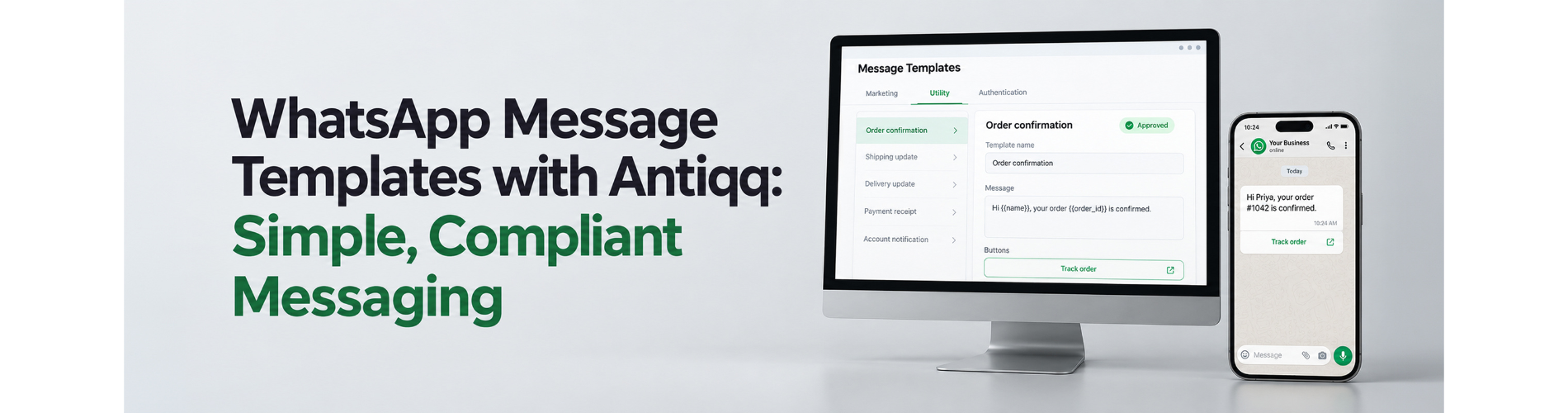
WhatsApp message templates are pre-written message formats that WhatsApp reviews and approves before your business can use them. You need them whenever you want to message a customer first, or reach out after the conversation window has closed.
Think of a template as a fill-in-the-blanks message. The structure and wording stay fixed, while details like the customer’s name, order number, or appointment time change from one message to the next. That’s how one approved template can serve thousands of customers and still feel personal.
What is the 24-hour messaging window?
When a customer messages your business, a 24-hour window opens. During that time, you can reply freely with regular messages. Once it closes, you can only reach that customer with an approved template.
This rule is the main reason templates matter. Without them, you couldn’t send order updates, payment reminders, or follow-ups to customers who haven’t messaged you recently. With the WhatsApp API and a platform like Antiqq, templates let you keep those conversations going in a way that’s both useful and compliant.
Types of WhatsApp Message Templates
WhatsApp groups templates into a few categories, and picking
the right one affects both approval and how your messages are treated.
Marketing templates are for promotions, offers, product launches, and abandoned cart reminders. They’re designed to drive action, so they work best when they’re relevant and not too frequent.
Utility templates cover messages tied to something the customer already did, like order confirmations, delivery updates, payment receipts, and appointment reminders. These are expected by customers, which is why they usually get strong engagement.
Authentication templates deliver one-time passwords and verification codes. They’re short, simple, and strictly functional.
Choosing the right category matters. If you label a promotional message as a utility update, WhatsApp may reject it or reclassify it, so it’s worth being honest about the purpose.
Key Benefits of Using Antiqq’s WhatsApp Message Templates
So why use templates through Antiqq in particular? Here’s what you gain.
1. Consistency and professionalism
Your brand voice shouldn’t change depending on who’s typing. Templates make sure every customer gets the same clear, polished message, whether it’s an order confirmation, a payment reminder, or a support follow-up.
Over time, that consistency builds trust. Customers start to recognize your messages and know what to expect from them.
2. Compliance with WhatsApp policies
WhatsApp has strict rules to prevent spam, and accounts that break them can be flagged or restricted. Using approved templates through the Antiqq WhatsApp Business API keeps your messaging within those guidelines.
That protects your phone number’s quality rating, which in turn protects your ability to keep reaching customers. For any business that relies on WhatsApp, that’s a big deal.
3. Automation and efficiency
Writing every message by hand doesn’t scale. With Antiqq, you can combine templates with WhatsApp automation to send order updates, delivery confirmations, and promotional offers automatically, triggered by what customers do.
Your team saves hours every week, and customers get timely updates without waiting for someone to type them out. It’s also a good fit alongside a WhatsApp chatbot, which can handle replies once the customer responds to your template.
4. Better customer engagement
Templates keep you connected to customers when it matters most. A shipping update, a personalized offer, or a gentle cart reminder can all bring people back to your brand.
Because WhatsApp messages feel personal and arrive in an app people check constantly, they tend to get noticed more than emails. Add a clear button or quick reply, and responding takes one tap.
How to Use Antiqq WhatsApp Business API Message Templates
Getting started is straightforward. Here’s the basic process.
Step 1: Select or create a template
Choose from the template types you need, such as order confirmations, alerts, or appointment reminders. You can also create your own and submit it to WhatsApp for approval right from the Antiqq dashboard. Approval is usually quick, though timing can vary.
Step 2: Customize the message
Add personal details like the customer’s name, order number, or tracking link. Antiqq lets you fill in these fields for each message, so even bulk sends feel one-to-one. This is also a good place to use WhatsApp audience segmentation, grouping customers by behavior or purchase history and sending each group a template that suits them.
Step 3: Send and track
When your message is ready, send it in bulk or to individual customers. Antiqq then gives you real-time WhatsApp campaign analytics, so you can watch delivery, read, and response rates as they come in.
If a template isn’t performing, you’ll know quickly and can adjust the wording, timing, or audience before your next send.
How to Write Templates That Get Approved
A rejected template wastes time, so it helps to get the basics right from the start.
Be clear about the purpose. The customer should understand why you’re messaging them within the first line.
Keep it short. A WhatsApp message isn’t an email. A few clear sentences with one call to action work best.
Avoid spammy language. Skip excessive capital letters, too many emojis, and pushy phrases like “Buy now or miss out forever.”
Use variables properly. Add placeholders for names and order details, and make sure the sample content you submit looks realistic.
Match the category. Label your template honestly as marketing, utility, or authentication, and keep the content in line with that choice.
Proofread. Typos and broken links can cause delays or rejections, and they don’t look great to customers either.
Practical Ways to Use WhatsApp Message Templates
Not sure where templates fit in your business? Here are some ideas that work well on the WhatsApp Business API.
-
Order confirmations: Reassure customers right after they buy.
-
Shipping and delivery updates: Cut down on “Where’s my order?” messages.
-
Payment reminders: Nudge customers politely before a due date.
-
Appointment reminders: Reduce no-shows for clinics, salons, and service businesses.
-
Abandoned cart reminders: Bring back sales that might have slipped away.
-
Feedback requests: Ask for a quick rating after a purchase or support chat.
-
Promotional offers: Share discounts and limited-time deals with the right audience.
Mix these up so your messaging feels helpful and not just salesy. People stay subscribed when your messages are worth reading.
Why Choose Antiqq for WhatsApp Message Templates?
There are many WhatsApp API providers out there, so here’s what makes Antiqq worth considering:
-
Simple dashboard. Create, manage, and track templates in one place.
-
Easy submission. Send templates for approval without technical hassle.
-
Personalization tools. Add customer details and segment your audience.
-
Real-time reporting. See what’s working and fix what isn’t.
-
Built to scale. Whether you send hundreds or hundreds of thousands of messages, the platform grows with you.
Conclusion
Good communication isn’t about sending more messages. It’s about sending the right ones at the right time. WhatsApp message templates make that possible, giving your business a compliant, consistent way to reach customers even outside the 24-hour window.
With the Antiqq WhatsApp Business API, you can create and customize templates easily, automate your messaging, segment your audience, and track results as they happen. Your messages stay professional, your account stays safe, and your customers stay informed.
If you’re ready to simplify how your business communicates, start small. Pick one or two templates, like an order confirmation and a reminder, send them out, and check the results. Then build from there. Get started with Antiqq today and take your customer communication to the next level.
Frequently Asked Questions (FAQs)
-
What are WhatsApp message templates?
They’re pre-approved message formats that businesses use to start conversations with customers on the WhatsApp Business API. They include fixed text and variable fields, like names or order numbers, that you fill in for each message. -
Why do I need message templates on the WhatsApp API?
WhatsApp requires approved templates for business-initiated messages and for messages sent after the 24-hour customer service window closes. This helps prevent spam and keeps conversations relevant. -
How long does template approval take?
It varies. Many templates are reviewed quickly, but it can take longer in some cases. Writing clear, honest, well-formatted templates improves your chances of fast approval. -
Can I personalize WhatsApp message templates?
Yes. You can add customer-specific details like name, order number, or tracking info. With Antiqq, you can also segment your audience and send different templates to different groups. -
Can I send templates in bulk?
Yes, as long as the customers have opted in to receive messages from your business. Antiqq lets you send templates to large lists or to individual customers. -
What happens if my template is rejected?
You can edit it and resubmit. Common reasons for rejection include unclear purpose, spammy wording, wrong category, and formatting errors. Review the feedback, adjust the message, and try again. -
Can I track how my templates perform?
Yes. Antiqq provides real-time analytics for delivery, read, and response rates, so you can see which templates work best and improve over time.
Related Blogs
WhatsApp Business API Message Templates: How Antiqq Simplifies Business Communication...Read more
How to Automate Customer Support with the Antiqq WhatsApp Chatbot...Read more
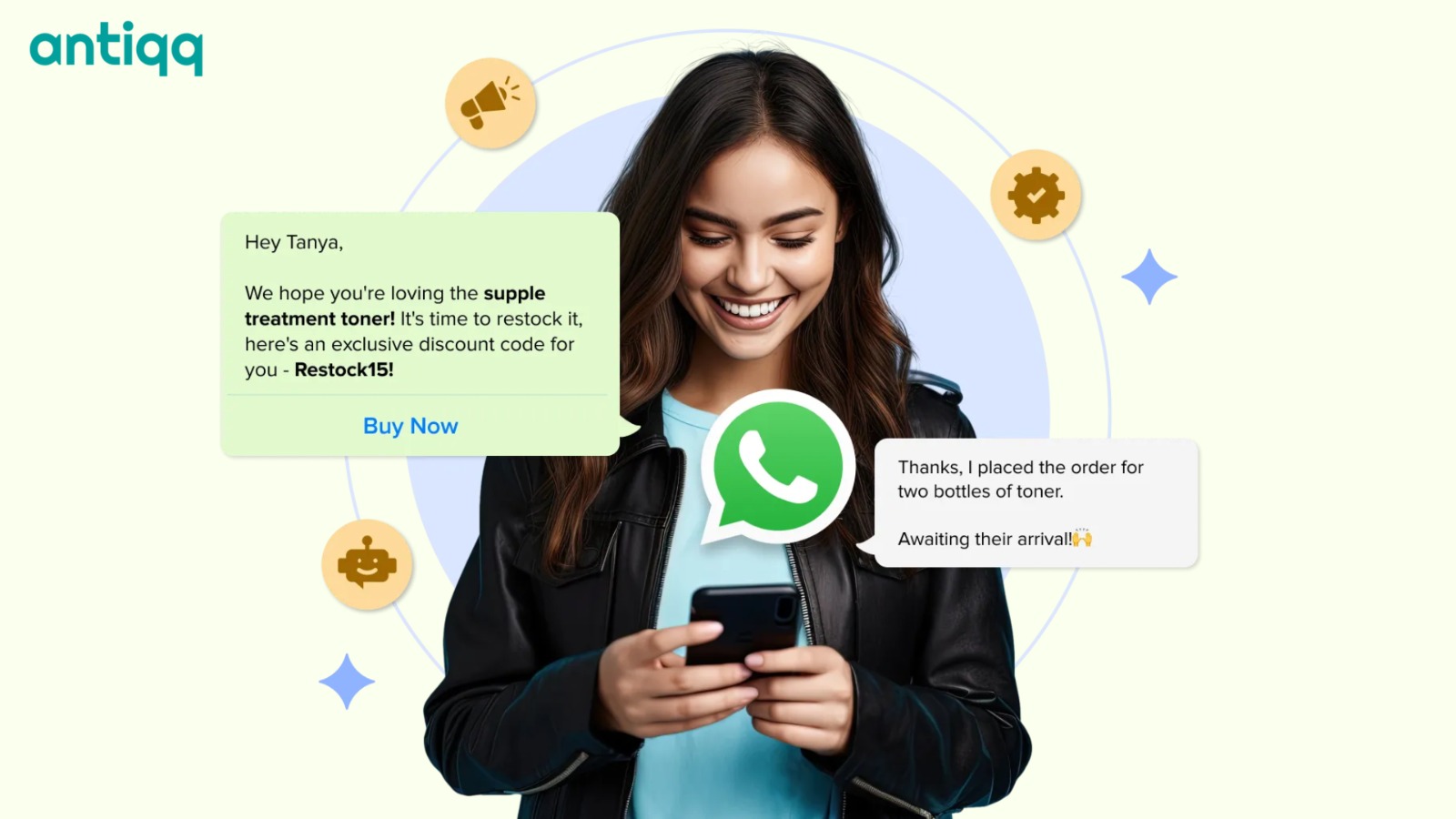
How Antiqq Bulk Messaging Can Boost Your WhatsApp Marketing Campaigns...Read more
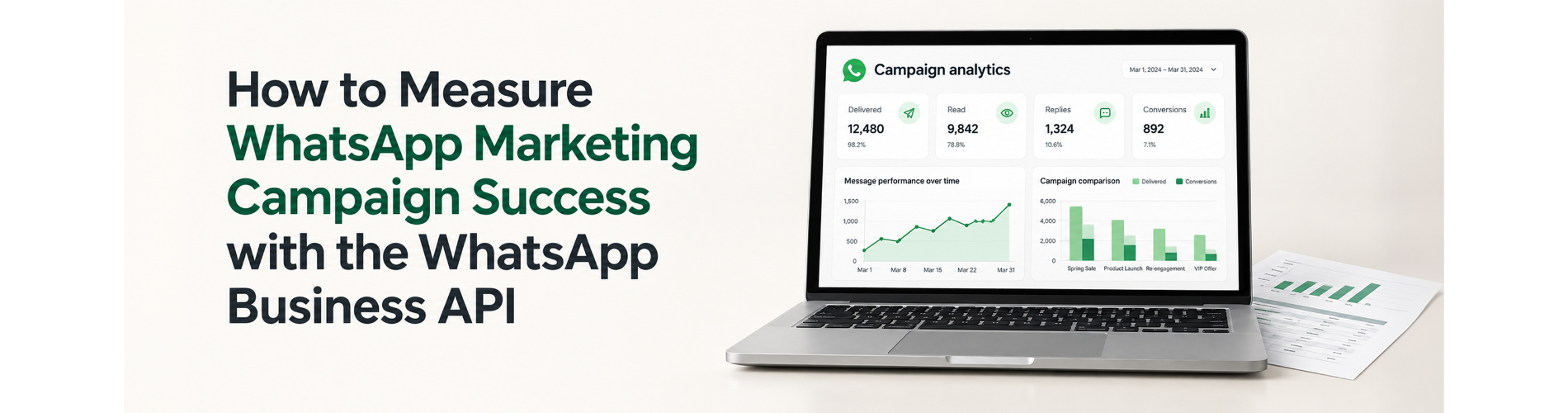
How to Measure the Success of Your WhatsApp Marketing Campaigns...Read more
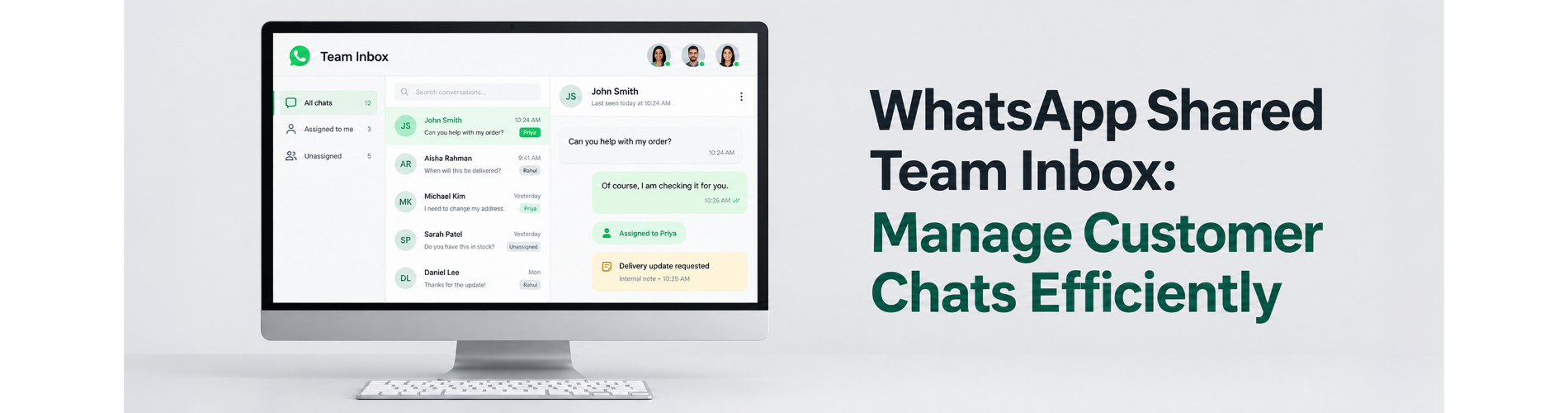
WhatsApp Shared Team Inbox: How to Manage Customer Conversations Efficiently...Read more
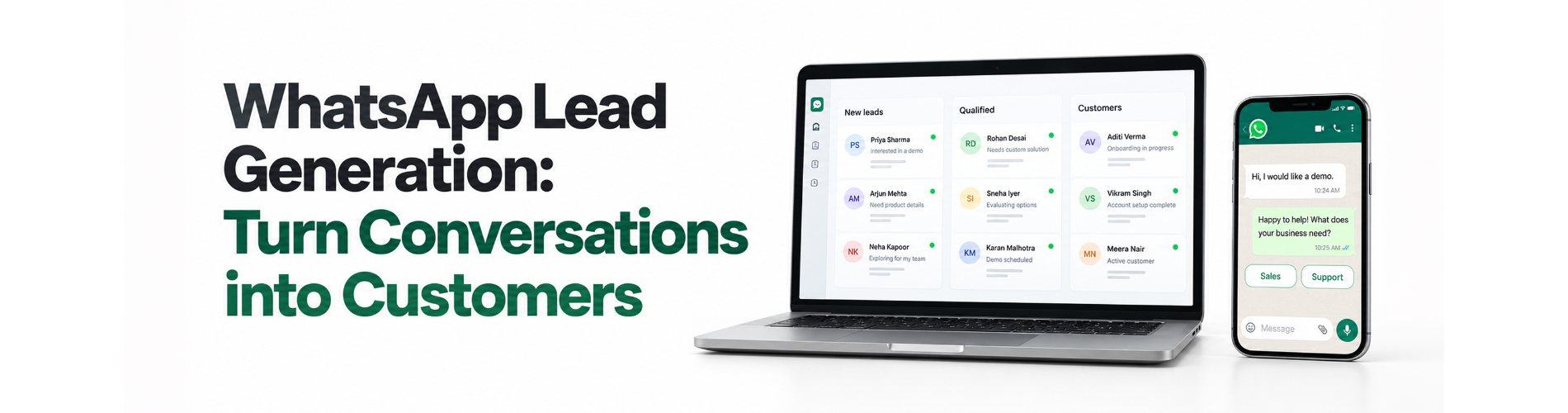
WhatsApp Lead Generation: How to Turn Conversations into Customers...Read more
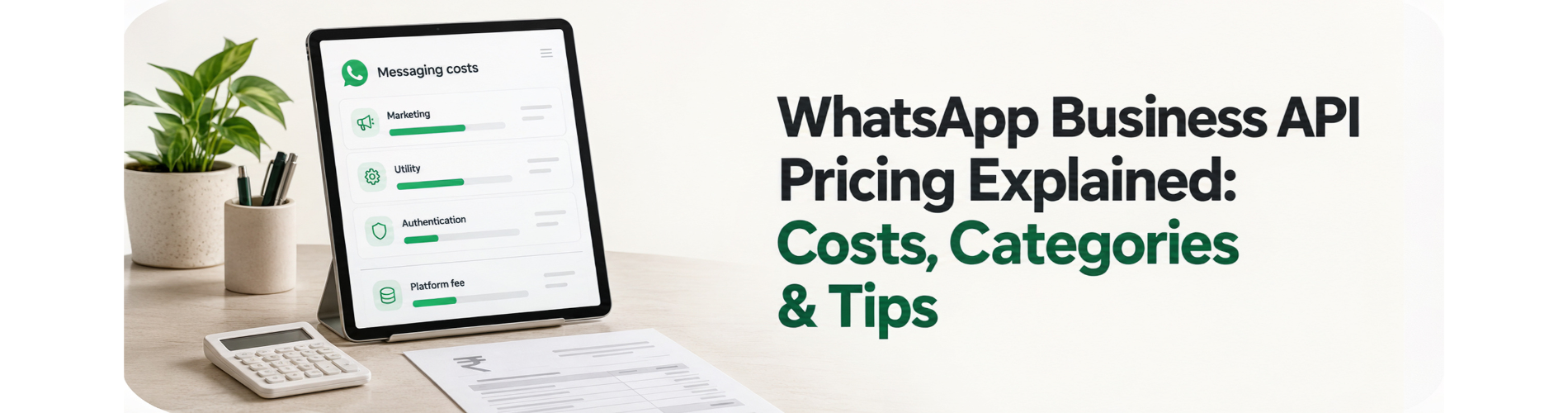
WhatsApp Business API Pricing Explained: What Every Business Should Know...Read more
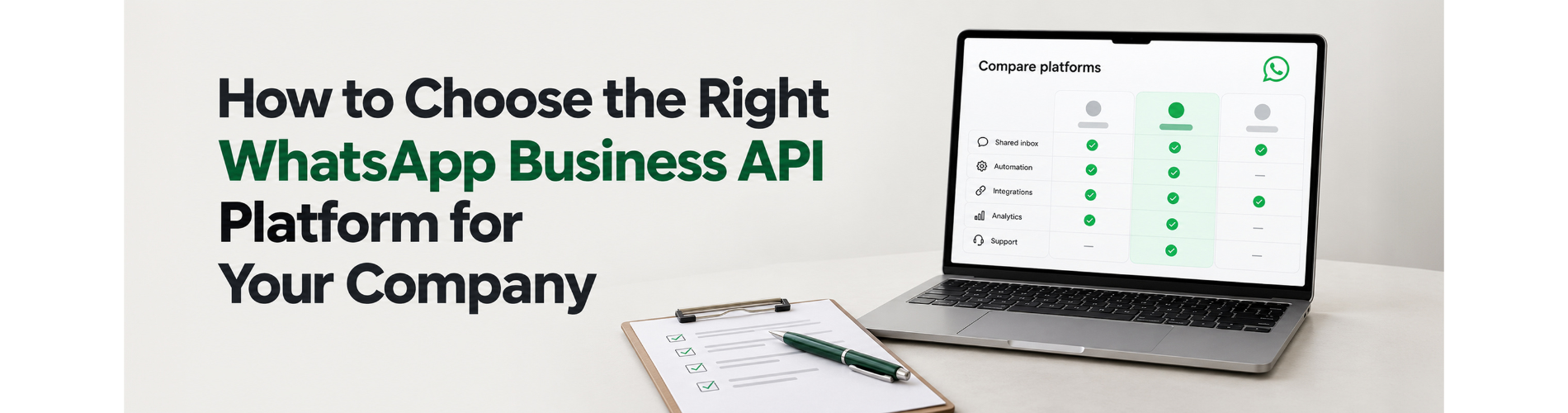
How to Choose the Right WhatsApp Business API Platform for Your Company...Read more
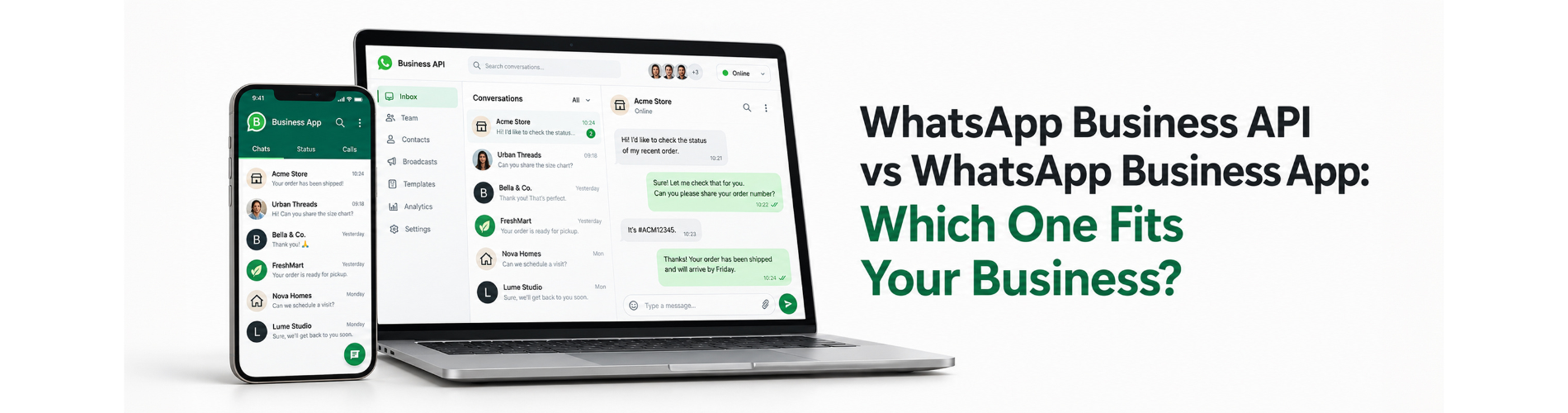
WhatsApp Business API vs WhatsApp Business App: Which Is Right for Your Business?...Read more
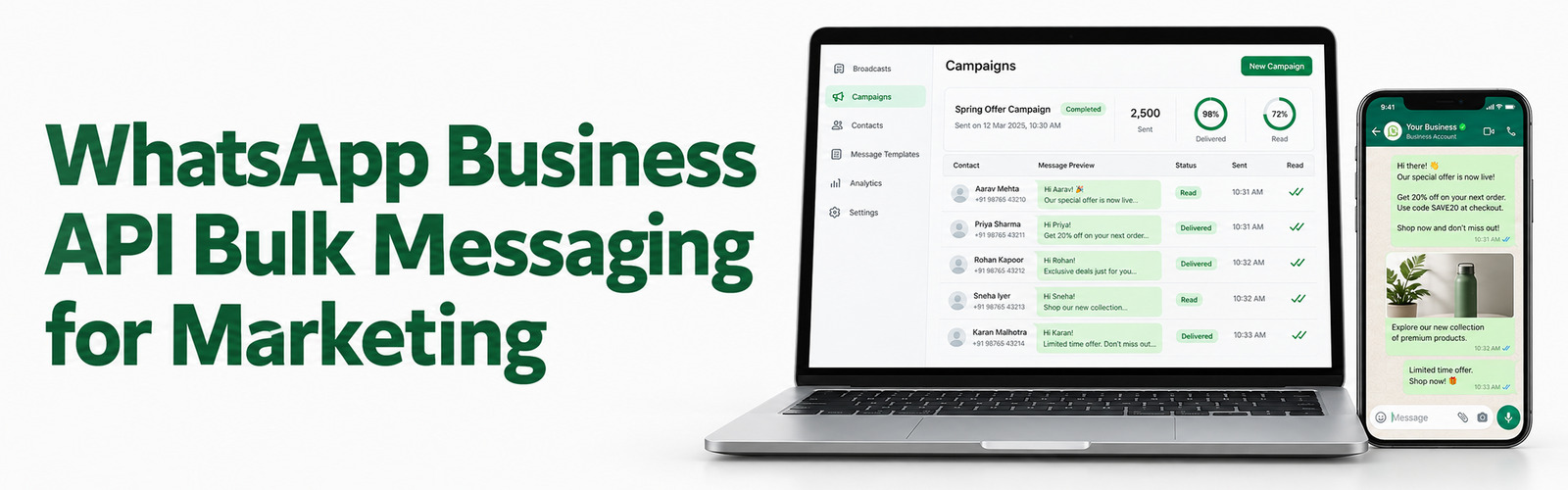
How WhatsApp Business API Bulk Messaging Can Transform Your Marketing Campaigns...Read more