Think about the messages your business sends again and again. An order confirmation. A payment reminder. An appointment notice. A delivery update. The wording barely changes from one customer to the next, yet someone still has to write, check, and send each one.
That’s exactly what message templates are for. With the WhatsApp Business API, templates let you send structured, approved messages quickly and consistently. And with a platform like Antiqq, you can manage them without needing a technical background. This guide explains what templates are, why they matter, and how to use them well.
What Are WhatsApp Business API Message Templates?
A message template is a ready-made message format that has been submitted to and approved by WhatsApp. Businesses use templates when they want to start a conversation with a customer, or when they want to reach out after the 24-hour customer service window has closed.
Here’s the rule in plain terms. When a customer messages you, you can usually reply freely for the next 24 hours. After that window ends, or if you want to message first, you need an approved template. This system exists to protect users from spam and to keep business messaging useful.
A template usually contains fixed text plus placeholders for details that change, such as the customer’s name, an order number, or a date. So a single template can serve thousands of different customers while still feeling personal.
How Templates Differ from Regular Chat Replies
When you reply to a customer inside the 24-hour window, you can write whatever you like. Templates are different. Their wording is reviewed in advance, so they follow set rules. Think of them as the official forms of WhatsApp business messaging: structured, checked, and reusable.
Why Message Templates Matter for Businesses
Templates may sound like a technical requirement, but they offer real everyday benefits. Here are the main ones.
Consistency and a Professional Tone
When several team members write messages by hand, the tone can vary a lot. One person sounds formal, another sounds casual, and a third forgets key details. Templates fix that. Every customer gets a message that sounds like it comes from the same business, whether it’s an order confirmation, a payment reminder, or a support follow-up.
Staying Within WhatsApp’s Policies
WhatsApp has clear guidelines to prevent misuse of its platform. Using approved templates helps you follow those rules when messaging customers outside the support window. It doesn’t remove all risk, because you still need customer consent and responsible use, but it’s an important part of staying compliant and protecting your account.
Saving Time with Automation
Writing the same message repeatedly is a poor use of anyone’s time. With templates, you set the message up once and reuse it. Combined with WhatsApp automation, you can trigger updates such as delivery confirmations or appointment reminders without writing each message by hand. That leaves your team free to focus on conversations that need real attention.
Better Customer Engagement
Messages that arrive at the right moment tend to feel helpful rather than intrusive. A timely delivery update or a gentle reminder about a pending payment keeps customers informed. Over time, this builds trust and encourages people to respond when they need to. Results will vary depending on your audience and how relevant your messages are, but clear, well-timed communication is a good foundation.
Common Types of WhatsApp Message Templates
WhatsApp groups templates into categories, and the rules and pricing can differ between them. Here’s a simple overview.
- Utility templates: Messages tied to something the customer has done, such as order confirmations, shipping updates, and appointment reminders.
- Marketing templates: Promotional messages like offers, new product announcements, and abandoned cart reminders.
- Authentication templates: Messages that deliver one-time passwords or verification codes.
It’s worth checking WhatsApp’s current guidelines on categories and charges, since these can change. Choosing the right category matters because it affects both approval and cost.
Real-Life Examples
Here are a few ways different businesses might use templates:
- An online store sends an order confirmation and a shipping update with a tracking number.
- A clinic sends an appointment reminder the day before a visit.
- A training institute sends a fee reminder and a class schedule update.
- A retailer sends a short announcement about a seasonal sale to customers who opted in.
In each case, the message is short, specific, and useful to the person receiving it.
How to Use Message Templates with Antiqq
Using templates on the Antiqq platform follows a simple flow. Here’s how most businesses approach it.
Step 1: Choose or Create a Template
Start by picking the type of message you need, such as an order confirmation, an alert, or an appointment reminder. Decide on the category and write the text in clear, simple language. Keep it short, since people read WhatsApp messages quickly.
Step 2: Add Personalization Fields
Add placeholders for details like the customer’s name, order number, or tracking information. This lets each message reflect the customer’s own details while the template stays the same. Personal touches like this make an automated message feel more thoughtful.
Step 3: Submit for Approval
Templates go through WhatsApp’s review before you can use them. Approval can take some time, and not every template is accepted on the first try. If one is rejected, check the reason, adjust the wording, and submit again.
Step 4: Send and Track
Once approved, you can send the template to customers individually or in bulk, depending on your needs. Antiqq also lets you track how messages perform, so you can see delivery and engagement and improve what you send next.
Tips for Writing Better WhatsApp Message Templates
A template can be approved and still be forgettable. These habits help you write ones that work.
Be clear about the purpose. Make the reason for the message obvious in the first line. Customers should know right away why they’re hearing from you.
Keep it short. A few clear sentences beat a long block of text. If it needs a lot of explaining, consider linking to a page with details.
Avoid pushy language. Heavy promotion, too many exclamation marks, or misleading wording can lead to rejection and put customers off. Be friendly and honest.
Use personalization sensibly. A name and an order number are helpful. Overloading a message with fields can make it confusing.
Always get permission. Templates don’t replace consent. Only message people who have agreed to hear from you, and make it easy for them to opt out.
Review and refresh. Look at how your templates perform and update them when your offers, policies, or tone change.
Common Mistakes to Avoid
Many problems with templates come from a few avoidable errors:
- Writing vague templates that don’t explain why the customer is being contacted
- Choosing the wrong category and having the template rejected or priced differently than expected
- Sending marketing messages to people who haven’t opted in
- Using too many promotional messages and too few helpful ones
- Forgetting to monitor results and never improving the templates
Avoiding these keeps your communication useful and your account healthy.
Why Consider Antiqq for Message Templates
If you’re looking for a WhatsApp Business API platform that supports message templates, Antiqq is worth a look. It lets you use templates for notifications, reminders, and follow-ups, add personalization details to each message, send to customers in bulk or individually, and track how your messages perform.
As with any platform, check that it fits your workflow. Think about how many templates you’ll need, how often you’ll send them, and what kind of reporting would help your team.
Conclusion
Message templates may not be the most exciting part of the WhatsApp Business API, but they’re one of the most useful. They help you stay consistent, follow WhatsApp’s rules, save time, and keep customers informed at the right moments.
The key is to write them with the customer in mind: clear, short, and genuinely helpful. Start with the messages you send most often, get them approved, and improve them as you learn from the results. With Antiqq’s WhatsApp Business API, you can manage templates, send messages, and track performance from one place, which makes everyday communication simpler.
Frequently Asked Questions (FAQs)
What are WhatsApp Business API message templates?
They are predefined message formats approved by WhatsApp. Businesses use them to message customers outside the 24-hour customer service window, or to start a conversation. They can include placeholders for personal details such as names or order numbers.
Why does WhatsApp require message templates?
Templates help protect users from spam and keep business messaging relevant and structured. They make sure messages sent outside the support window follow WhatsApp’s policies.
How long does template approval take?
It varies. Some templates are reviewed quickly, while others take longer, and some may be rejected. If that happens, review the feedback, adjust the wording, and resubmit.
Can I personalize WhatsApp message templates?
Yes. You can add placeholders for details like the customer’s name, order number, appointment time, or tracking information, so each message reflects the individual customer.
What is the 24-hour messaging window?
When a customer sends you a message, you can usually reply freely for the next 24 hours. After that, you need an approved template to contact them again.
Can I use templates for marketing messages?
Yes, marketing templates exist, but they must follow WhatsApp’s policies, and you should only send them to customers who have opted in. Marketing messages may also be priced differently from other categories.
Can I send message templates in bulk?
Yes. Through a platform like Antiqq, you can send approved templates to many customers at once, as well as to individuals, as long as you follow consent and policy requirements.
Do message templates guarantee higher engagement?
No. Templates make communication clearer and more consistent, but engagement depends on how relevant, timely, and useful your messages are to your audience.
Related Blogs
How to Automate Customer Support with the Antiqq WhatsApp Chatbot...Read more
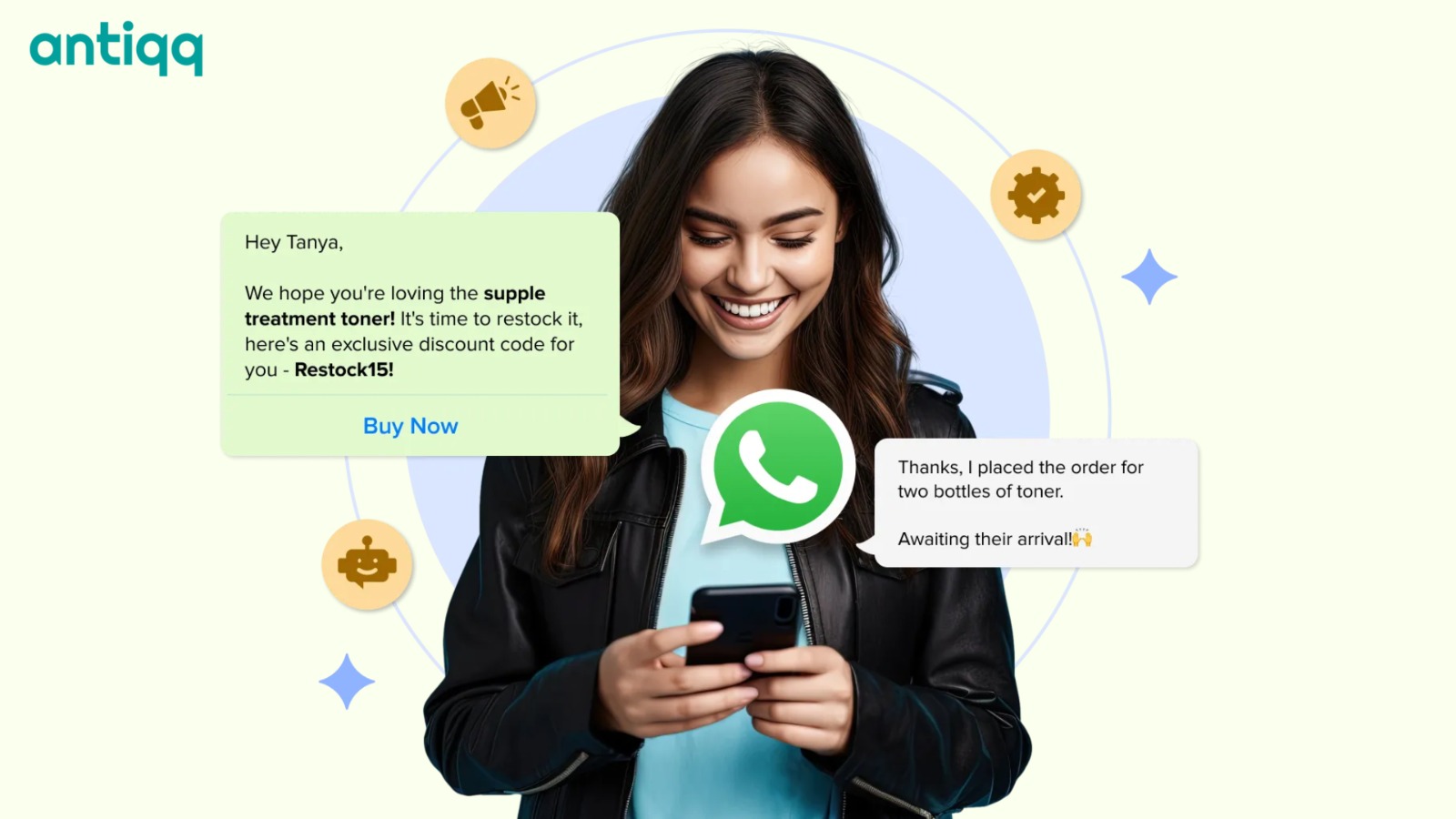
How Antiqq Bulk Messaging Can Boost Your WhatsApp Marketing Campaigns...Read more
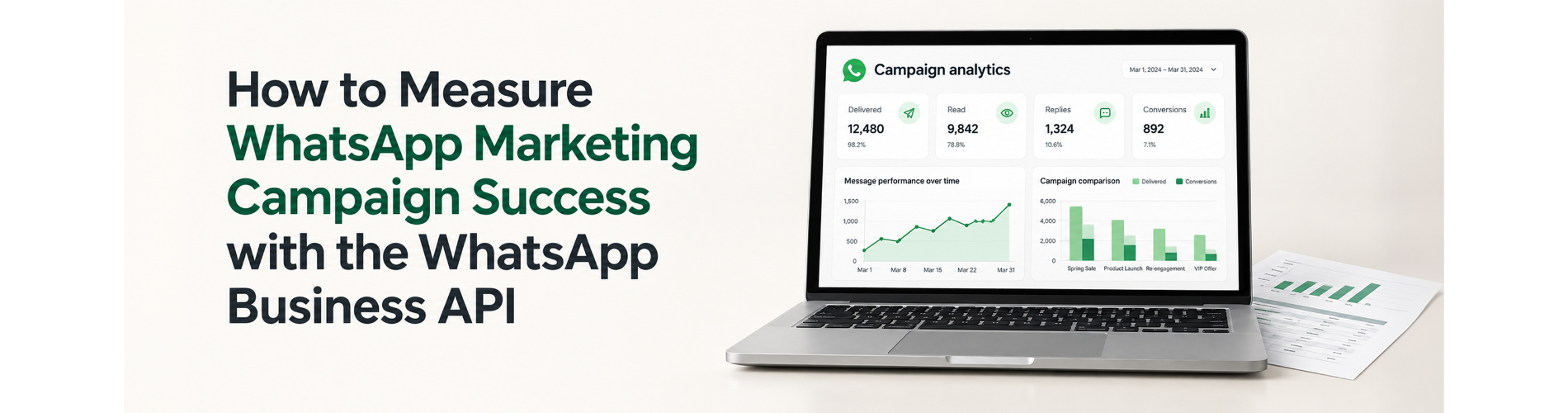
How to Measure the Success of Your WhatsApp Marketing Campaigns...Read more
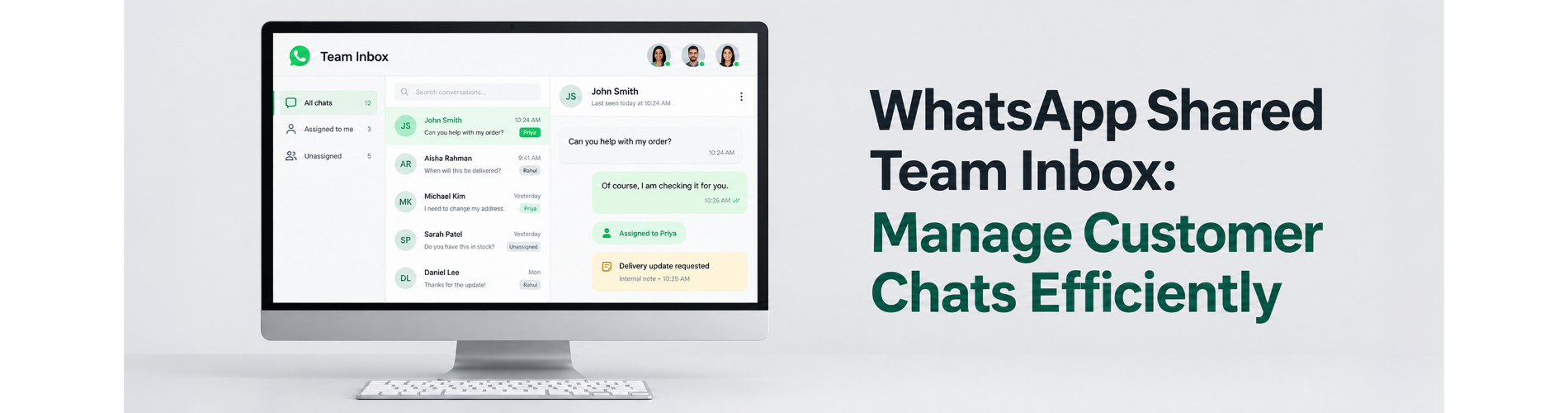
WhatsApp Shared Team Inbox: How to Manage Customer Conversations Efficiently...Read more
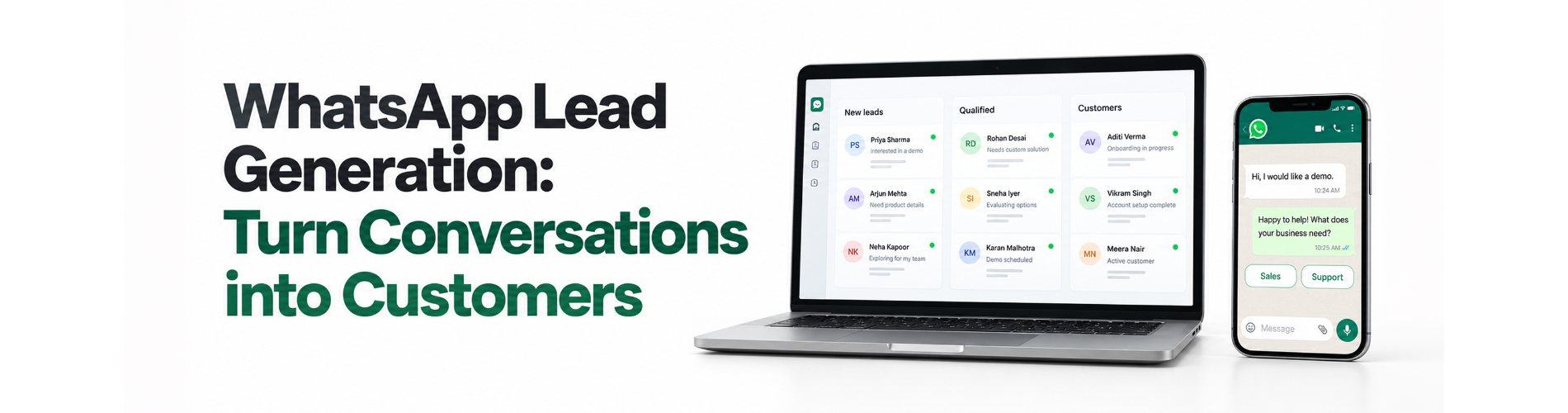
WhatsApp Lead Generation: How to Turn Conversations into Customers...Read more
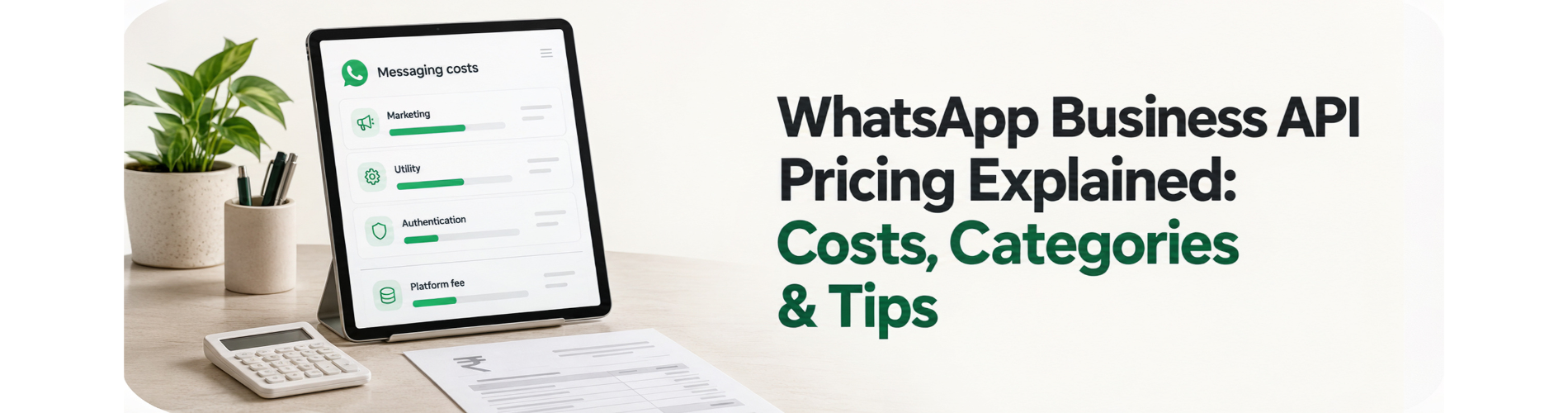
WhatsApp Business API Pricing Explained: What Every Business Should Know...Read more
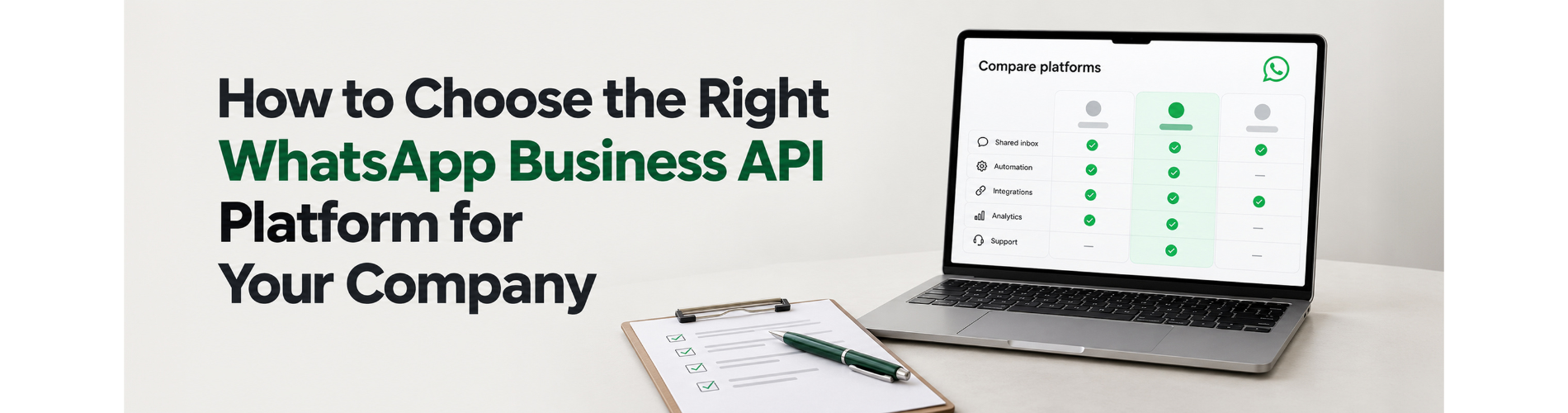
How to Choose the Right WhatsApp Business API Platform for Your Company...Read more
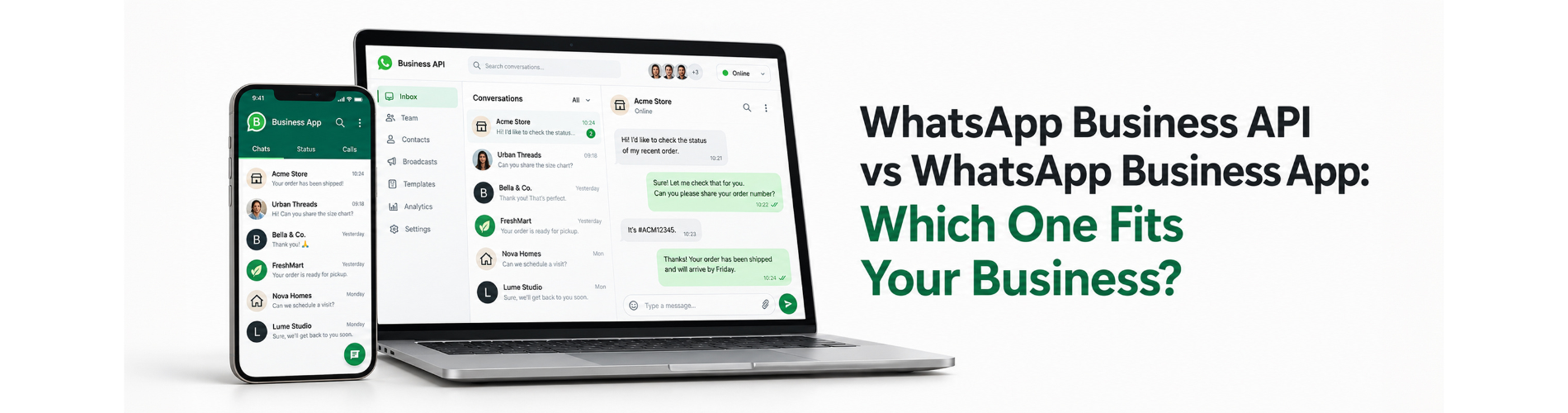
WhatsApp Business API vs WhatsApp Business App: Which Is Right for Your Business?...Read more
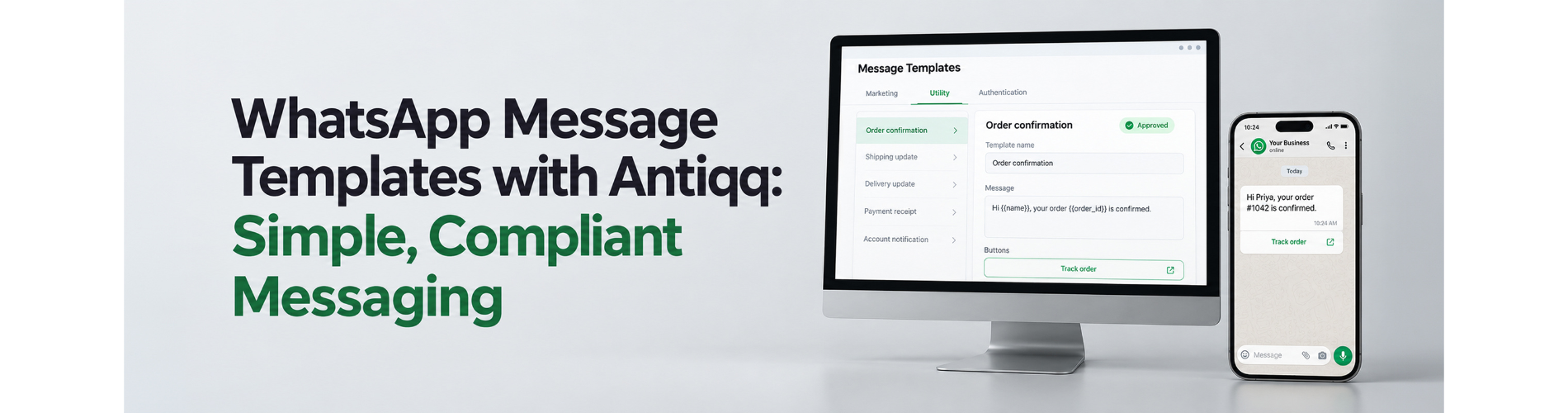
WhatsApp Message Templates Made Simple: How to Communicate Better with the Antiqq WhatsApp Business API...Read more
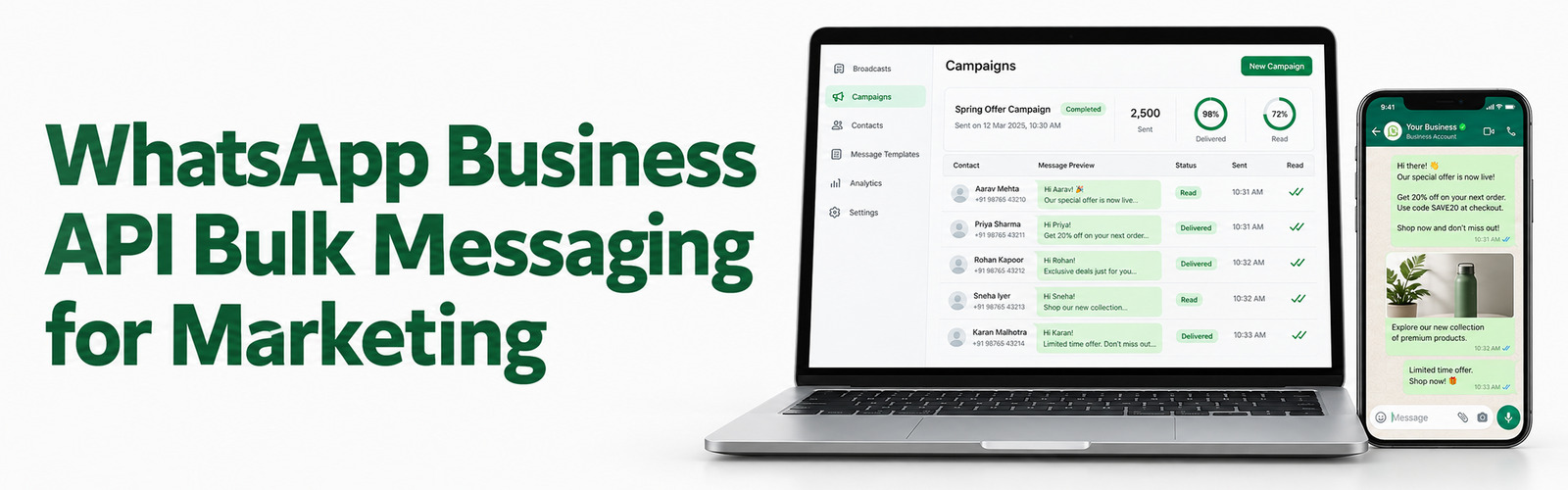
How WhatsApp Business API Bulk Messaging Can Transform Your Marketing Campaigns...Read more