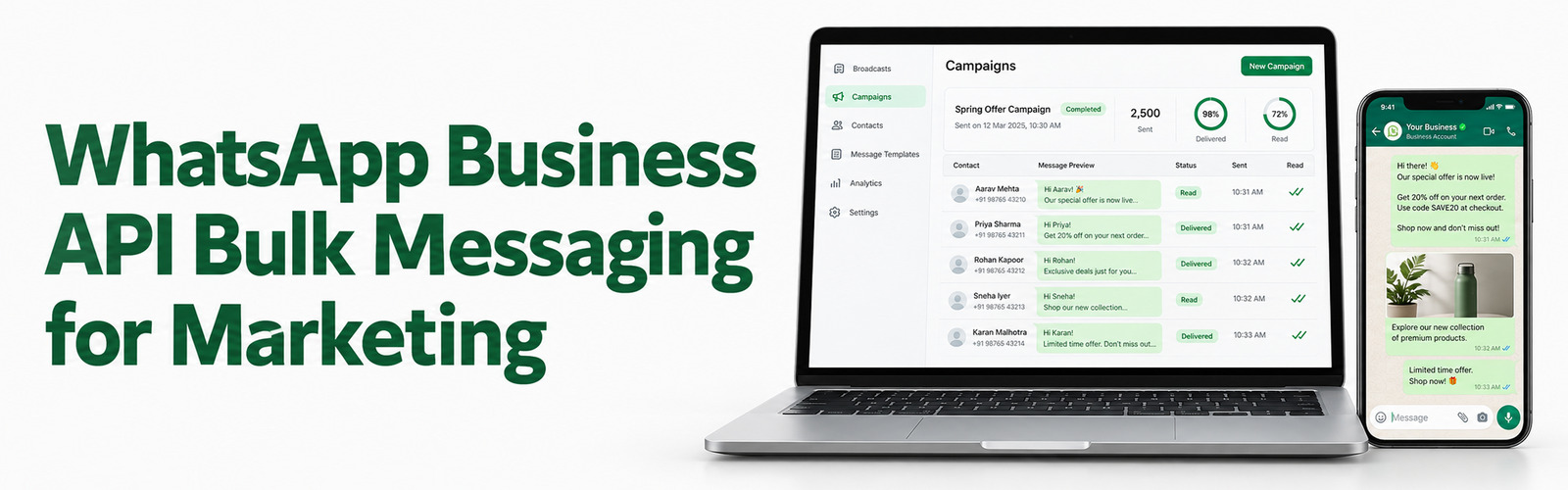
Ask any business owner what keeps them up at night, and customer support will be near the top of the list. Customers want answers now, not tomorrow morning. They message at odd hours, they ask the same five questions over and over, and they get annoyed fast when nobody replies. Meanwhile, your team is already stretched thin.
This is exactly the gap a WhatsApp chatbot fills. When you connect one to the WhatsApp Business API, you can answer customers instantly, around the clock, without hiring a night shift. In this post, we’ll look at how the Antiqq chatbot works, what it can do for your support process, and how features like WhatsApp automation, message templates, segmentation, and analytics fit together.
Why Customer Support Is So Hard to Get Right
Support looks simple from the outside. A customer asks, you answer. In reality, it’s a constant juggling act.
Volumes go up whenever you run a sale or launch something new. Customers expect replies within minutes, even on weekends. Agents get buried in repetitive questions like “Where’s my order?” or “What’s your return policy?” and have less time for the tricky problems that genuinely need a human.
The result is slow responses, tired teams, and frustrated customers. And on a channel like WhatsApp, where people are used to quick back-and-forth chats, a slow reply stands out even more.
Why WhatsApp is the right place to fix it
Most of your customers already use WhatsApp every day. They don’t need to download an app, create an account, or fill in a form. They just open a chat and type. When you offer support there, you’re meeting people where they already are, which makes it far more likely they’ll actually get in touch and stick around for the answer.
What Is the Antiqq WhatsApp Chatbot?
The Antiqq chatbot is an automated assistant that runs on the WhatsApp Business API. It reads incoming messages, understands what the customer needs, and replies right away.
When a question is too complex, it hands the conversation over to a human agent along with the chat history, so the customer doesn’t have to repeat themselves.
Think of it as a very patient team member who never takes a break, never loses their cool, and can chat with hundreds of people at the same time.
How is it different from the regular WhatsApp Business app?
The standard WhatsApp Business app is fine for a small shop handling a few chats a day. It has quick replies and labels, but not much beyond that. The WhatsApp Business API is built for companies that need to scale. It supports chatbots, multiple agents, integrations with your CRM, and large-volume messaging. Antiqq puts all of that behind a simple dashboard, so you don’t need a developer to get going.
Key Features of the Antiqq Chatbot
Here’s a closer look at what the chatbot actually does for your business.
1. Support that never switches off
Customers don’t stick to office hours. Someone might have a question at midnight, on a public holiday, or while your team is in a meeting. The Antiqq WhatsApp chatbot is always on, so nobody is left waiting until Monday for a simple answer.
That kind of availability builds trust. Customers learn that your business is reliable, and that matters more than most companies realize.
2. Instant replies, no waiting
Nobody enjoys staring at a “typing...” bubble that never goes anywhere. The chatbot replies in seconds. Customers can check an order status, ask about a product, or get your store timings without waiting for an agent to become free.
It can also handle many conversations at once, so a sudden rush of messages won’t slow things down. During busy periods, that alone can save your team hours.
3. Automated FAQs and troubleshooting
Most support queries are repeats. Product details, pricing, delivery times, return policies. You can set up the chatbot to answer these on its own, using WhatsApp automation that follows the flows you design.
It can also walk customers through basic troubleshooting step by step. If a customer says their product isn’t working, the bot can ask a few simple questions, suggest fixes, and only pass the chat to a human if the problem remains. That means fewer escalations and more time for your agents to focus on what really needs them.
4. Personalized conversations
A generic reply feels cold. The Antiqq chatbot can greet customers by name and suggest things based on what they’ve bought or asked about before. It feels less like talking to a machine and more like chatting with a shop assistant who remembers you.
This is where WhatsApp audience segmentation comes in. You can group customers by behavior, purchase history, or stage in their journey, then tailor the replies and offers each group sees. A first-time buyer might get a helpful welcome guide, while a loyal customer might get early access to a sale.
5. Smooth integration with the WhatsApp Business API
Setting up a chatbot sounds like a headache, but Antiqq connects directly with the WhatsApp Business API. You can automate support on a platform your customers already trust, without asking them to learn anything new. Your team manages everything from one dashboard, and you can add more features as your needs grow.
How WhatsApp Message Templates Keep Things Consistent
If you plan to start conversations with customers, like sending order updates or appointment reminders, you’ll need WhatsApp message templates. These are pre-approved messages that WhatsApp reviews before you can use them for business-initiated chats.
Templates help in a few ways:
-
They keep your tone and branding consistent across every conversation.
-
They speed up replies, since the wording is already written and approved.
-
They make it easy to send timely updates like shipping confirmations, payment reminders, and feedback requests.
A good template is short, clear, and useful. Avoid pushy language, tell the customer why you’re messaging, and make the next step obvious. You can add placeholders for names and order numbers so each message still feels personal.
Using WhatsApp Campaign Analytics to Improve Support
Automation is only helpful if it actually works. That’s why tracking matters. With WhatsApp campaign analytics, you can see how your messages and bot flows are performing, instead of guessing.
Here’s what you can keep an eye on:
-
Delivery and read rates, to see whether your messages are reaching people.
-
Response times, to check how quickly customers get help.
-
Common questions, to spot gaps in your FAQs or product information.
-
Handover rates, to see how often the bot needs to pass chats to a human.
If you notice a lot of customers asking the same thing the bot can’t answer, that’s a sign to add a new flow. If people drop off halfway through a conversation, maybe the questions are
too long. Small tweaks based on real data can improve your support quality week after week.
Best Practices for Setting Up Your WhatsApp Chatbot
A chatbot works best when it’s set up with care. Here are a few habits that make a real difference.
Start with your top questions. Look at your most common queries and automate those first. You don’t need to cover everything on day one.
Keep the tone friendly. Write replies the way a helpful person would speak. Skip the stiff, robotic phrasing.
Always offer a human option. Some problems need a real person. Make it easy for customers to ask for one, and make sure the handover is smooth.
Get permission before messaging. WhatsApp requires customers to opt in before you contact them first. It keeps you compliant and keeps your audience genuinely interested.
Review and refine. Check your analytics regularly, read real conversations, and update your flows as your business changes.
Why Choose Antiqq for Your WhatsApp Business API Setup?
There are plenty of WhatsApp API providers out there, so why consider Antiqq? A few reasons stand out:
-
Easy setup. You can get started without a complicated technical process.
-
One dashboard. Manage chats, templates, bots, and reports in one place.
-
Customizable flows. Build a chatbot that matches your products, services, and tone.
-
Segmentation and analytics. Reach the right people and see what’s working.
-
Room to grow. Whether you handle a hundred chats a day or a hundred thousand, the platform scales with you.
Conclusion
Good customer support isn’t about being available every second yourself. It’s about making sure customers never feel ignored. A WhatsApp chatbot helps you do exactly that, with instant replies, round-the-clock availability, and a personal touch that keeps people coming back.
With Antiqq, you get WhatsApp automation that handles the repetitive work, message templates that keep your communication clear, audience segmentation that makes every chat feel relevant, and campaign analytics that show you what to improve next. All of it runs on the WhatsApp Business API, a platform your customers already use daily.
If your team is stretched, your response times are slipping, or you simply want to give customers a better experience, now is a good time to try it. Start small, automate a few
common questions, and build from there. Ready to see it in action? Get started with Antiqq today.
Frequently Asked Questions (FAQs)
-
How does the Antiqq chatbot help reduce response time?
It replies to customer messages instantly, so nobody waits for an agent to be free. It can also handle many conversations at the same time, which keeps service quick even during busy periods. -
Can I customize the chatbot to suit my business needs?
Yes. You can set it up to answer questions about your own products, pricing, policies, and services, and adjust the tone to match your brand. You can also build different flows for different customer groups. -
Does the chatbot work outside business hours?
Yes. The Antiqq chatbot runs 24/7, so customers get help at night, on weekends, and during holidays, even when your team is offline. -
How does the chatbot work with WhatsApp?
It connects directly to the WhatsApp Business API, which lets you automate customer conversations on WhatsApp itself. Customers chat the same way they always do, with no extra app to download. -
What are WhatsApp message templates, and do I need them?
They’re pre-approved message formats you use when your business starts a conversation, such as order updates or reminders. Replies inside a customer-initiated chat don’t always need them, but templates are required for most business-initiated messages. -
Can the chatbot pass a conversation to a human agent?
Yes. When a question is too complex or sensitive, the chatbot can hand the chat to a human agent, who can see the earlier conversation and pick up from there.
Related Blogs
WhatsApp Business API Message Templates: How Antiqq Simplifies Business Communication...Read more
How to Automate Customer Support with the Antiqq WhatsApp Chatbot...Read more
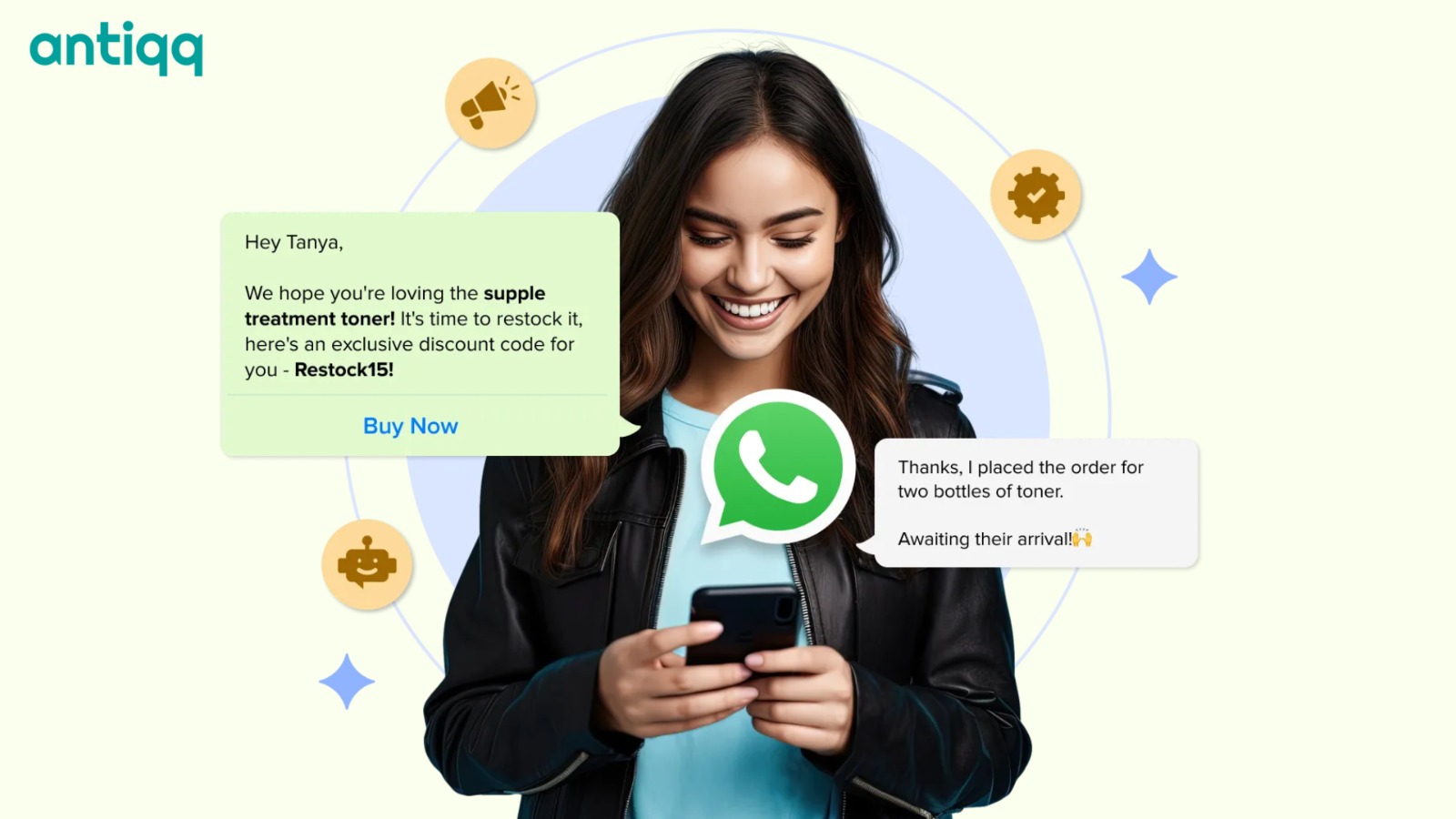
How Antiqq Bulk Messaging Can Boost Your WhatsApp Marketing Campaigns...Read more
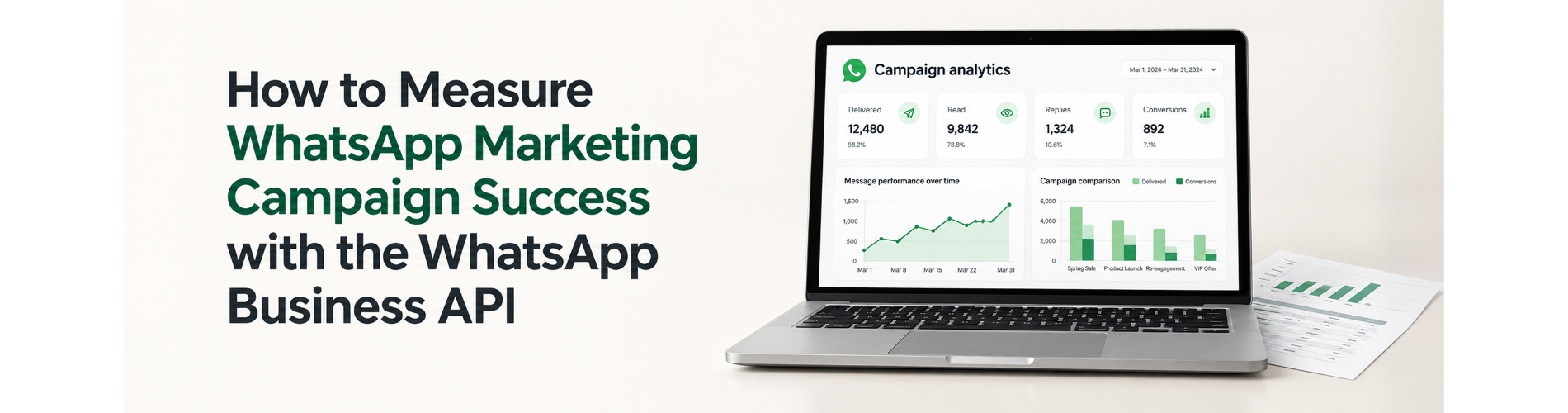
How to Measure the Success of Your WhatsApp Marketing Campaigns...Read more
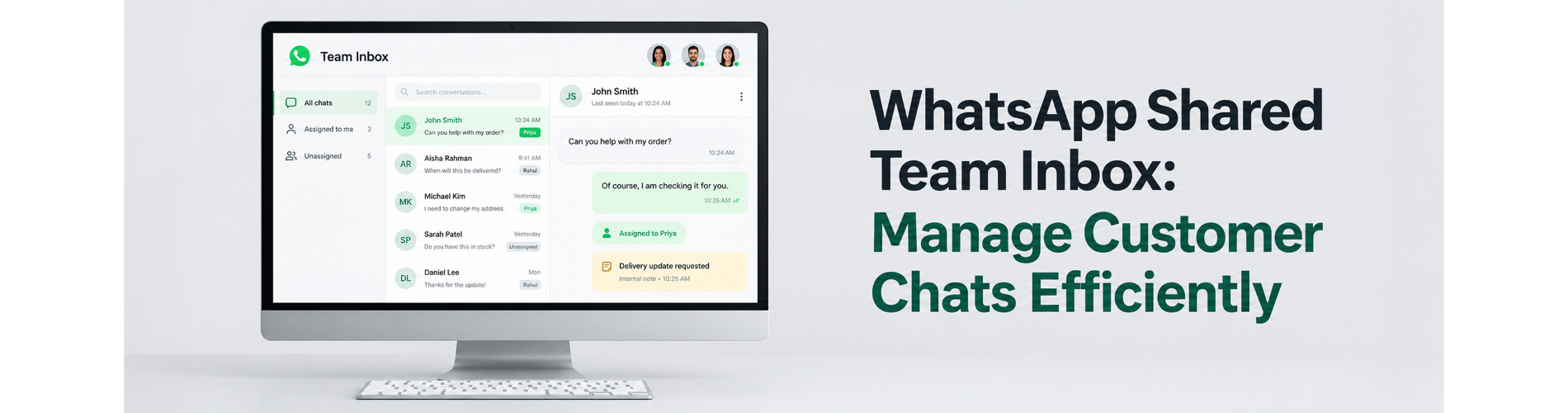
WhatsApp Shared Team Inbox: How to Manage Customer Conversations Efficiently...Read more
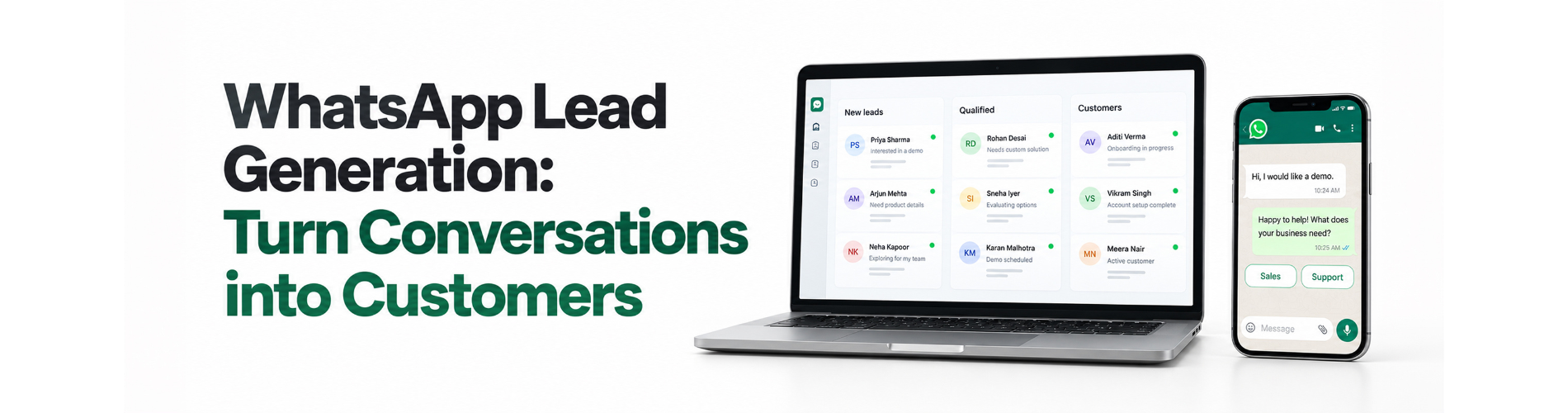
WhatsApp Lead Generation: How to Turn Conversations into Customers...Read more
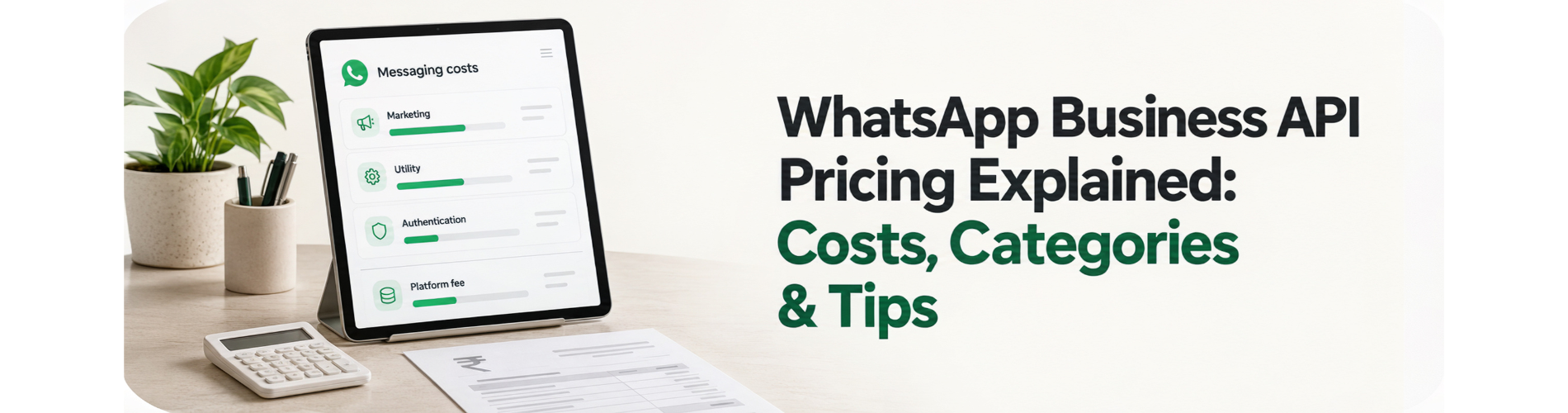
WhatsApp Business API Pricing Explained: What Every Business Should Know...Read more
How to Choose the Right WhatsApp Business API Platform for Your Company...Read more
WhatsApp Business API vs WhatsApp Business App: Which Is Right for Your Business?...Read more
WhatsApp Message Templates Made Simple: How to Communicate Better with the Antiqq WhatsApp Business API...Read more