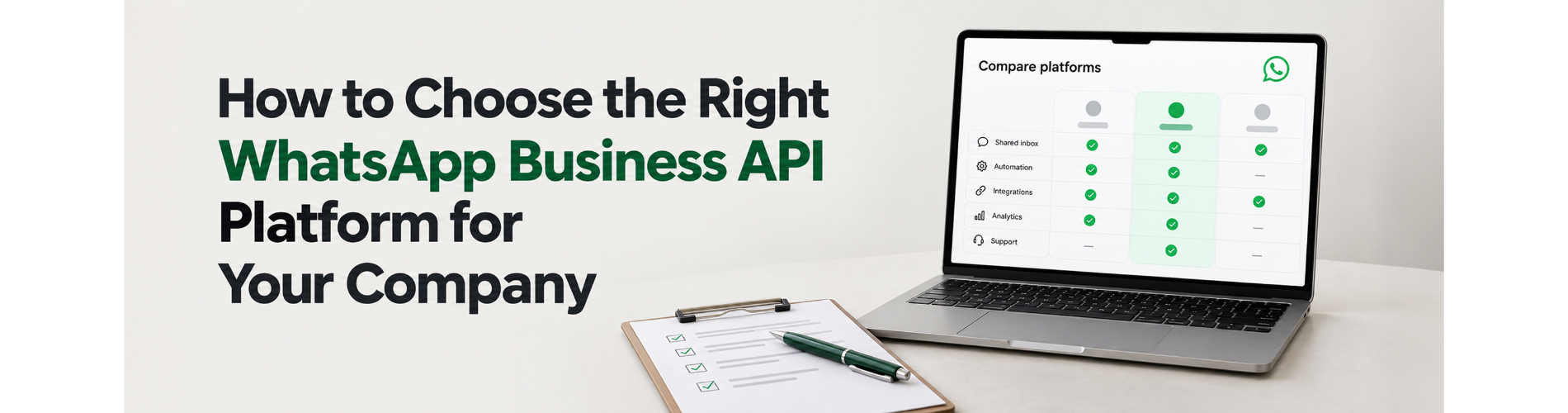
Once you’ve decided to move your customer conversations to the WhatsApp Business API, a new question shows up almost immediately: which platform should you use? A quick search turns up dozens of providers, all promising the same things. Easy setup, powerful automation, unbeatable support. It’s hard to tell them apart.
Here’s the thing. The platform you pick will shape how your team talks to customers every single day. A good one makes campaigns, support, and reporting feel simple. A bad one leaves you fighting with the dashboard, waiting on support tickets, and paying for features you never touch. So let’s walk through what actually matters when choosing a WhatsApp Business API platform, in plain language, with no jargon.
What Is a WhatsApp Business API Platform?
The WhatsApp Business API doesn’t come with its own app or interface. You can’t just download it. Instead, you get access through an approved provider, often called a Business Solution Provider, that connects your business to WhatsApp and gives you the tools to use it.
A WhatsApp Business API platform is the dashboard and toolset that sits on top of that connection. It’s where your team manages chats, builds a WhatsApp chatbot, sends campaigns, creates message templates, and checks results. In other words, the API is the engine, and the platform is the car you actually drive.
Why does the platform matter so much?
Because two businesses can use the same WhatsApp API and have completely different experiences. One might send smooth, well-targeted campaigns and answer customers in seconds. The other might struggle with clunky tools and slow approvals. The difference usually comes down to the platform behind it.
Start With Your Business Goals
Before you compare providers, get clear on what you actually want from WhatsApp. Different goals call for different features.
If you mainly want to send promotions and announcements, you’ll care most about bulk messaging, templates, and audience tools. If support is your focus, you’ll want a strong shared inbox and chatbot. If you run an online store, integrations with your e-commerce setup and order updates will matter most.
Write down your top three priorities. It sounds simple, but it’ll save you from being dazzled by features that look impressive and don’t matter to your business.
Key Features to Look for in a WhatsApp Business API Platform
Here are the features worth checking closely.
Easy onboarding and setup
How long does it take to get started, and who does the heavy lifting? A good platform walks you through verification, number setup, and template submission without making you chase documents for weeks. Ask how long onboarding usually takes and what you’ll need to provide.
A clean, user-friendly dashboard
You and your team will live in this dashboard, so it should feel intuitive. Ask for a demo or free trial, and test it with someone who isn’t technical. If they can find contacts, build a template, and send a test message without help, that’s a good sign.
Bulk messaging and campaign tools
If marketing is part of your plan, look for solid WhatsApp bulk messaging features. You should be able to upload contact lists, schedule campaigns, and send approved templates to large audiences without hassle. Also check how the platform handles opt-ins, since permission is a must on WhatsApp.
Message template management
Business-initiated messages need approved WhatsApp message templates, so your platform should make creating and submitting them easy. Look for clear status updates, helpful feedback when something is rejected, and simple ways to add personalization like names and order numbers.
Chatbot and automation
A good WhatsApp chatbot can answer routine questions, track orders, and capture leads around the clock. Check how easy it is to build flows. Can your team do it without code? Is there a smooth handover to a human agent when the bot gets stuck? Strong WhatsApp automation can save your team hours every week.
Audience segmentation
Sending the same message to everyone rarely works well. Look for WhatsApp audience segmentation tools that let you group customers by behavior, purchase history, location, or tags, so each group gets a message that actually fits.
Analytics and reporting
You can’t improve what you can’t see. Good WhatsApp campaign analytics should show delivery, read, and response rates, plus agent performance and common customer questions. Real-time reporting is a big plus, because it lets you adjust quickly instead of waiting for end-of-month reports.
Integrations
Your WhatsApp platform shouldn’t live on an island. Check whether it connects with your CRM, e-commerce store, payment tools, and helpdesk. Smooth integrations mean your customer data stays in one place and messages can trigger automatically based on real events, like a new order.
Multi-agent shared inbox
If more than one person handles customer chats, you need a shared inbox where agents can be assigned conversations, leave internal notes, and see chat history. This keeps replies consistent and prevents two people from answering the same customer.
Pricing: Look Beyond the Headline Number
Pricing is where many businesses get caught off guard. Most platforms charge a mix of a subscription or setup fee, plus charges for messages that WhatsApp itself bills. Rates differ by message type and country, and they can change.
Here’s what to ask before you sign up:
-
Is there a setup fee or a monthly minimum?
-
How are conversation or message charges passed on? With markup or at cost?
-
Are chatbot, analytics, and extra agents included, or priced separately?
-
What happens if my volume grows quickly?
Ask for a written breakdown based on your expected volume. A platform that looks cheap at first can get expensive once you add the features you need, so compare total cost, not just the starting price.
Support and Reliability Matter More Than You Think
Everything works fine until it doesn’t. A template gets rejected, a campaign doesn’t send, or your number’s quality rating drops. In those moments, the quality of support makes all the difference.
Look for providers that offer responsive help through chat, email, or phone, ideally in your time zone and language. Ask about typical response times, and whether you get a dedicated account manager as you grow. Reading customer reviews and asking for references can tell you a lot more than any sales page.
Also ask about uptime. If your platform goes down during a big sale, you lose both sales and customer trust.
Security and Compliance
You’ll be handling customer data, so security isn’t optional. Check that the platform protects your data with proper security practices, and that it follows privacy rules relevant to your region. Ask how it handles opt-ins, consent records, and data storage.
It should also help you stay inside WhatsApp’s policies. Providers that guide you on best practices, like not over-messaging and using approved templates, protect your account quality in the long run.
Questions to Ask Before You Choose
When you’re talking to providers, these questions can quickly separate the strong ones from the rest:
-
Are you an official WhatsApp Business Solution Provider?
-
How long does onboarding usually take?
-
Can I try a demo or trial first?
-
What’s included in the price, and what costs extra?
-
How do you support customers if something goes wrong?
-
Can the platform grow with my business?
-
Can I see examples of companies in my industry using it?
Take notes, compare answers side by side, and trust your gut. If a provider avoids a straight answer on pricing or support, that tells you something.
Common Mistakes to Avoid
A few traps are easy to fall into.
Choosing only on price. The cheapest option can cost more in lost time and missed opportunities.
Ignoring scalability. A platform that suits you today might struggle when your volume doubles.
Skipping the trial. Features look great on a website, but only real use shows whether the dashboard works for you.
Overlooking support. Poor support turns small issues into big delays.
Forgetting your team. A tool nobody wants to use won’t deliver results, no matter how powerful it is.
Why Antiqq Is Worth Considering
If you’re building your shortlist, Antiqq is worth a look. It’s a WhatsApp Business API platform designed to make things simple for growing businesses.
With Antiqq, you can manage contacts, templates, chats, and campaigns from one dashboard. You can build a WhatsApp chatbot, set up automation, segment your audience, and follow campaign results as they happen. It’s built to be easy for marketing and support teams to use, even without technical skills, and it scales as your business grows.
Conclusion
Choosing a WhatsApp Business API platform isn’t about finding the one with the longest feature list. It’s about finding the one that fits your goals, your team, and your budget, and that will still work for you a year from now.
Start by being clear about what you want to achieve. Then look closely at ease of use, bulk messaging, templates, chatbot and automation tools, segmentation, analytics, integrations, pricing, support, and security. Ask real questions, try a demo, and compare total costs instead of headline prices.
Get this decision right, and WhatsApp becomes one of the most effective ways to connect with your customers. Ready to see what a simple, powerful platform looks like? Get started with Antiqq today.
Frequently Asked Questions (FAQs)
-
What is a WhatsApp Business API platform?
It’s the dashboard and set of tools provided by an approved WhatsApp provider that lets your business use the WhatsApp Business API. You use it to manage chats, send campaigns, build chatbots, create templates, and view reports. -
How do I choose the best WhatsApp Business API platform?
Start with your goals, then compare providers on ease of use, features, pricing, support, security, and scalability. Try a demo or trial before committing. -
Is the WhatsApp Business API platform free?
Usually not. Most providers charge a platform fee, and WhatsApp may charge for certain message types. Ask for a clear written breakdown of costs for your expected volume. -
Do I need technical skills to use a WhatsApp API platform?
Not with a user-friendly platform. Many, including Antiqq, are designed so marketing and support teams can run campaigns and manage chats without coding. -
Can a WhatsApp Business API platform integrate with my CRM?
Many can. Integrations vary between providers, so check whether the platform supports your CRM, e-commerce store, and other tools before you sign up. -
What features matter most for small businesses?
Ease of use, template management, a shared inbox, basic automation, and clear pricing are usually the priorities. You can add advanced features like analytics and segmentation as you grow. -
How long does it take to get started?
It depends on the provider and on how quickly your business verification goes through. Many businesses can start sending messages within a few days to a couple of weeks. -
Can I switch platforms later?
Yes, though it takes some planning. You’ll need to move your number, rebuild templates, and update integrations, so choose carefully from the start.
Related Blogs
WhatsApp Business API Message Templates: How Antiqq Simplifies Business Communication...Read more
How to Automate Customer Support with the Antiqq WhatsApp Chatbot...Read more
How Antiqq Bulk Messaging Can Boost Your WhatsApp Marketing Campaigns...Read more
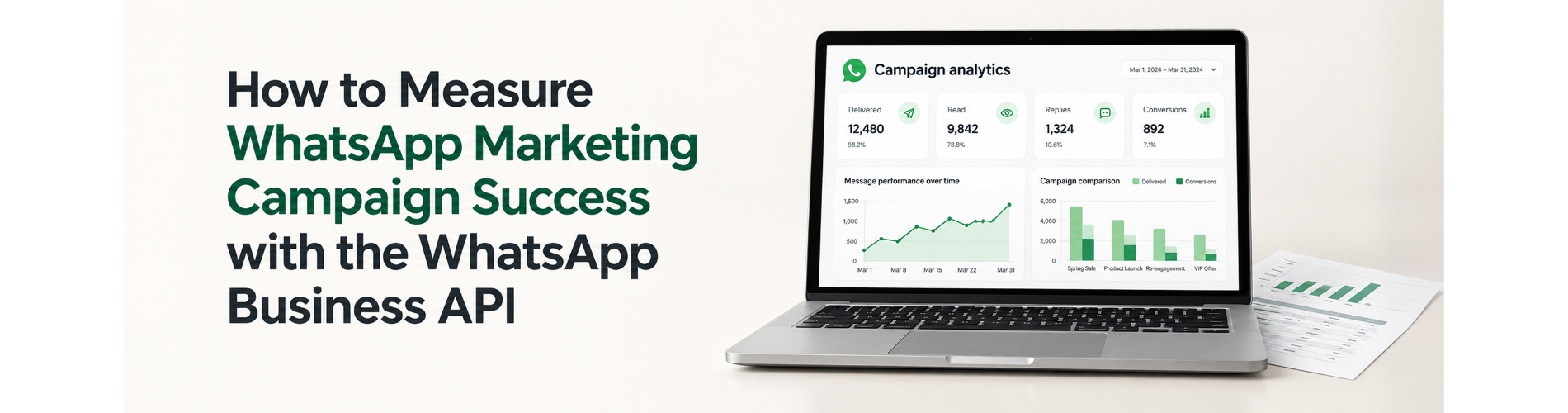
How to Measure the Success of Your WhatsApp Marketing Campaigns...Read more
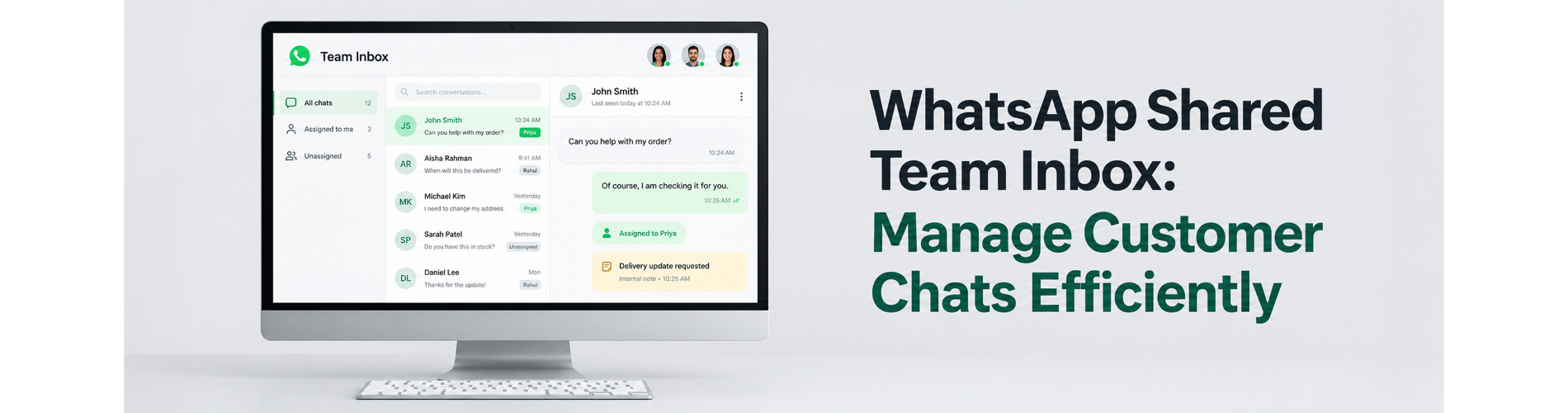
WhatsApp Shared Team Inbox: How to Manage Customer Conversations Efficiently...Read more
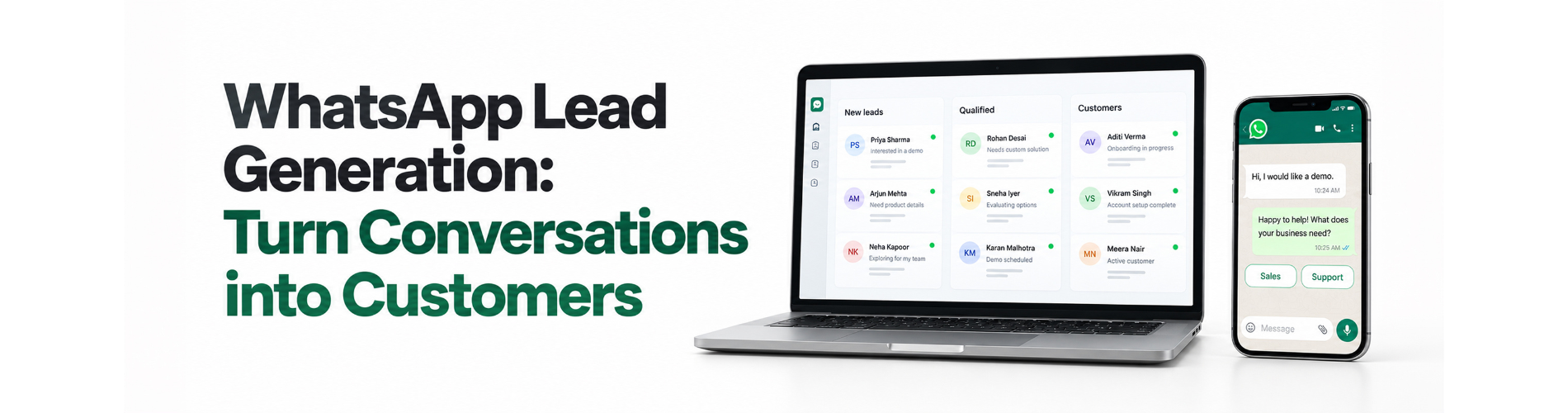
WhatsApp Lead Generation: How to Turn Conversations into Customers...Read more
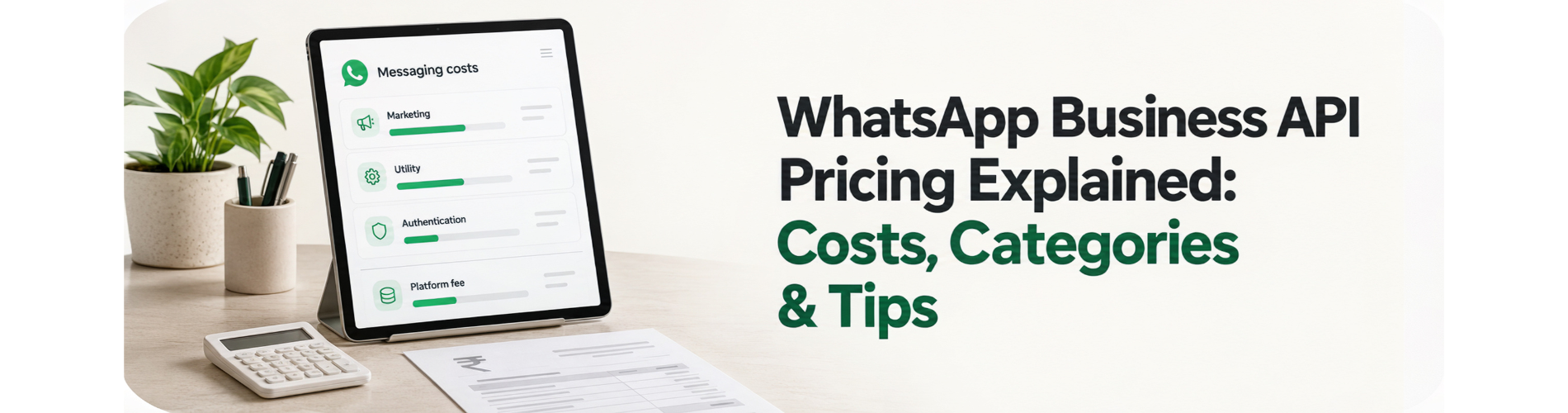
WhatsApp Business API Pricing Explained: What Every Business Should Know...Read more
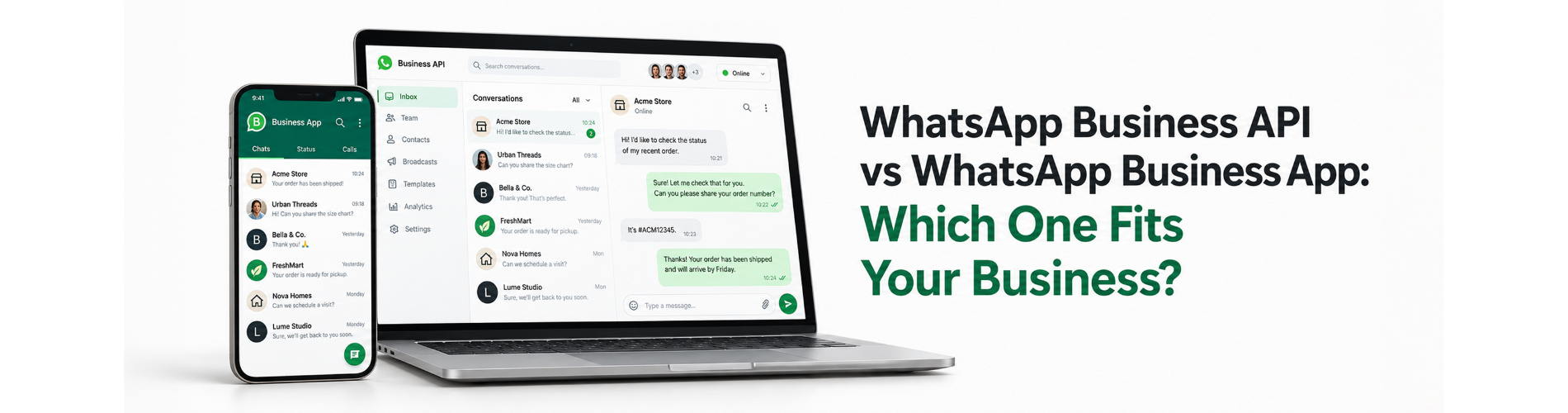
WhatsApp Business API vs WhatsApp Business App: Which Is Right for Your Business?...Read more
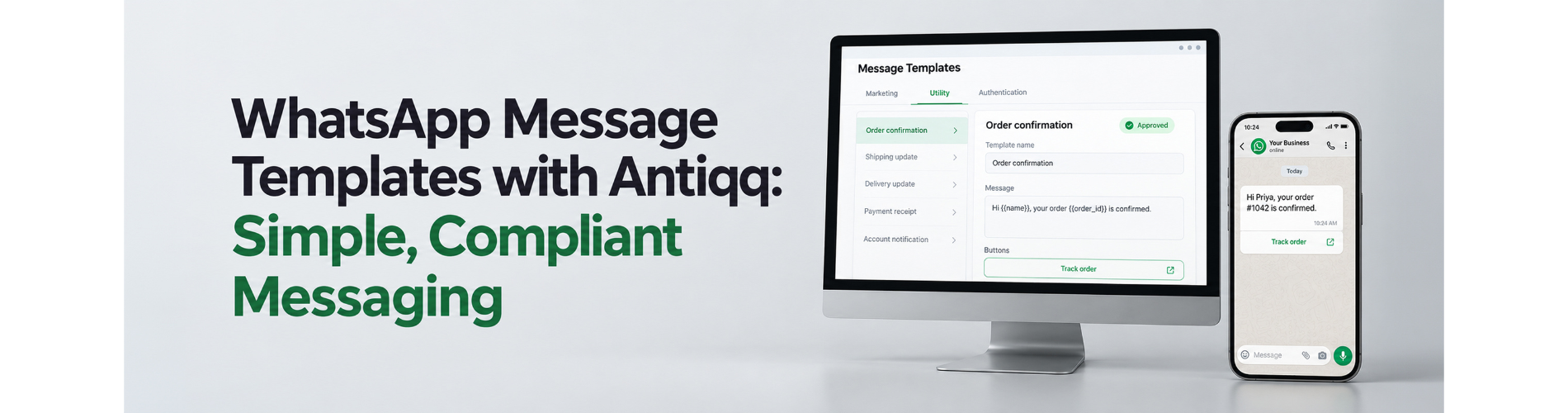
WhatsApp Message Templates Made Simple: How to Communicate Better with the Antiqq WhatsApp Business API...Read more
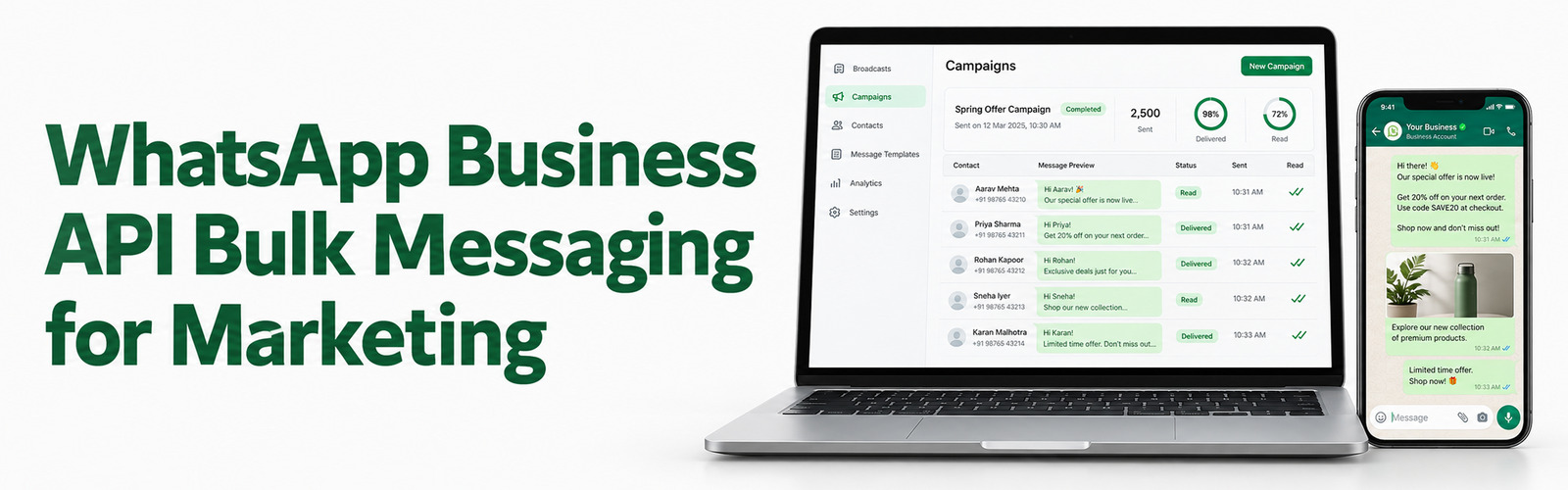
How WhatsApp Business API Bulk Messaging Can Transform Your Marketing Campaigns...Read more
