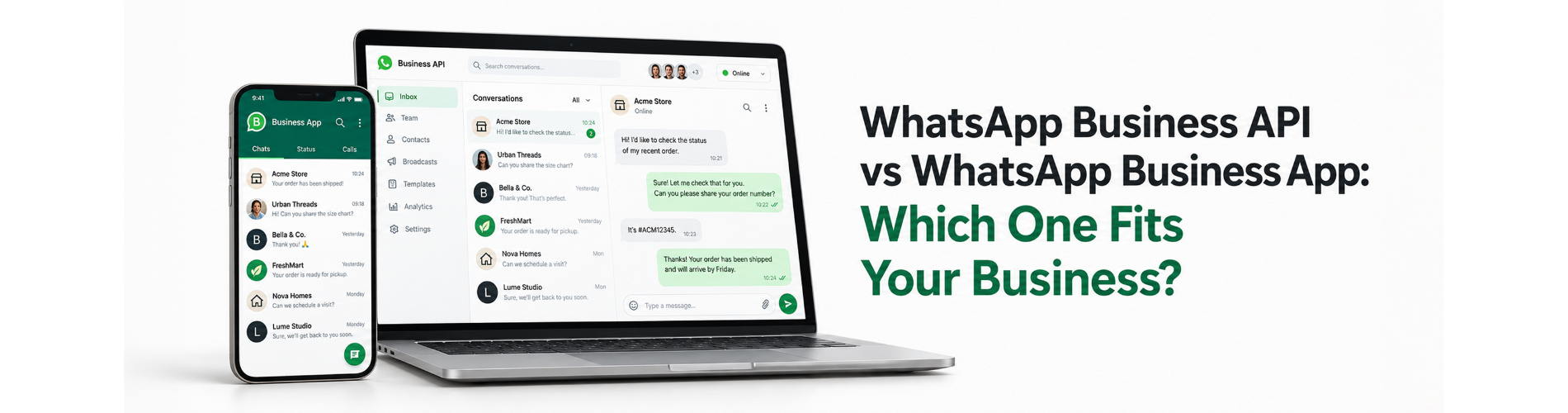
If you’re thinking about using WhatsApp to talk to customers, you’ve probably noticed there are two options: the WhatsApp Business app and the WhatsApp Business API. They sound almost the same, and they both come from the same company. But they’re built for very different kinds of businesses.
Pick the wrong one and you’ll either hit a wall in a few months or end up paying for features you don’t need. So let’s break it down in plain language. In this guide, we’ll compare the two, look at where each one shines, and help you decide which fits your business today and where you want to be a year from now.
What Is the WhatsApp Business App?
The WhatsApp Business app is a free app you download on your phone, just like regular WhatsApp. It’s made for small businesses that want a more professional presence than a personal account.
You get a business profile with your address, hours, and website, a product catalog, quick replies for common questions, labels to organize chats, and away or greeting messages. It’s simple, and most people can set it up in an afternoon.
Who is the app best for?
The app works well for freelancers, home businesses, local shops, and small service providers. If you handle a few dozen chats a day, and one or two people manage them, it does the job nicely.
The catch is that it was designed for manual, one-to-one conversations. Once your business starts growing, the limits become easier to feel.
What Is the WhatsApp Business API?
The WhatsApp Business API, sometimes just called the WhatsApp API, is built for medium
and large businesses that need to scale. It doesn’t come with a ready-made app. Instead, you access it through an approved provider, like Antiqq, which gives you a dashboard to manage everything.
With the API, you can connect WhatsApp to your CRM and other tools, add multiple agents to one number, build a WhatsApp chatbot, automate replies, and send approved message templates to large audiences. It’s less like a chat app and more like a full communication system.
Do you need technical skills to use it?
Not anymore. A few years ago, setting up the API meant hiring developers. Today, platforms like Antiqq wrap it in a simple dashboard, so marketing and support teams can run campaigns, manage chats, and view reports without writing code.
WhatsApp Business API vs WhatsApp Business App: Key Differences
Here’s how the two compare where it actually matters.
Number of users and devices
The WhatsApp Business app is tied to one phone number, and only a handful of devices can be linked at once. That’s fine for a solo owner, but it gets awkward when a whole team needs access.
The WhatsApp Business API has no such limit. You can add as many agents as you need to a shared inbox, so your whole support and sales team can work from the same number without stepping on each other.
Bulk messaging and broadcasts
The app lets you send broadcasts, but only to a limited number of contacts, and only to people who’ve saved your number. It’s useful for small announcements, but not for large campaigns.
The API is built for bulk messaging. You can send approved templates to thousands of opted-in customers at once, segment your audience, and personalize each message. This is where it really pulls ahead for marketing.
Automation and chatbots
The app offers basic automation: greeting messages, away messages, and quick replies. Anything beyond that is manual.
With the API, you can build a full WhatsApp chatbot that answers questions, tracks orders, qualifies leads, and hands over to a human when needed. That means 24/7 support without extra staff, and it’s one of the biggest reasons businesses upgrade.
Integrations
The app is mostly a standalone tool. It doesn’t connect to other software in any meaningful way.
The API integrates with CRMs, e-commerce platforms, payment tools, and helpdesk software. That lets you trigger messages automatically, like an order confirmation the moment someone buys, and keep customer data in one place.
Analytics and reporting
The app gives you very basic stats, such as messages sent, delivered, and read.
API platforms offer much deeper reporting. With WhatsApp campaign analytics, you can track delivery rates, read rates, responses, and agent performance, then use that data to improve each campaign.
Message templates and rules
The app lets you message customers freely, as long as they’ve contacted you or you’ve contacted them in a normal chat.
The API follows stricter rules. If you start a conversation or reach out after the 24-hour customer service window closes, you need pre-approved WhatsApp message templates. It adds a step, but it also keeps your messaging compliant and protects your account quality.
Pricing
The app is free to download and use. That’s a big plus for small businesses on a tight budget.
The API isn’t free. You typically pay your provider a platform fee, plus WhatsApp’s charges for certain types of messages. Costs vary, so it’s worth asking your provider for a clear breakdown. For businesses with real volume, though, the time saved and revenue gained often outweigh the expense.
Verified business profile
The app lets you create a business profile, but getting an official verified badge is more limited.
With the API, you can apply for an official business account, which helps customers trust that your messages are genuine. That’s especially useful for brands that handle payments or sensitive information.
Quick Comparison Table
|
Feature |
WhatsApp Business App |
WhatsApp Business API |
|
Cost |
Free |
Platform and message charges |
|
Best for |
Small businesses |
Medium and large businesses |
|
Team access |
Very limited |
Multiple agents |
|
Bulk messaging |
Limited broadcasts |
Large-scale campaigns |
|
Chatbot and automation |
Basic |
Advanced |
|
Integrations |
Minimal |
CRM, e-commerce, and more |
|
Analytics |
Basic |
Detailed |
|
Setup |
Quick, self-serve |
Through a provider like Antiqq |
Which One Should You Choose?
The honest answer is that it depends on where you are right now.
Choose the WhatsApp Business app if you’re a small team or a solo owner, you handle a modest number of chats, you mostly reply manually, and you want to keep costs at zero.
Choose the WhatsApp Business API if you have several people handling customers, you get a high volume of messages, you want to send bulk campaigns, you need a chatbot, or you want to connect WhatsApp with your CRM or store.
A good rule of thumb: if you’re spending hours every day answering the same questions, or you feel limited by the app, it’s probably time to move up.
Can you use both?
In most setups, a single phone number can only run on one at a time. If you move your number to the API, it generally stops working on the app. Some newer options let businesses use both together, but availability depends on your provider and region, so ask before you switch. Many businesses also use one number for the API and keep a separate
one on the app for informal chats.
How Antiqq Makes the Switch Easy
Moving to the WhatsApp Business API can sound like a big project. With Antiqq, it doesn’t have to be.
Antiqq gives you access to the WhatsApp Business API through one easy dashboard. You can manage contacts, create and submit message templates, build a WhatsApp chatbot, set up WhatsApp automation, segment your audience, and track campaign results, all in one place.
You don’t need a technical team, and you can start small. Many businesses begin with a single use case, like order updates or appointment reminders, and expand once they see the results.
Conclusion
The WhatsApp Business app and the WhatsApp Business API both help you talk to customers on a platform they already love. But they serve different stages of business growth. The app is a great starting point for small teams that want a simple, free tool. The API is the next step for businesses that need automation, bulk messaging, team access, and deeper insights.
If you’re comfortable with the app today, there’s no rush. But if you’re feeling stretched by manual replies, limited broadcasts, or a lack of reporting, the WhatsApp Business API is
likely your next move.
Ready to see what it can do for your business? Get started with Antiqq today and turn WhatsApp into a real growth channel.
Frequently Asked Questions (FAQs)
-
What is the main difference between the WhatsApp Business API and the WhatsApp Business app?
The app is a free, phone-based tool for small businesses that chat manually. The API is a scalable system for larger businesses, with multi-agent access, automation, chatbots, bulk messaging, and integrations. -
Is the WhatsApp Business API free?
No. You usually pay a provider fee, and WhatsApp may charge for certain types of messages. The WhatsApp Business app is free to download and use. -
Can small businesses use the WhatsApp Business API?
Yes. Size isn’t a hard requirement. If a small business wants chatbots, automation, or bulk campaigns, the API can still make sense, though the cost may not be worth it if you only handle a few chats a day. -
Can I use the same number on both the app and the API?
Generally, a number runs on one at a time. Some newer options allow both, but they depend on your provider, so check with them before moving your number. -
Do I need coding skills to use the WhatsApp Business API?
Not with a provider like Antiqq. The dashboard is built so marketing and support teams can handle campaigns, templates, and chats without writing code. -
Can I send bulk messages with the WhatsApp Business app?
Only in a limited way. Broadcast lists have contact limits, and recipients need to have saved your number. For large campaigns, the API is a better fit. -
Do I need message templates with the API?
Yes, for business-initiated messages and for replies after the 24-hour customer service window ends. Templates must be approved by WhatsApp before you use them.
Related Blogs
WhatsApp Business API Message Templates: How Antiqq Simplifies Business Communication...Read more
How to Automate Customer Support with the Antiqq WhatsApp Chatbot...Read more
How Antiqq Bulk Messaging Can Boost Your WhatsApp Marketing Campaigns...Read more
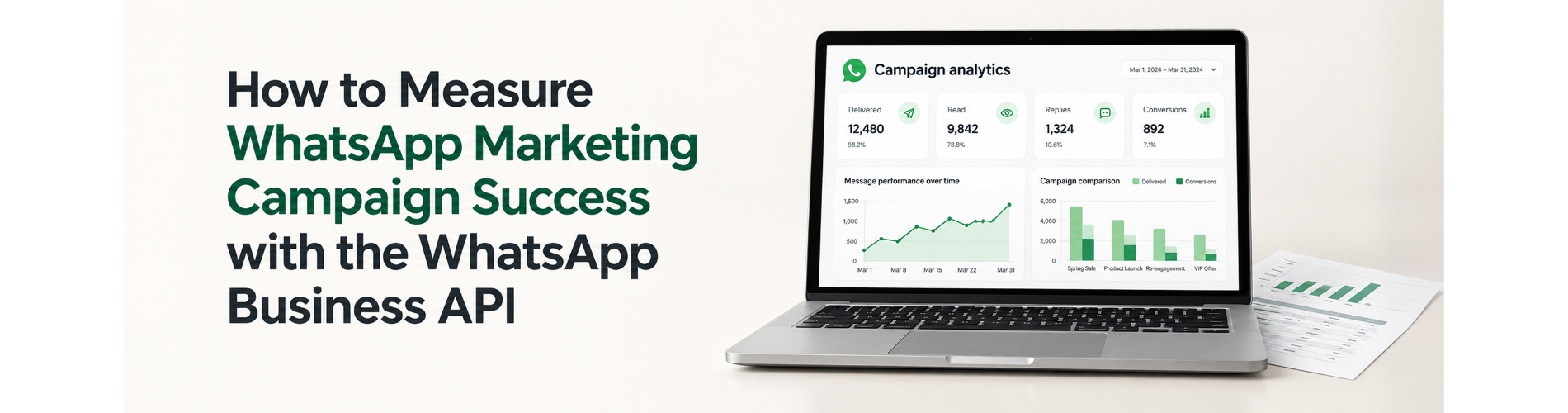
How to Measure the Success of Your WhatsApp Marketing Campaigns...Read more
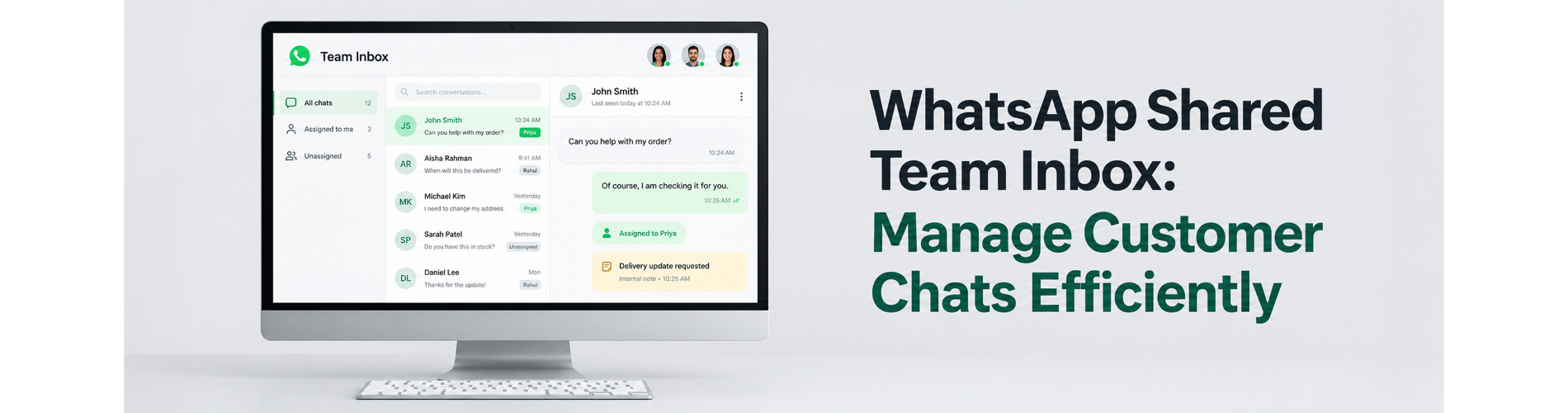
WhatsApp Shared Team Inbox: How to Manage Customer Conversations Efficiently...Read more
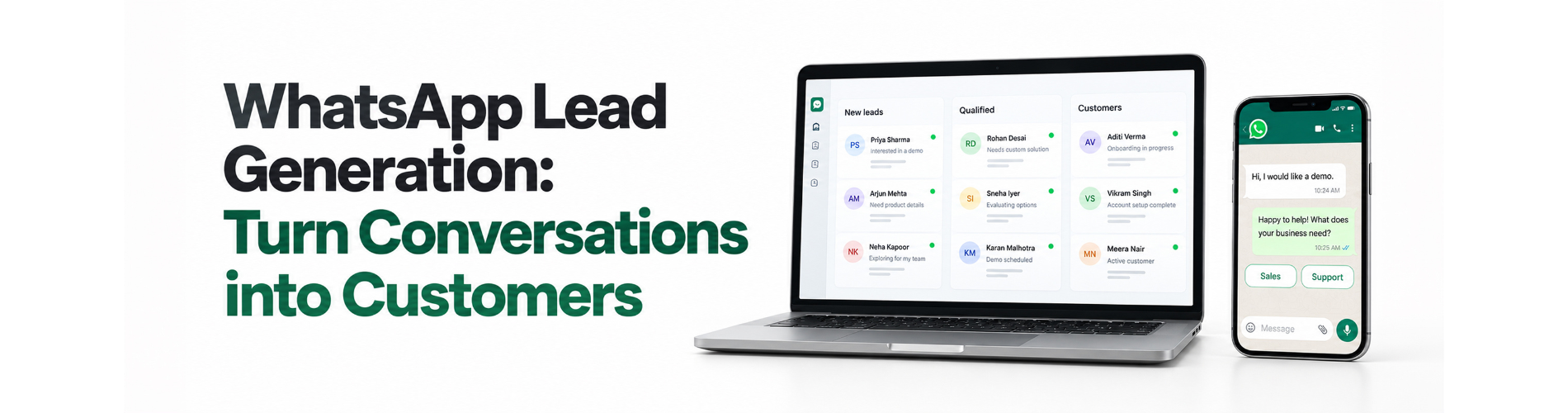
WhatsApp Lead Generation: How to Turn Conversations into Customers...Read more
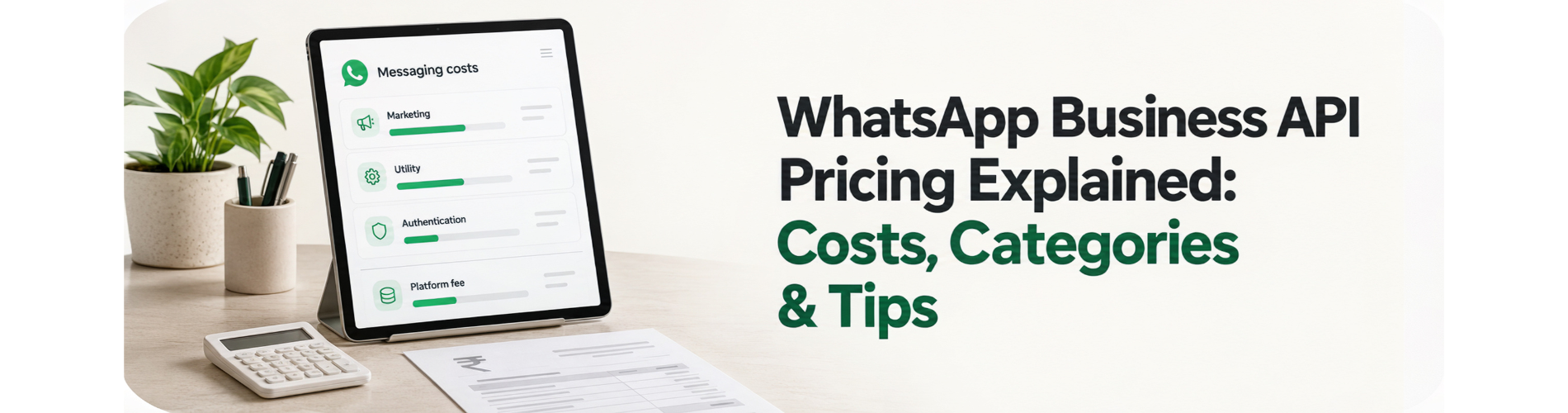
WhatsApp Business API Pricing Explained: What Every Business Should Know...Read more
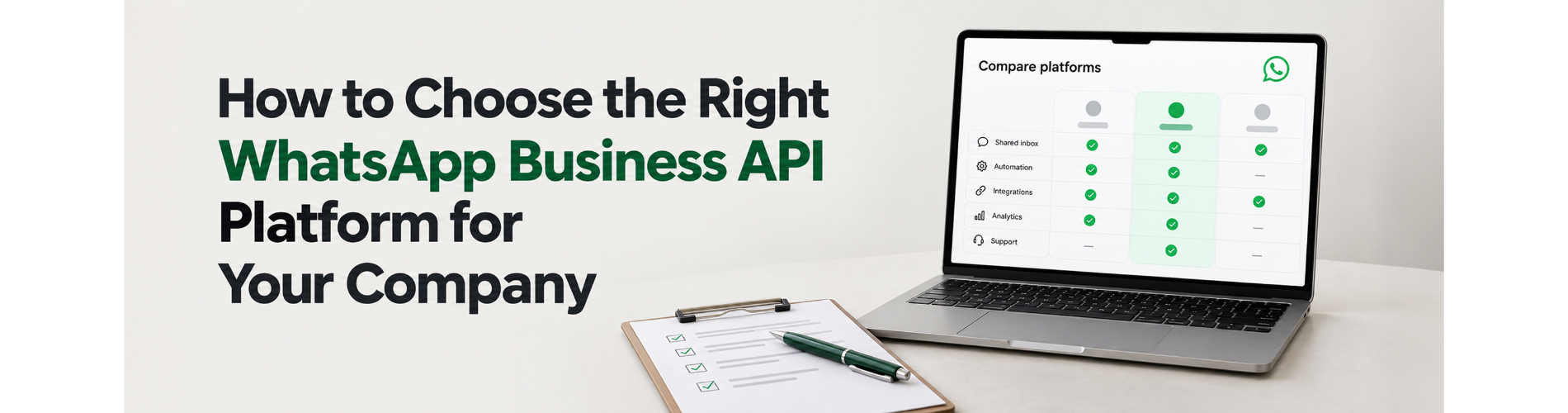
How to Choose the Right WhatsApp Business API Platform for Your Company...Read more
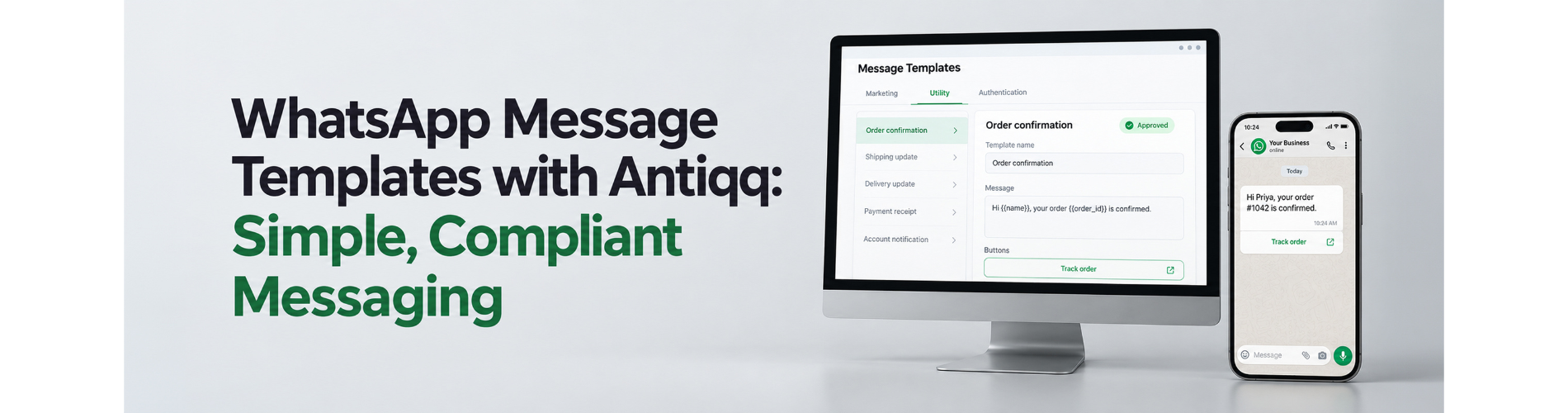
WhatsApp Message Templates Made Simple: How to Communicate Better with the Antiqq WhatsApp Business API...Read more
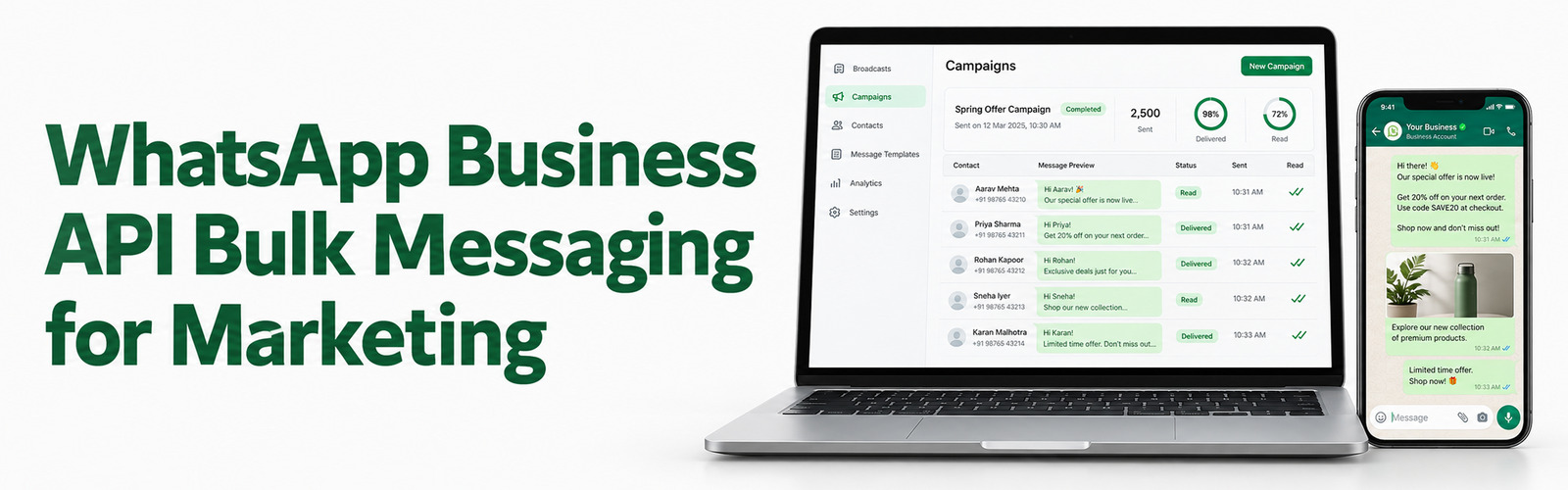
How WhatsApp Business API Bulk Messaging Can Transform Your Marketing Campaigns...Read more
