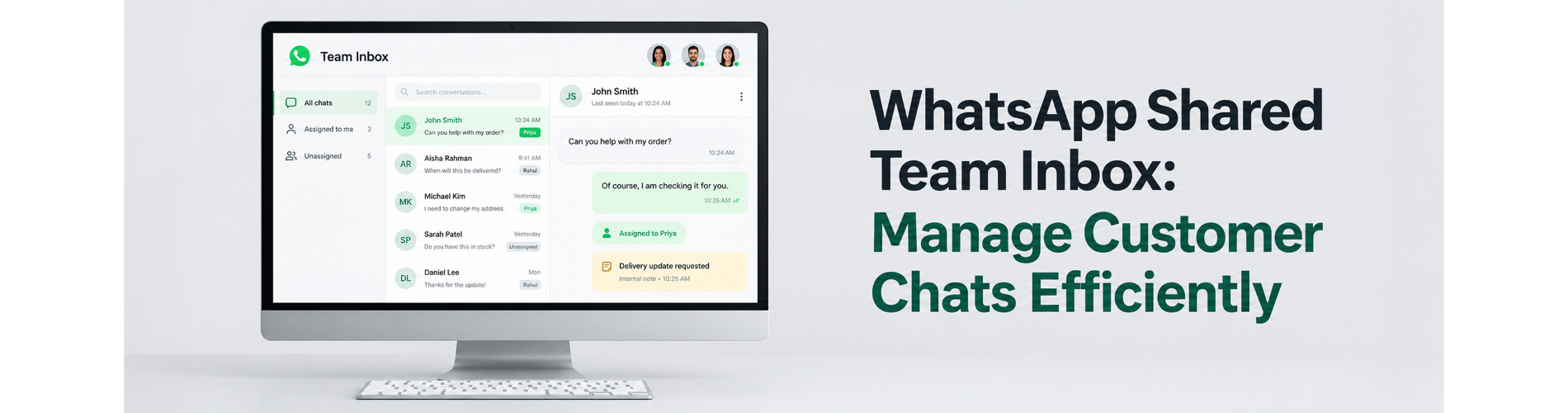
Picture this. A customer sends a message on WhatsApp asking about a delayed order. Your sales rep sees it and replies. At the same time, a support agent sees the same message on a different phone and replies too, with a slightly different answer. The customer is confused, your team is embarrassed, and nobody is sure who actually owns the conversation.
If that sounds familiar, you’re not alone. It’s what happens when a growing business tries to run customer chats from one phone number without a proper system. A WhatsApp shared team inbox is the fix. It lets your whole team work from one number, in one place, without stepping on each other’s toes. In this post, we’ll look at what a shared inbox is, why it matters, and how to use it so your customer conversations stay smooth and organized.
What Is a WhatsApp Shared Team Inbox?
A WhatsApp shared team inbox is a single dashboard where multiple team members can read, reply to, and manage customer chats from the same WhatsApp business number. Instead of passing a phone around or logging into the same account on several devices, everyone gets their own login and works inside a shared workspace.
Think of it like a team email inbox for support, except it’s built for fast, chat-style conversations. Every message, note, and customer detail lives in one place, so anyone on the team can pick up where someone else left off.
Why can’t the regular WhatsApp Business app handle this?
The free WhatsApp Business app wasn’t designed for teams. It limits how many devices can be linked, offers no real way to assign chats, and gives you very little visibility into who said what. That’s fine when one or two people handle a few chats a day.
A shared inbox is usually part of a WhatsApp Business API setup, which is built for scale. It supports many agents on one number, along with automation, chatbots, templates, and integrations. Antiqq offers this through a simple dashboard, so you don’t need technical skills to get started.
Why a Shared Inbox Matters for Your Business
You might wonder if a shared inbox is really necessary. Here’s what changes once you have one.
Faster replies
When messages land in one central place, nothing gets buried. Agents can see what’s waiting and jump in quickly. Customers on WhatsApp expect quick answers, and a shared inbox helps you meet that expectation without everyone refreshing their phones.
No more duplicate or conflicting answers
Assigning conversations to specific people means one customer, one owner. Everyone else can see the chat is taken, so there’s no double replying and no mixed messages.
Better continuity
Teams change. People go on leave, shifts end, and agents move on. With a shared inbox, the full chat history stays attached to the contact. A new agent can read the earlier conversation and carry on without making the customer repeat everything.
More accountability
When you can see who handled each conversation and how long it took, it’s easier to coach your team and spot problems early. Nobody has to guess what happened.
A better customer experience
At the end of the day, customers don’t care how your team is organized. They care about getting clear, consistent help. A shared inbox quietly makes that possible.
Key Features to Look for in a Shared Team Inbox
Not every shared inbox is equal. Here are the features that make the biggest difference day to day.
Chat assignment
You should be able to assign a conversation to a specific agent or team, and reassign it when needed. Some setups also support automatic routing, so new chats go to the right person based on topic, language, or availability.
Internal notes
Sometimes your team needs to talk about a customer without the customer seeing it. Internal notes let agents leave context, like “Waiting for refund approval,” right inside the chat. The next person to open it will see exactly what’s going on.
Labels and tags
Tags help you organize chats by topic, urgency, or stage. You might use labels such as “new lead,” “billing,” or “needs follow-up.” They make it easy to filter and find conversations later.
Saved replies
For questions you answer all the time, saved replies speed things up. They also keep your tone and information consistent across the team.
Chatbot handover
A chatbot can handle routine questions and collect basic details, then pass the chat to a human when it’s needed. A smooth handover means the agent sees the earlier conversation and the customer doesn’t have to start over.
Roles and permissions
Not everyone needs the same access. Managers might need to see reports and settings, while agents only need to handle chats. Good permissions keep your data safer and your workspace cleaner.
Reporting
Look for simple reports on response times, chat volume, and agent activity. These numbers show where your team is doing well and where it needs help.
How to Set Up Your Shared Inbox for Success
Having the right tool is only half the job. A little structure goes a long way.
Decide who owns what
Before you start, agree on who handles which type of conversation. Maybe sales takes new inquiries, support handles issues, and billing deals with payments. When everyone knows their lane, chats get to the right person faster.
Set clear response expectations
Decide how quickly you want to reply, and tell your team. It could be five minutes during business hours, or a few hours for complex issues. Having a target keeps everyone aligned.
Create helpful saved replies
Write short, friendly replies for your most common questions, and update them regularly. Keep them natural so they don’t sound like a script.
Use tags consistently
Agree on a simple set of labels and stick to them. Too many tags become confusing. A handful of clear ones works better.
Plan for after-hours
Customers message at all times. Use an away message or a chatbot to acknowledge them outside business hours and set expectations, such as “We’ll get back to you at 9 a.m.”
Best Practices for Managing Customer Conversations
A shared inbox works best when your team follows a few good habits.
Reply with care, not speed alone. Fast is good, but a clear, helpful answer is better than a rushed one.
Keep messages short and clear. WhatsApp is a chat app. Long paragraphs feel out of place, so get to the point.
Use the customer’s name. It’s a small touch, but it makes the conversation feel personal.
Hand off politely. If you need to pass a chat to a colleague, tell the customer. Something like “I’m bringing in our billing team to help you” keeps them informed.
Close the loop. When an issue is solved, confirm it with the customer before closing the chat. It shows you care about the outcome.
Respect opt-ins and timing. WhatsApp requires permission before you message customers first, and approved message templates are needed once the 24-hour customer service window has closed. Don’t over-message, and give people an easy way to opt out.
Common Mistakes to Avoid
Even with a great tool, a few mistakes show up often.
Leaving chats unassigned. If nobody owns a conversation, nobody replies to it.
Skipping internal notes. Without context, the next agent starts from scratch, and the customer feels it.
Over-relying on automation. Chatbots are helpful, but make sure customers can reach a real person when they need one.
Ignoring reports. If you never review your response times or chat volumes, you’ll miss easy chances to improve.
How Antiqq Helps Your Team Work Better Together
Antiqq brings your WhatsApp conversations into one easy dashboard. Your team can handle chats together, assign conversations, leave internal notes, use saved replies, and hand over between chatbot and agent. You can also manage message templates, segment your audience, and track performance as your business grows. It’s designed so support and sales
teams can use it without technical knowledge.
Conclusion
Customer conversations are too important to leave to chance. When several people share one WhatsApp number without a system, chats get missed, answers clash, and customers lose patience. A WhatsApp shared team inbox solves this by giving your whole team one organized place to work, with clear ownership, helpful context, and a complete history for every customer.
You don’t have to change everything overnight. Start by setting up a shared inbox, assigning clear roles, creating a few saved replies, and watching your response times improve. Small habits add up quickly.
Ready to make teamwork on WhatsApp simple? Get started with Antiqq today.
Frequently Asked Questions (FAQs)
-
What is a WhatsApp shared team inbox?
It’s a single dashboard where multiple team members can handle customer chats from one WhatsApp business number. Each person has their own login, and all conversations and history are stored in one place. -
Can multiple people use the same WhatsApp number?
With the regular WhatsApp Business app, only a limited number of devices can be linked. With the WhatsApp Business API and a shared inbox, many agents can work on the same number at once. -
How does chat assignment work?
You can assign a conversation to a specific agent or team so everyone knows who’s handling it. You can also reassign chats if someone is busy or unavailable. -
Can my team leave private notes on customer chats?
Yes. Internal notes are visible only to your team, so agents can share context without the customer seeing it. -
Does a shared inbox work with a chatbot?
Yes. A chatbot can answer routine questions first and then hand the conversation to a human agent, with the full chat history available. -
Do I need technical skills to set up a shared inbox?
Not with a user-friendly platform like Antiqq. The dashboard is designed for support and sales teams, so you can get started without coding. -
How do I know if my team is replying fast enough?
Check your reports on response times and chat volume. Use them to set targets and see where your team needs support.
Related Blogs
WhatsApp Business API Message Templates: How Antiqq Simplifies Business Communication...Read more
How to Automate Customer Support with the Antiqq WhatsApp Chatbot...Read more
How Antiqq Bulk Messaging Can Boost Your WhatsApp Marketing Campaigns...Read more
How to Measure the Success of Your WhatsApp Marketing Campaigns...Read more
WhatsApp Lead Generation: How to Turn Conversations into Customers...Read more
WhatsApp Business API Pricing Explained: What Every Business Should Know...Read more
How to Choose the Right WhatsApp Business API Platform for Your Company...Read more
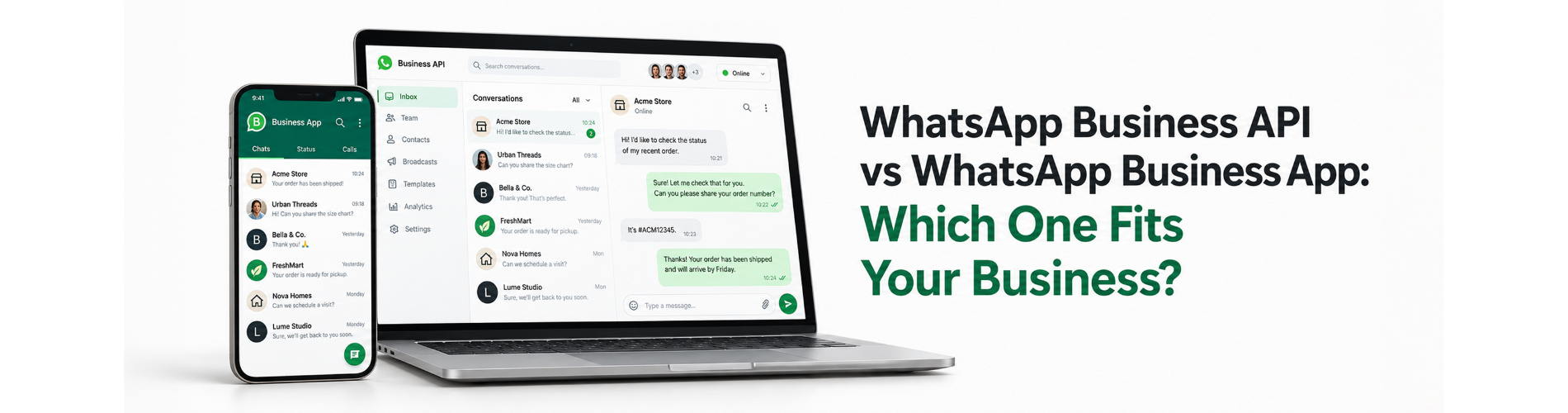
WhatsApp Business API vs WhatsApp Business App: Which Is Right for Your Business?...Read more
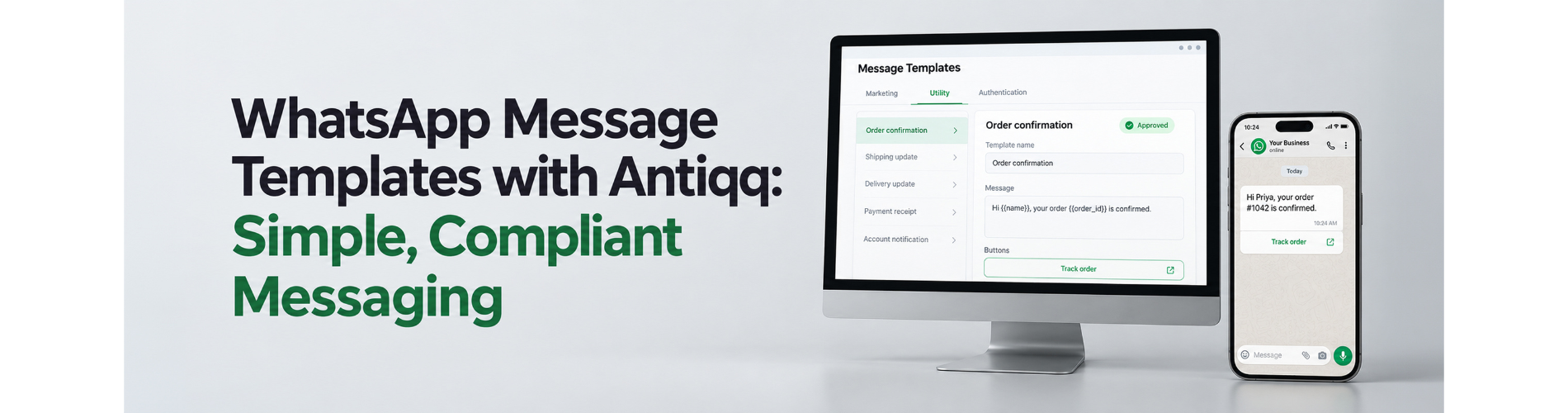
WhatsApp Message Templates Made Simple: How to Communicate Better with the Antiqq WhatsApp Business API...Read more
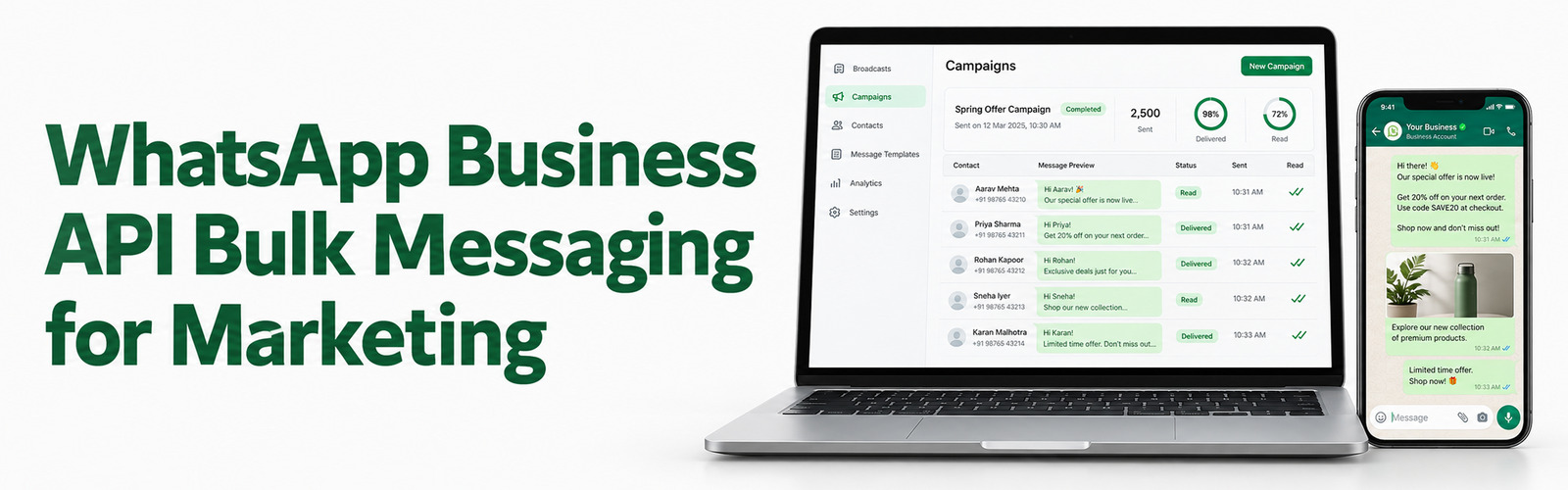
How WhatsApp Business API Bulk Messaging Can Transform Your Marketing Campaigns...Read more
