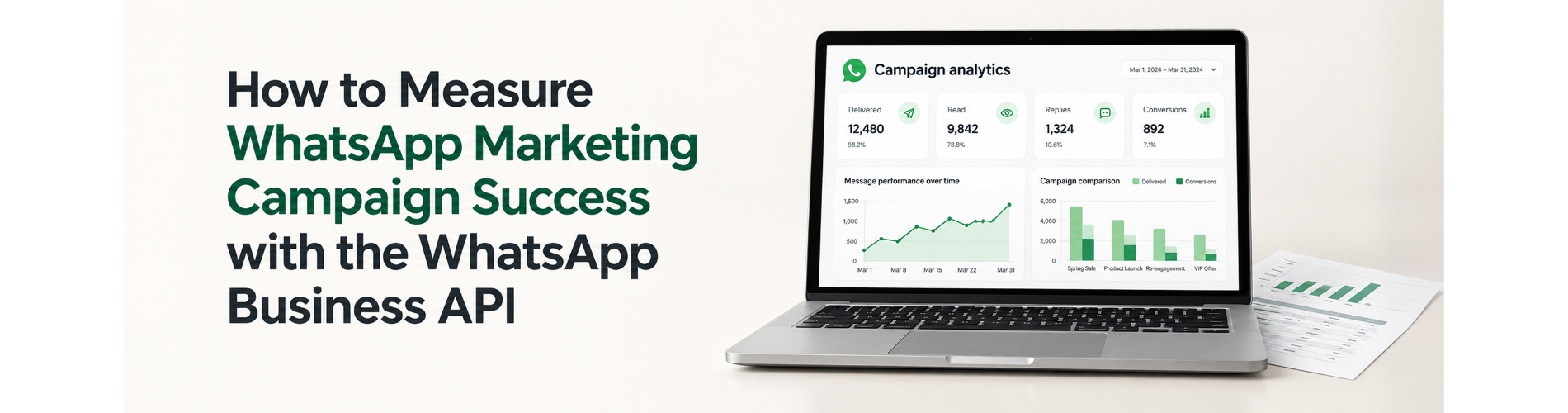
You sent the campaign. Messages went out, a few replies trickled in, and now someone on your team asks the dreaded question: “So, did it work?”
If your honest answer is “I think so?”, you’re in good company. Plenty of businesses run WhatsApp campaigns on gut feeling, then wonder why results don’t improve. The good news is that the WhatsApp Business API gives you the data to answer that question properly. In this guide, we’ll walk through which numbers matter, how to read them, and how to use them to make your next campaign better than the last.
Why Measuring WhatsApp Campaigns Matters
It’s tempting to judge a campaign by how it feels. A few enthusiastic replies make it seem like a win, while silence feels like a flop. But feelings can mislead you.
Measuring gives you clarity. You’ll know which messages people actually read, which offers get responses, and which ones just waste budget. Since WhatsApp messages carry a cost on the API, that clarity pays off quickly. Every message you send should have a purpose, and numbers help you check that it’s doing its job.
What the WhatsApp Business API adds
The free WhatsApp Business app shows only basic information, like whether a message was sent, delivered, or read. The WhatsApp Business API, accessed through a platform like Antiqq, goes much further. You can track results by campaign, template, and audience segment, which makes it far easier to see what’s working and why.
Start With a Clear Goal
Before you look at any numbers, ask yourself what the campaign was supposed to achieve. Without a goal, every metric looks equally important, and none of them tells you much.
Your goal might be more website visits, more replies, more bookings, more repeat purchases, or simply better customer awareness. Write it down in one sentence before you send anything. For example: “Get 200 customers to book a demo this month.” That sentence tells you which numbers to watch.
The Key Metrics to Track
Here are the metrics that matter most, in the order your message travels from sent to sold.
Delivery rate
This tells you what percentage of your messages actually reached customers’ phones. A low delivery rate usually points to problems with your contact list, such as outdated numbers or people who haven’t opted in. If it’s lower than you expect, clean your list before sending again.
Read rate
Read rate shows how many delivered messages were opened. It’s one of the best signs of whether your timing, sender name, and opening line are working. If people aren’t opening your messages, try sending at a different time or rewriting the first line.
Response rate
This measures how many people replied. For campaigns that invite conversation, like feedback requests or inquiries, it’s a key indicator. A healthy response rate suggests your message felt relevant and easy to answer.
Click-through rate
If your message includes a link or button, click-through rate tells you how many people tapped it. It shows whether your call to action was clear and interesting enough to prompt action. A strong read rate with weak clicks often means the offer or wording needs work.
Conversion rate
This is the number that matters most to your business. It measures how many people took the action you wanted, whether that’s buying, booking, signing up, or visiting a page. Everything else leads to this. If you track only one metric deeply, make it this one.
Opt-out and block rate
It’s easy to overlook, but very important. If many people are opting out or blocking your number, you’re sending too much, sending the wrong things, or reaching people who didn’t want to hear from you. High opt-outs can also harm your account’s quality rating, so treat this as an early warning sign.
Cost per result
Divide what you spent on the campaign by the number of results, such as sales or booked appointments. This shows whether the campaign was actually worth it. A campaign with a lower response rate but a lower cost per sale may still beat one that looks busier.
How to Track Your Results Properly
Knowing the metrics is one thing. Collecting accurate data is another. A few simple habits make it much easier.
Use your platform’s analytics
A solid WhatsApp Business API platform shows delivery, read, and response data in a dashboard. Check it regularly, not just when a campaign ends. Real-time data lets you spot problems while there’s still time to fix them.
Add tracking to your links
If you send links, add tracking parameters so your website analytics can tell which campaign brought each visitor. This connects what happens on WhatsApp with what happens on your site.
Connect your CRM
When your WhatsApp platform is connected to your CRM, you can follow a customer from first message to final purchase. That makes it much easier to see which campaigns actually lead to revenue, not just clicks.
Segment your results
An overall average can hide a lot. Break your results down by audience group, such as new customers, repeat buyers, or inactive contacts. You might discover that one group responds well while another barely engages, which tells you exactly where to focus.
How to Read Your Results Without Guessing
Numbers are only helpful if you know what they’re telling you. Here are a few common patterns and what they usually mean.
High delivery, low read rate. People received your message but didn’t open it. Try changing your send time or writing a stronger opening line.
High read rate, low response or clicks. The message got attention, but the offer or call to action fell flat. Simplify it, make it clearer, or give a stronger reason to act.
High clicks, low conversions. The problem may be after the chat, such as a confusing landing page or a slow checkout. Look at what happens next.
High opt-outs. Review your frequency, relevance, and targeting. You might be messaging too often or reaching the wrong audience.
Test, Learn, and Improve
The best marketers don’t rely on one perfect campaign. They run small tests and learn from the results.
Try A/B testing. Send two versions of a message to small, similar groups and see which performs better. Change just one thing at a time, such as the opening line, the image, the button text, or the send time. That way you know exactly what caused the difference.
Keep a simple record of what you tested and what you learned. Over a few months, you’ll build a clear picture of what your audience responds to, and your campaigns will improve steadily without extra guesswork.
Common Mistakes to Avoid
A few slips can undermine your measurement.
Tracking too many numbers at once. Pick the three or four metrics tied to your goal and focus on them.
Judging a campaign too early. Give it enough time to collect meaningful results, especially for offers with a longer decision cycle.
Ignoring message templates. Weak templates drag down every metric. Review the wording regularly, and remember that business-initiated messages need approved templates on the WhatsApp Business API.
Forgetting opt-in. Messaging people who haven’t agreed to hear from you hurts delivery, increases blocks, and can put your account at risk.
Never acting on the data. Measurement only matters if you change something because of it.
How Antiqq Helps You Track and Improve
Antiqq brings your campaign data into one clear dashboard. You can track delivery, read, and response rates as they happen, manage message templates, segment your audience, and compare campaigns side by side. It’s designed so marketing teams can understand their results without needing technical skills, and it grows with your business as your campaigns get bigger.
Conclusion
A WhatsApp campaign isn’t finished when you hit send. That’s when the learning starts. By setting a clear goal, tracking the right metrics, and reading your results carefully, you’ll understand what your customers actually respond to and what they ignore.
You don’t need to master every number at once. Start with delivery, read rate, replies, and conversions. Test one change at a time, record what you learn, and improve from there. With the WhatsApp Business API handling the data, you can replace guesswork with confidence.
Want to see exactly how your campaigns are performing? Get started with Antiqq today.
Frequently Asked Questions (FAQs)
-
What metrics should I track for WhatsApp marketing campaigns?
Focus on delivery rate, read rate, response rate, click-through rate, conversion rate, opt-out rate, and cost per result. Choose the ones that match your campaign goal. -
How do I know if my WhatsApp campaign is successful?
Compare your results against the goal you set before sending. If your goal was bookings, success means enough people booked at a reasonable cost, regardless of how many simply read the message. -
What is a good read rate for WhatsApp campaigns?
It varies by industry, audience, and message type, so there’s no single number that fits everyone. Track your own results over time and aim to improve on your own baseline. -
Does the WhatsApp Business API provide analytics?
Yes. Through an API platform like Antiqq, you can view delivery, read, and response data, along with performance by template, campaign, and audience group. -
How can I improve low response rates?
Check your audience targeting, send time, and opening line. Make sure your message is clear, relevant, and easy to reply to, and test different versions. -
How can I track conversions from WhatsApp?
Use tracking links in your messages and connect your platform to your CRM or website analytics so you can follow customers from message to purchase. -
How often should I review campaign results?
Check real-time data during the campaign for early signals, then do a deeper review once it has run its course. Monthly reviews help you spot bigger trends.
Related Blogs
WhatsApp Business API Message Templates: How Antiqq Simplifies Business Communication...Read more
How to Automate Customer Support with the Antiqq WhatsApp Chatbot...Read more
How Antiqq Bulk Messaging Can Boost Your WhatsApp Marketing Campaigns...Read more
WhatsApp Shared Team Inbox: How to Manage Customer Conversations Efficiently...Read more
WhatsApp Lead Generation: How to Turn Conversations into Customers...Read more
WhatsApp Business API Pricing Explained: What Every Business Should Know...Read more
How to Choose the Right WhatsApp Business API Platform for Your Company...Read more
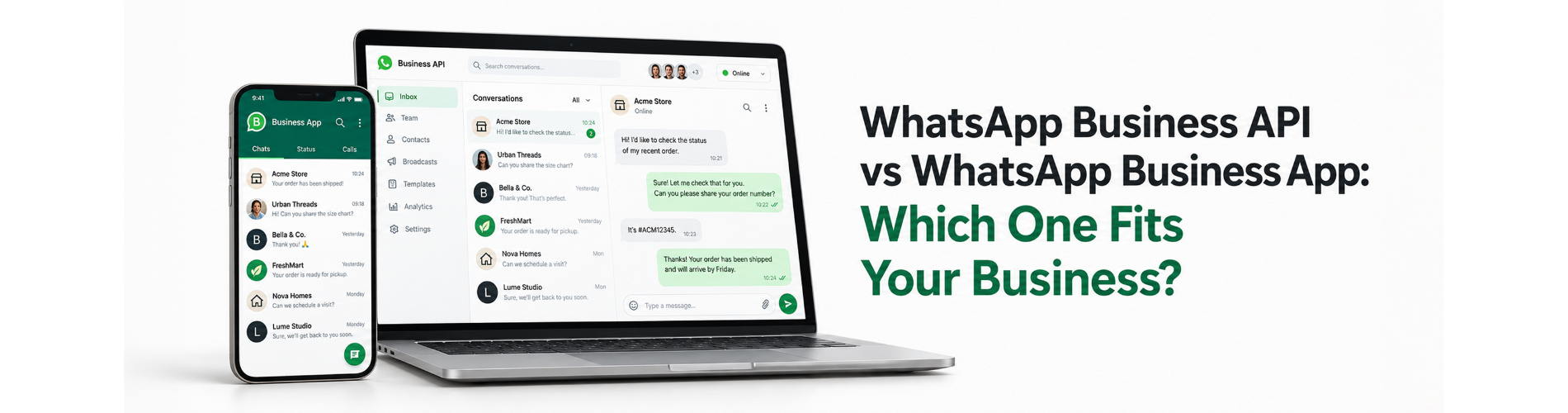
WhatsApp Business API vs WhatsApp Business App: Which Is Right for Your Business?...Read more
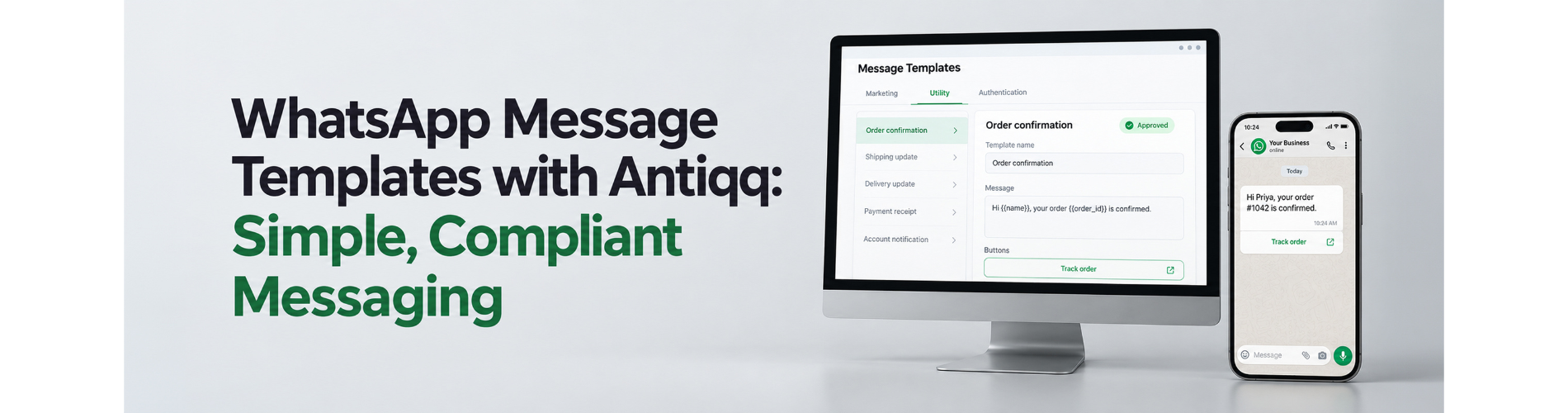
WhatsApp Message Templates Made Simple: How to Communicate Better with the Antiqq WhatsApp Business API...Read more
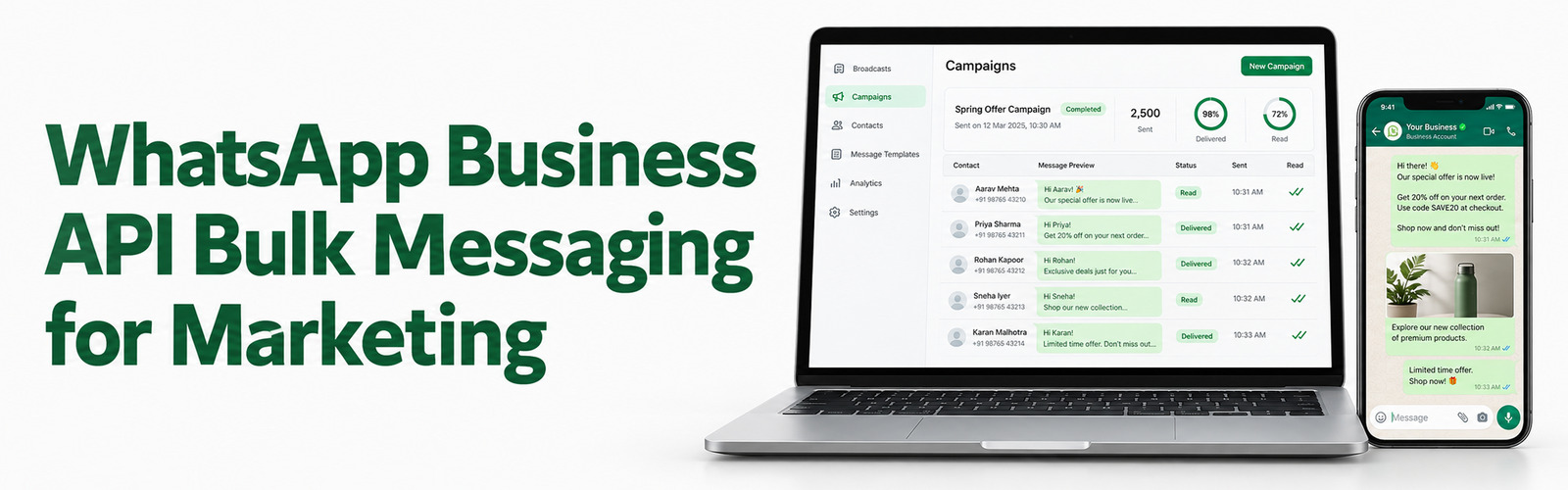
How WhatsApp Business API Bulk Messaging Can Transform Your Marketing Campaigns...Read more
