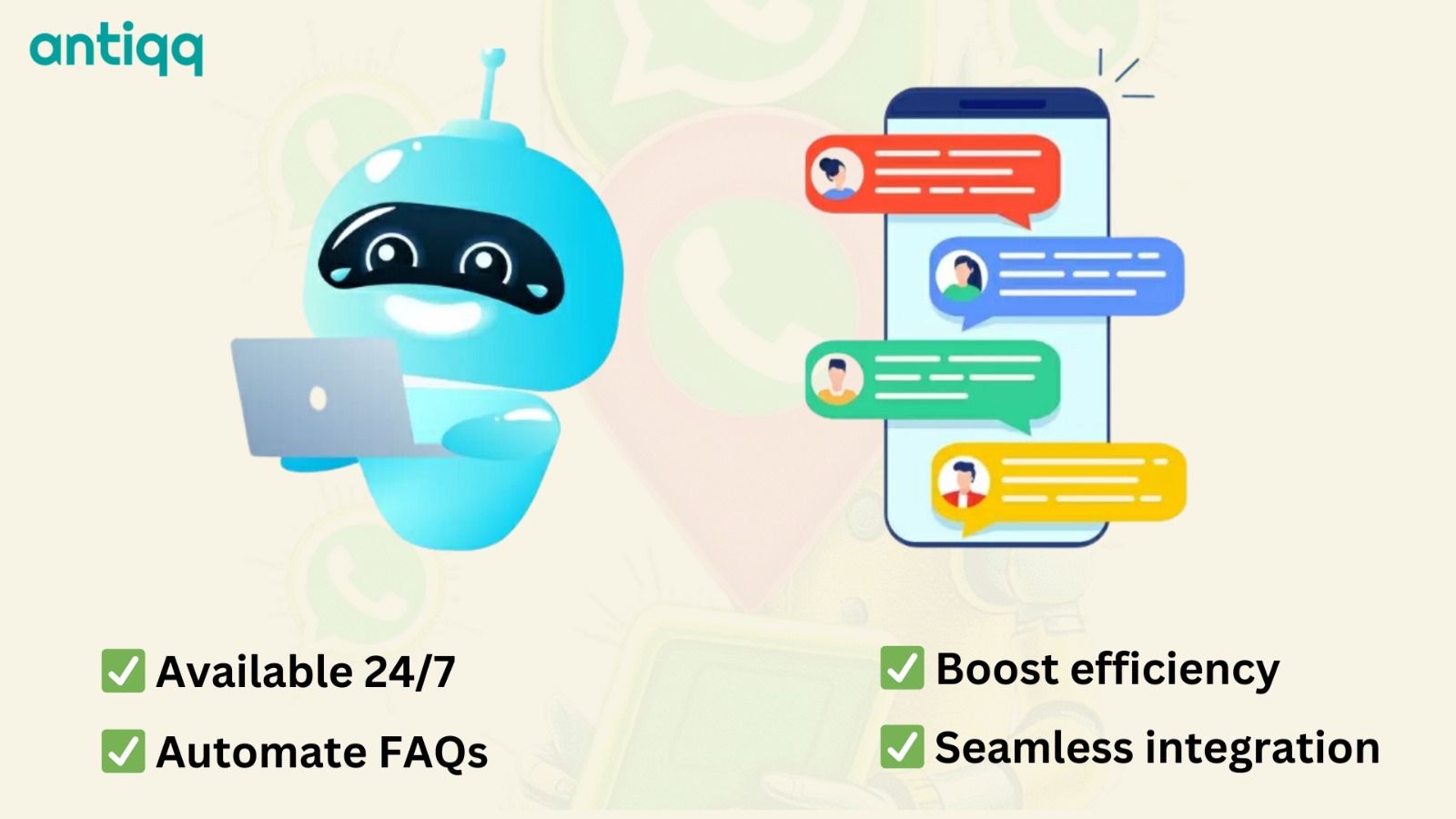
Anyone who has run a business knows the feeling. You open your inbox in the morning and find a pile of questions waiting. What are your prices? Where’s my order? What’s your return policy? Most of them are questions you’ve answered a hundred times before.
Customers expect quick replies, and teams have only so many hours in the day. That gap is where a WhatsApp chatbot can help. With the Antiqq chatbot, built on the WhatsApp Business API, businesses can handle routine questions automatically and keep their team free for the conversations that need a real person. Let’s look at how it works and how to get the most out of it.
Why Customer Support Is Getting Harder for Businesses
A few years ago, customers were happy to wait a day for an email reply. Now they message on the apps they already use and expect an answer within minutes. For a small support team, that’s a lot of pressure, especially when most messages are repeat questions.
The result is often slow replies, tired agents, and customers who feel ignored. Hiring more people helps, but it isn’t always realistic. Automation offers another route: let software handle the predictable questions, and let people handle the rest.
What Is the Antiqq WhatsApp Chatbot?
The Antiqq chatbot is an automation tool that works with the WhatsApp Business API. It can reply to customer messages automatically, based on rules and responses you set up. Customers chat with your business on WhatsApp as usual, and the chatbot answers common questions without a team member needing to type each reply.
Think of it as a helpful first responder. It greets the customer, answers what it can, and passes the conversation to your team when a human touch is needed.
How It Works with the WhatsApp Business API
The WhatsApp Business API connects your business to WhatsApp through an approved platform. Antiqq provides that platform, and the chatbot sits on top of it. This means you can offer automated WhatsApp customer support on a channel your customers already know and trust, without asking them to download a new app.
Key Features of the Antiqq Chatbot
Here are the main features that make WhatsApp automation useful for customer support.
Support Available Around the Clock
Customers don’t only have questions during office hours. Someone might be checking prices at midnight or asking about delivery on a public holiday. The Antiqq chatbot can respond at any hour, so customers aren’t left waiting until your team is back online.
This doesn’t mean your team has to work around the clock. It simply means the first response is always there.
Instant Replies
Nobody enjoys waiting for a simple answer. The chatbot replies right away, which reduces frustration and keeps the conversation moving. A customer asking about your opening hours or a product detail can get an answer in seconds instead of hours.
Because the chatbot can handle many conversations at the same time, a sudden rush of messages, perhaps after a sale announcement, doesn’t leave customers in a queue.
Automated FAQs and Basic Troubleshooting
Most businesses get the same questions again and again. You can set up the chatbot to respond to topics like product details, pricing, delivery information, and return policies.
It can also walk customers through simple troubleshooting steps. For example, an online electronics store could guide a customer through basic checks before involving an agent. When the problem is solved at this stage, your team receives fewer routine tickets and can focus on the harder ones.
Personalized Conversations
A conversation feels better when it doesn’t sound robotic. The chatbot can address customers by name and offer suggestions based on their previous interactions or activity with your business. This small personal touch can make automated replies feel more helpful and less generic.
Smooth Handover to Your Team
Chatbots work best when they know their limits. Some questions are too complex, sensitive, or urgent for automation. A good setup lets the chatbot pass the conversation to a human agent, so the customer doesn’t feel stuck in a loop.
Where an Automated Support Chatbot Helps Most
Different businesses can use the same tool in different ways.
- E-commerce: Order status questions, delivery updates, and return policies.
- Education: Admission queries, course details, and fee information.
- Healthcare and clinics: Appointment information and general enquiries, while keeping sensitive matters with human staff.
- Travel and hospitality: Booking details, check-in information, and common guest questions.
- Service businesses: Pricing, availability, and basic service information.
Take a small online clothing store as an example. Customers often ask about sizes, shipping times, and exchange rules. Instead of answering each one by hand, the shop sets up automated replies. Its team now spends time on styling advice and special requests, which is where a human really adds value.
How to Get Started with WhatsApp Chatbot Automation
Setting up a chatbot works better when you plan it, rather than turning everything on at once.
Start with Your Most Common Questions
Look at your recent customer messages and note the questions that come up most often. These are the best candidates for automation. Start with five or ten and expand later.
Write Clear, Friendly Responses
Keep answers short, clear, and written in the tone your brand would use in person. Avoid long paragraphs. If a customer has to read a wall of text on their phone, the chatbot isn’t helping.
Decide When a Human Should Step In
Set clear rules for when the chatbot should hand over to your team, such as complaints, payment problems, or requests it can’t answer. This keeps customers from feeling trapped in an automated loop.
Test, Review, and Improve
Try the chatbot yourself before it goes live. After launch, read real conversations to see where customers get confused, and refine your responses over time. A chatbot improves as you learn from how people actually use it.
Respect Customer Consent and Privacy
Follow WhatsApp’s business policies and be careful with customer information. Customers should know when they’re talking to an automated assistant, and they should always have a way to reach a person.
Why Consider Antiqq for WhatsApp Customer Support
If you’re searching for a WhatsApp Business API platform that offers chatbot automation, Antiqq is worth considering. It lets you set up automated responses for the questions your business handles most, connects with WhatsApp so you can meet customers where they already are, and supports your team by taking care of routine messages.
As with any tool, it helps to check how well it fits your needs. Think about how many messages you receive, what kinds of questions come up, and how you’d like your team and the chatbot to work together.
Conclusion
Good customer support is about being helpful, quick, and easy to reach. A WhatsApp chatbot can help with all three by answering common questions instantly, staying available outside business hours, and leaving your team free for the conversations that really need them.
The best results come from using automation thoughtfully. Start small, write clear responses, make it easy to reach a human, and keep improving based on real conversations. With the Antiqq chatbot and the WhatsApp Business API, you can build a support process that feels fast for your customers and manageable for your team.
Frequently Asked Questions (FAQs)
How does the Antiqq chatbot help reduce response time?
The chatbot replies to customer messages instantly, so people don’t wait for an agent to become available. It can also handle several conversations at once, which helps during busy periods.
Can I customize the chatbot for my business?
Yes. You can set up responses for the questions that matter to your business, such as product details, pricing, and return policies. It’s a good idea to review and update them regularly as your business changes.
Does the chatbot work outside business hours?
Yes. The chatbot can respond at any time, including nights, weekends, and holidays, so customers aren’t left waiting for your team to come back online.
How does the chatbot work with WhatsApp?
It connects to the WhatsApp Business API through the Antiqq platform. Customers message your business on WhatsApp as usual, and the chatbot can answer automatically based on the responses you’ve set up.
Can the chatbot replace my customer support team?
No, and it isn’t meant to. It’s best for routine questions, while your team handles complex, sensitive, or urgent conversations. Together they give customers faster help without losing the personal touch.
What kinds of questions can a WhatsApp chatbot answer?
Common examples include product details, pricing, delivery and order information, return policies, business hours, and basic troubleshooting steps.
Is a WhatsApp chatbot suitable for small businesses?
Yes. Small businesses often benefit the most, since a small team can only reply to so many messages. Starting with a few common questions is an easy way to begin.
What happens if the chatbot can’t answer a question?
A well-planned setup lets the conversation move to a human agent, so customers get the help they need instead of being stuck with automated replies.
Related Blogs
WhatsApp Business API Message Templates: How Antiqq Simplifies Business Communication...Read more
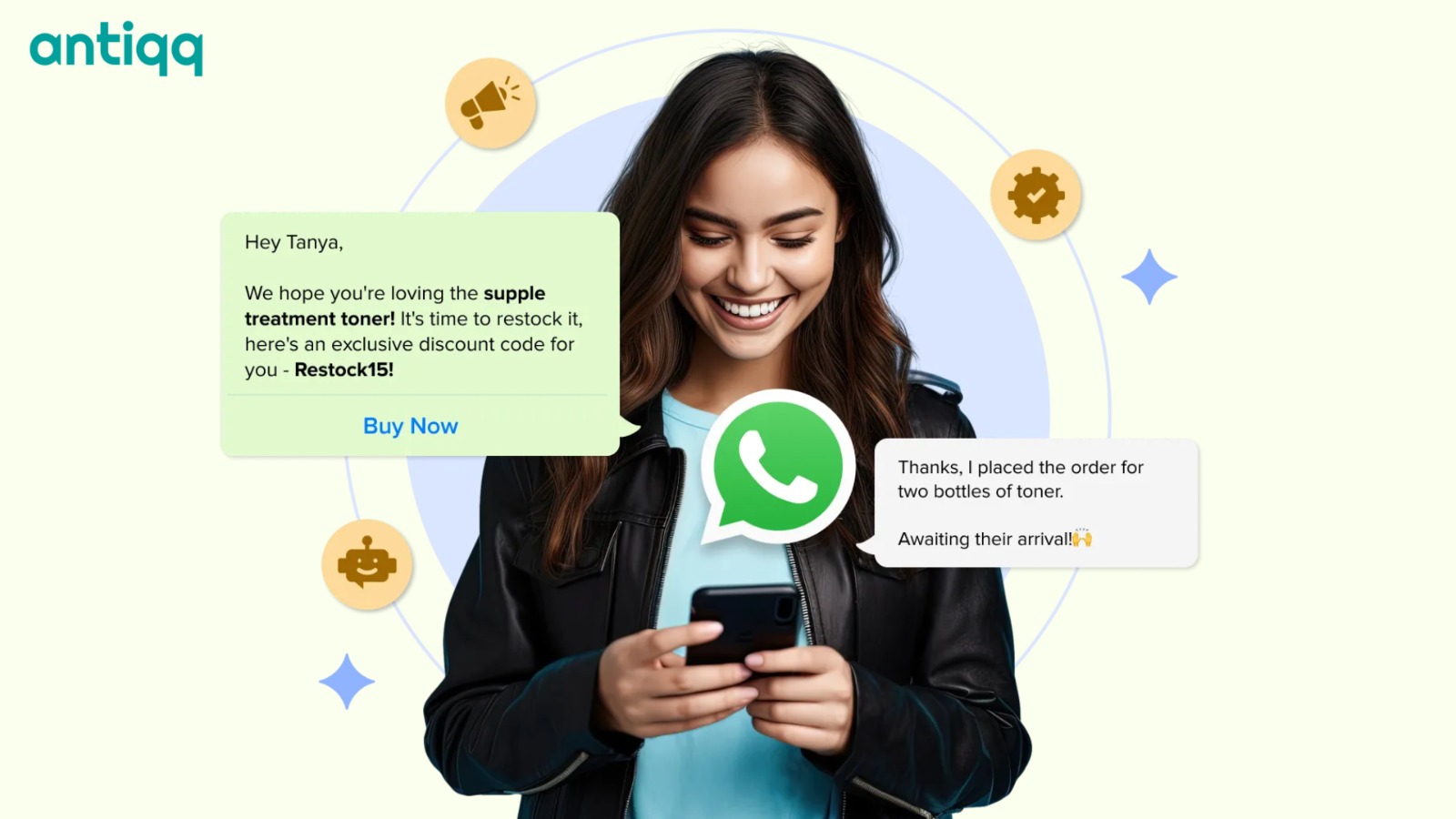
How Antiqq Bulk Messaging Can Boost Your WhatsApp Marketing Campaigns...Read more
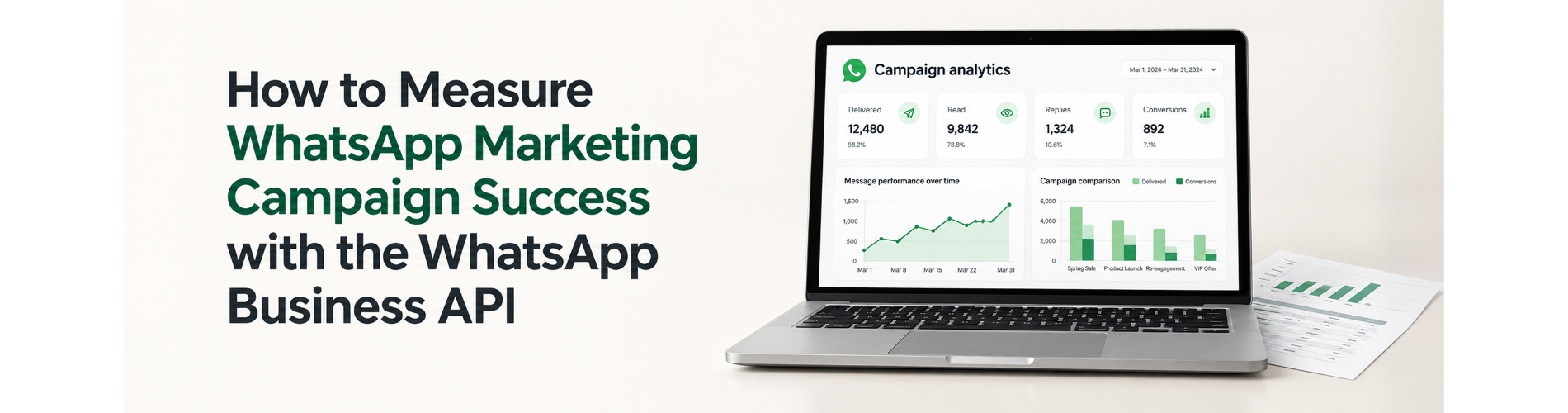
How to Measure the Success of Your WhatsApp Marketing Campaigns...Read more
WhatsApp Shared Team Inbox: How to Manage Customer Conversations Efficiently...Read more
WhatsApp Lead Generation: How to Turn Conversations into Customers...Read more
WhatsApp Business API Pricing Explained: What Every Business Should Know...Read more
How to Choose the Right WhatsApp Business API Platform for Your Company...Read more
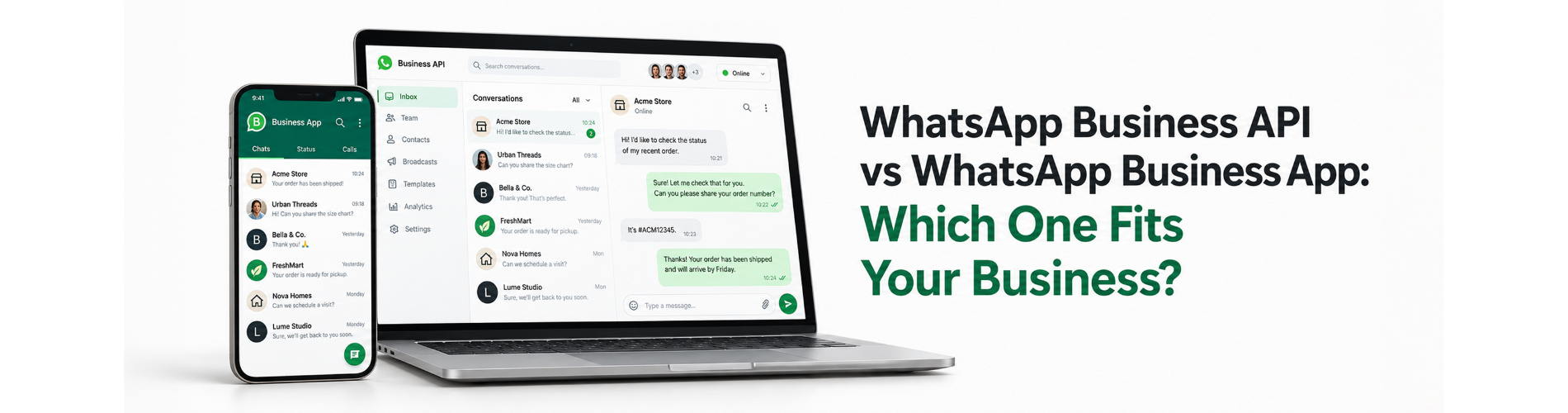
WhatsApp Business API vs WhatsApp Business App: Which Is Right for Your Business?...Read more
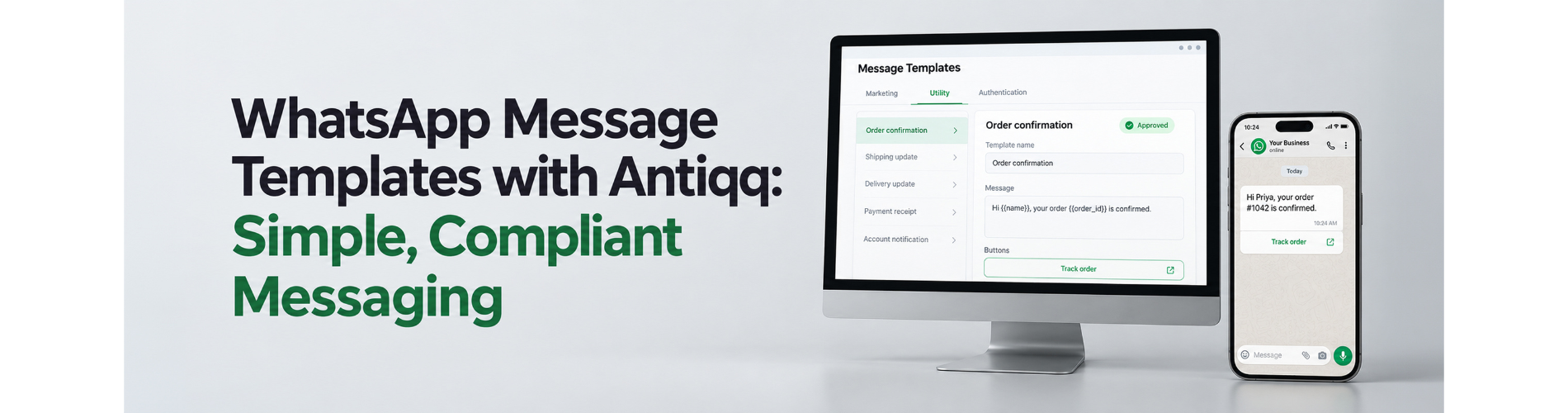
WhatsApp Message Templates Made Simple: How to Communicate Better with the Antiqq WhatsApp Business API...Read more
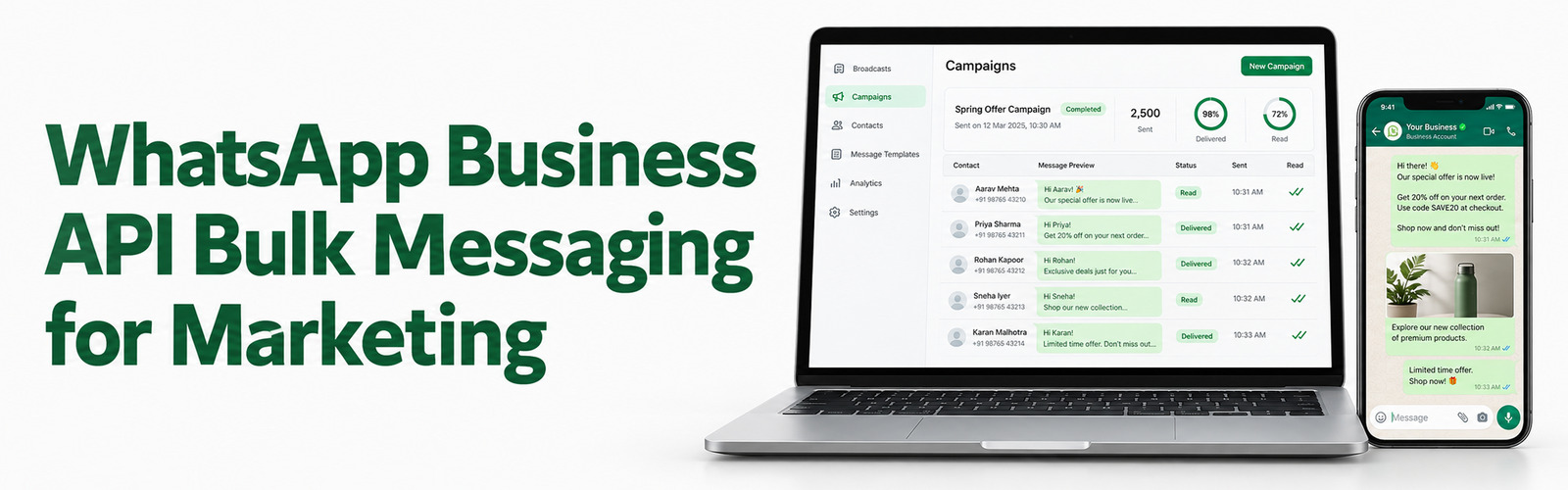
How WhatsApp Business API Bulk Messaging Can Transform Your Marketing Campaigns...Read more
