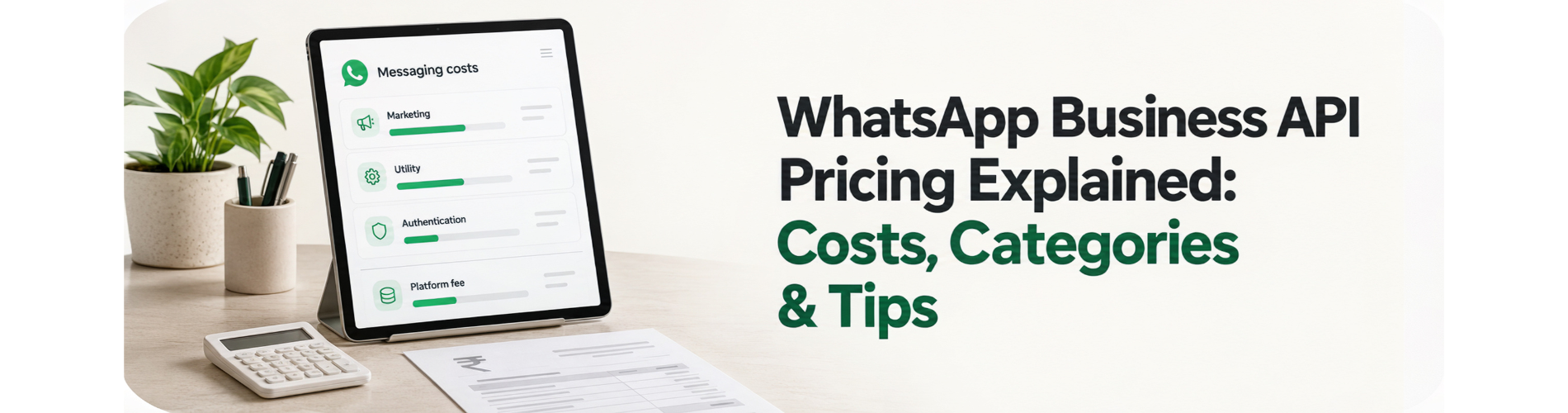
“How much does the WhatsApp Business API cost?” It’s usually the first question businesses ask, and the answer is rarely a single number. Pricing depends on what you send, where your customers are, how much you send, and which provider you use.
That’s not as scary as it sounds. Once you understand the basic pieces, WhatsApp Business API pricing is actually quite logical, and it’s easy to plan around. In this guide, we’ll walk through how billing works, what the different message types cost in relative terms, what changed recently, and how to keep your spending under control.
How WhatsApp Business API Pricing Works
Let’s start with the big picture. Unlike the free WhatsApp Business app, the API is a paid service. Your total cost usually comes from two places: what WhatsApp charges for messages, and what your provider charges for the platform.
Per message, not per conversation
For a long time, WhatsApp charged per conversation. You paid once for a rolling 24-hour chat, no matter how many messages went back and forth. That changed in July 2025, when Meta moved to per-message pricing for template messages.
Now you pay for each delivered message that carries a charge. The rate depends on the category of the message and the country of the person receiving it. It’s more transparent, but it also means that what you send, and how often, directly shapes your bill.
The two parts of your bill
The first part is Meta’s message charge. Every provider passes this on, because it’s set by WhatsApp and not by them.
The second part is your provider’s fee. This might be a monthly subscription, a setup fee, a per-message markup, or a mix. This is where prices differ most from one company to another, so it’s the part worth comparing closely.
WhatsApp Message Categories and What They Cost
WhatsApp sorts messages into four categories, and each one is priced differently.
Marketing messages
These are promotional: offers, product launches, re-engagement campaigns, cart reminders, and anything meant to sell. They’re the most expensive category, and every marketing template message is charged. Depending on the country, a marketing message can cost several times more than a utility one.
Utility messages
These are tied to something the customer already did, like order confirmations, shipping updates, receipts, and appointment reminders. They’re priced much lower than marketing messages, and utility and authentication messages can qualify for lower rates as your monthly volume grows.
Authentication messages
These cover one-time passwords and verification codes. They’re short, functional, and usually priced at the lower end. If you only send OTPs, your WhatsApp costs can stay quite modest.
Service messages
These are the replies you send when a customer messages you first, within the 24-hour customer service window. For a long time, this was free. That’s now changing, which brings us to the next section.
What Changed in October 2026
This is the update many businesses missed. From October 1, 2026, service messages sent inside the 24-hour window are no longer free. They’re charged per message, at the same rate as utility and authentication messages in that market. Utility templates sent inside an open service window are also chargeable now.
Marketing pricing wasn’t part of this particular change. But if your team answers a lot of customer chats, or your chatbot sends several short replies in a row, you may notice a difference in your bill.
The practical lesson is simple: shorter, clearer, well-planned conversations cost less than long, fragmented ones. Combine information into fewer messages where you can, and design your WhatsApp chatbot flows so they don’t send five replies when one would do.
What Affects Your Final WhatsApp API Cost
Beyond the category of your messages, several other factors shape what you’ll actually pay.
Your customers’ country
Rates vary by the country of the person you’re messaging. A message to a customer in India won’t cost the same as one to a customer in the US or the UAE. If you serve customers in several countries, your costs will be a mix.
Your monthly volume
For utility and authentication messages, Meta offers volume-based tiers. As your monthly volume in a given country rises, the per-message rate can step down. If you send a lot of transactional messages, this can add up to real savings.
Your provider’s markup
Some providers pass Meta’s rates through at cost and charge a platform fee on top. Others add a per-message markup, which can be small or surprisingly large. At high volumes, a small markup per message becomes a big number, so it’s worth asking exactly how it works.
Platform and feature fees
Your provider might include chatbot tools, analytics, and a shared inbox in one price, or charge for each separately. Extra agents, extra numbers, and advanced integrations can also change your total.
A Simple Way to Estimate Your Monthly Cost
You don’t need a complicated spreadsheet. Try this:
-
Estimate how many messages you’ll send each month in each category: marketing, utility, authentication, and service.
-
Multiply each by the current Meta rate for your customers’ country.
-
Add your provider’s monthly fee and any per-message markup.
As a rough illustration, imagine a store sending a mix of order updates and a few promotional campaigns. Most of its messages are utility, which are cheap. But if it doubles its marketing blasts, the bill rises far more than if it doubled its order updates, because marketing messages cost so much more each. That’s why the mix of messages matters more than the total count.
How to Keep Your WhatsApp API Costs Under Control
A few smart habits can bring your costs down without hurting results.
Use the right category honestly. Order confirmations and shipping updates belong in utility, not marketing. WhatsApp reviews categories, and mislabeling can lead to rejections or reclassification, so don’t try to sneak promotions into utility templates.
Reply inside the service window. If a customer messages you, answer within the 24-hour window instead of letting it expire and then paying for a template to restart the chat.
Segment your audience. Sending a promotion to everyone wastes money on people who’ll never respond. WhatsApp audience segmentation helps you target the right groups, so every paid message has a better chance of working.
Keep messages tight. Fewer, clearer messages mean fewer charges, especially now that service messages are billable too.
Watch your analytics. WhatsApp campaign analytics show you which templates get read and which don’t. Drop the ones that underperform and invest in the ones that work.
Collect opt-ins properly. People who have chosen to hear from you are far more likely to engage, which means better returns on every message you pay for.
Questions to Ask Your Provider About Pricing
Before you sign up with any WhatsApp Business API provider, get clear answers to these:
-
Do you pass Meta’s rates through at cost, or add a markup?
-
Is there a setup fee or monthly minimum?
-
Are chatbot, analytics, and extra agents included?
-
How will the October 2026 service message charges show up on my invoice?
-
Will I get a written breakdown based on my expected volume?
-
What happens to my costs if my volume grows quickly?
A good provider will answer these directly. If someone dodges the question or only quotes a very low headline price, keep asking until the full picture is clear.
Is the WhatsApp Business API Worth the Cost?
For many businesses, yes. Compared with SMS or paid ads, WhatsApp messages tend to get stronger engagement, support rich content like images and buttons, and let customers reply in the same thread. A chatbot can handle routine support around the clock, and automated order updates cut down on “Where’s my order?” messages.
The real question isn’t whether it costs money. It’s whether the time saved, support improved, and sales generated outweigh what you spend. For a business with a steady flow of customer conversations, the answer is usually yes, as long as you use the platform thoughtfully.
If you only chat with a handful of customers a day, the free WhatsApp Business app may still be enough. The API makes more sense when you need automation, team access, bulk campaigns, or integrations.
Conclusion
WhatsApp Business API pricing looks complicated at first, but it comes down to a few simple ideas. You pay per message, the category decides how much, the country of your customer matters, and your provider adds its own fees on top. With the recent change making service messages billable, planning your conversations carefully matters more than ever.
The best approach is to estimate your volume, choose message categories honestly, segment your audience, and ask providers for a clear written breakdown. Do that, and you’ll avoid nasty surprises while getting the most from every message you send.
Want a clear, no-confusion look at what WhatsApp could cost for your business? Talk to Antiqq today and get a breakdown that fits your volume.
Frequently Asked Questions (FAQs)
-
How much does the WhatsApp Business API cost?
There’s no single price. You pay Meta’s per-message charges, which depend on the message category and the customer’s country, plus your provider’s platform fee or markup. Ask for a breakdown based on your expected volume. -
How does WhatsApp Business API pricing work now?
Since July 2025, WhatsApp charges per delivered message for template messages instead of per 24-hour conversation. Rates differ by category and country. -
Are service messages free on the WhatsApp Business API?
Not anymore. From October 1, 2026, service messages sent inside the 24-hour customer service window are chargeable, at the same rate as utility and authentication messages in that market. -
Which WhatsApp message category costs the most?
Marketing messages. They’re typically several times more expensive than utility or authentication messages, so the mix of messages you send has a big effect on your bill. -
Do volume discounts exist for WhatsApp API messages?
Yes, for utility and authentication messages. The per-message rate can drop as your monthly volume in a given country crosses certain thresholds. Service messages don’t qualify for volume discounts. -
Do providers charge extra on top of Meta’s rates?
Many do, through subscription fees, setup fees, or per-message markups. This varies a lot, so compare total cost and ask exactly how charges are calculated. -
How can I reduce my WhatsApp API costs?
Use categories honestly, reply inside the service window, segment your audience, keep messages concise, and use analytics to cut underperforming templates. -
Is the WhatsApp Business app cheaper than the API?
The app is free, but it lacks automation, multi-agent access, bulk campaigns, and integrations. The API costs money but is built for businesses that need to scale.
Related Blogs
WhatsApp Business API Message Templates: How Antiqq Simplifies Business Communication...Read more
How to Automate Customer Support with the Antiqq WhatsApp Chatbot...Read more
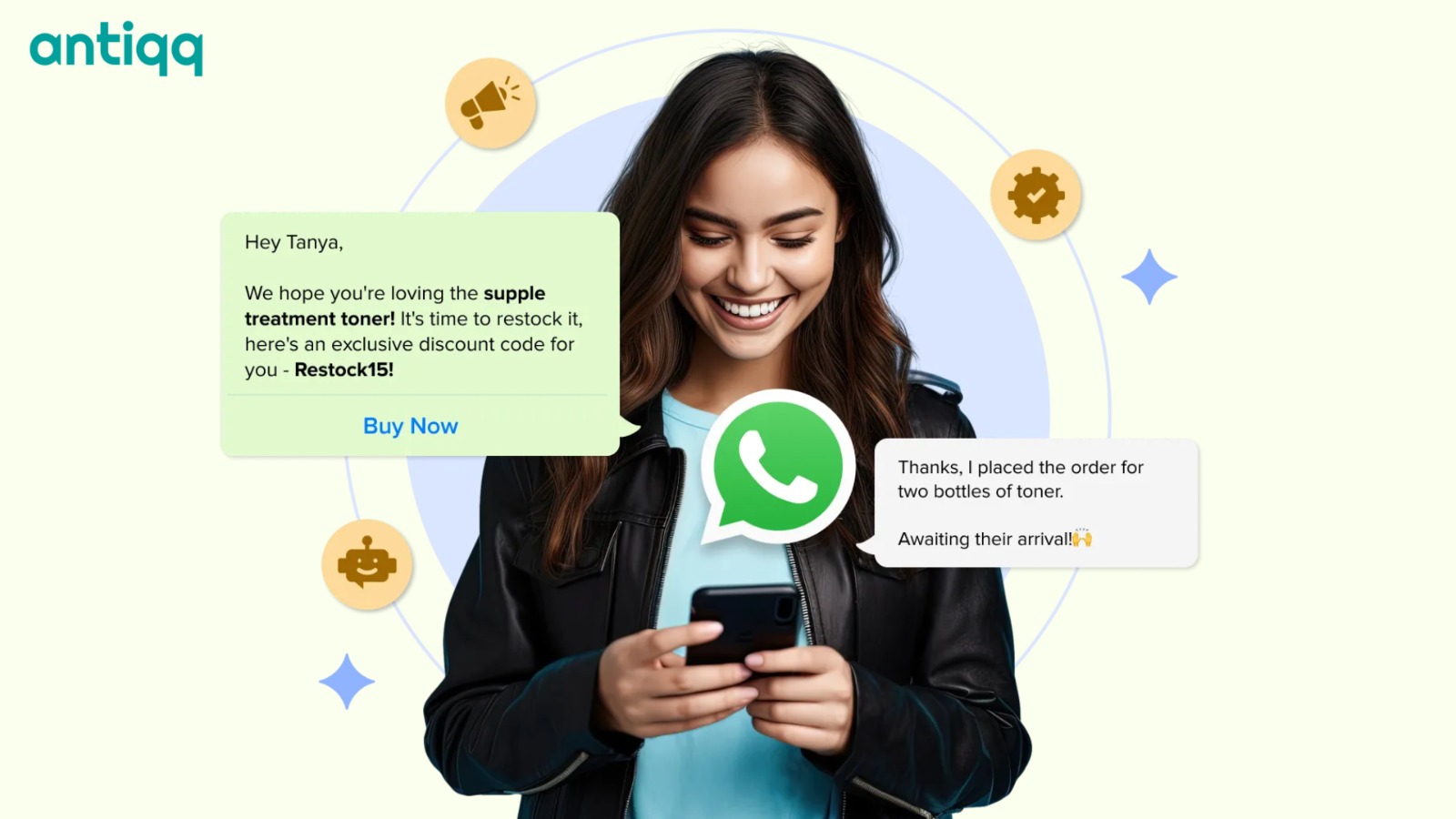
How Antiqq Bulk Messaging Can Boost Your WhatsApp Marketing Campaigns...Read more
How to Measure the Success of Your WhatsApp Marketing Campaigns...Read more
WhatsApp Shared Team Inbox: How to Manage Customer Conversations Efficiently...Read more
WhatsApp Lead Generation: How to Turn Conversations into Customers...Read more
How to Choose the Right WhatsApp Business API Platform for Your Company...Read more
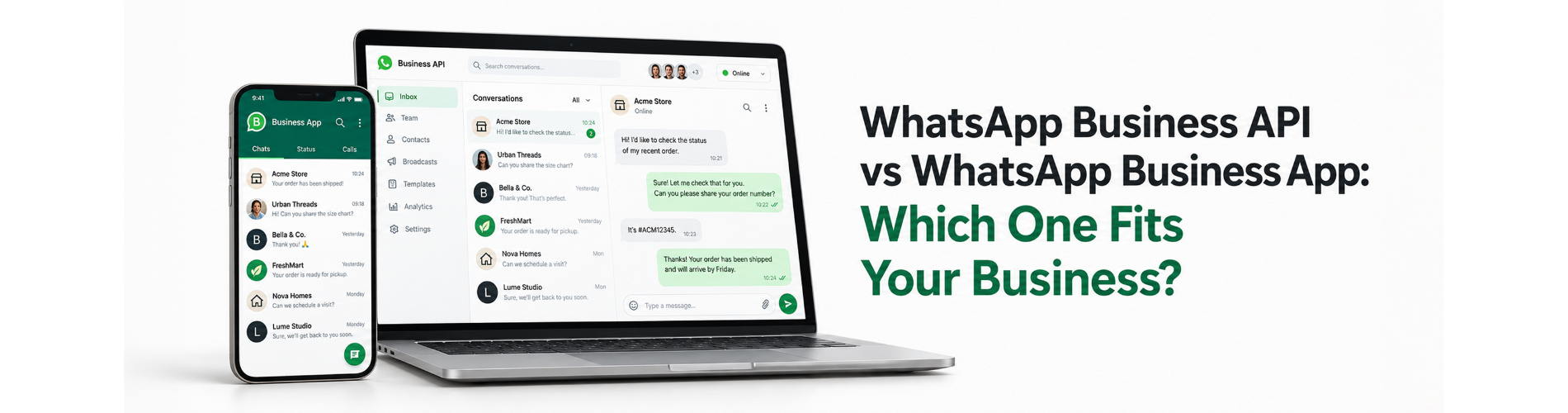
WhatsApp Business API vs WhatsApp Business App: Which Is Right for Your Business?...Read more
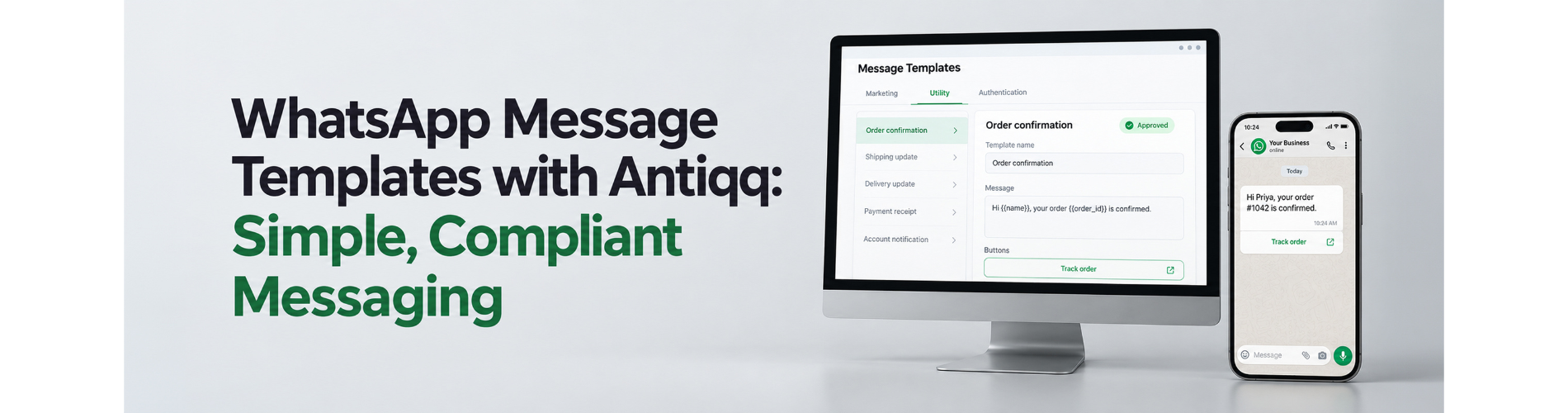
WhatsApp Message Templates Made Simple: How to Communicate Better with the Antiqq WhatsApp Business API...Read more
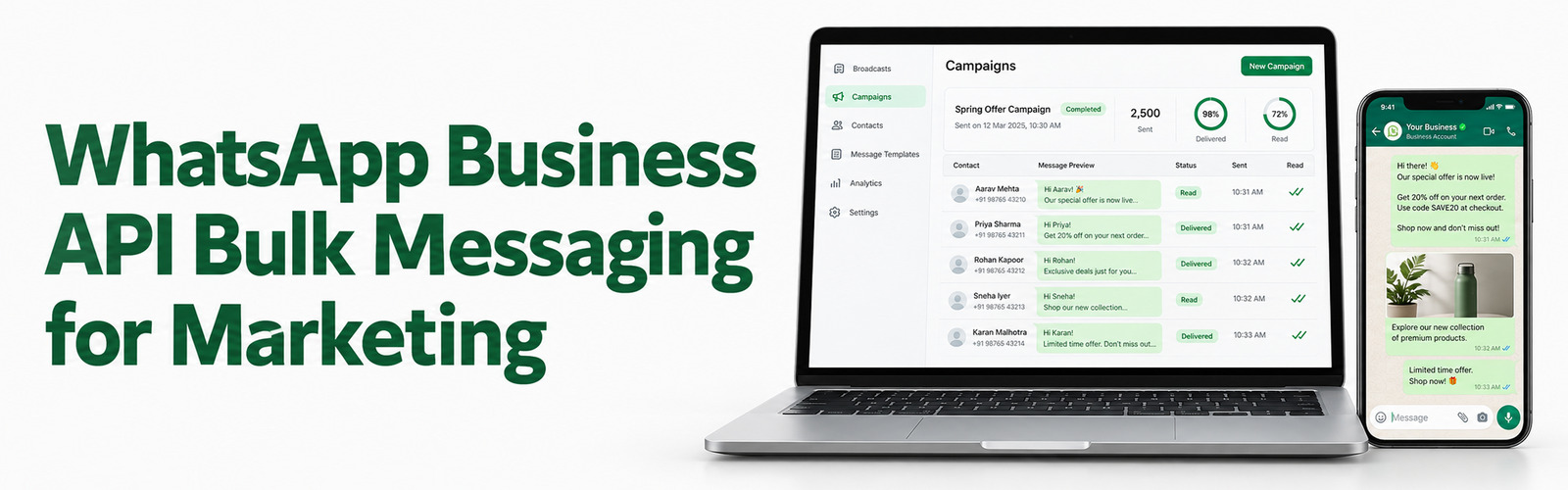
How WhatsApp Business API Bulk Messaging Can Transform Your Marketing Campaigns...Read more
